I think I’m going crazy. I don’t know what else to try.
I have a ROUTE10 at home configured as a server. If I create the users and import them on my office PC or iPad, it works perfectly.
But if I import the configuration file into the ROUTE10 I have in the office, then I can’t access anything from my home.
At home, I have an ISP router behind the ROUTE10 (DMZ set up to the ROUTE10 just in case), and in my office, I have another ISP router behind the ROUTE10 (also DMZ set up to the ROUTE10).
Here are my configurations:
Home Subnet:

Office Subnet:

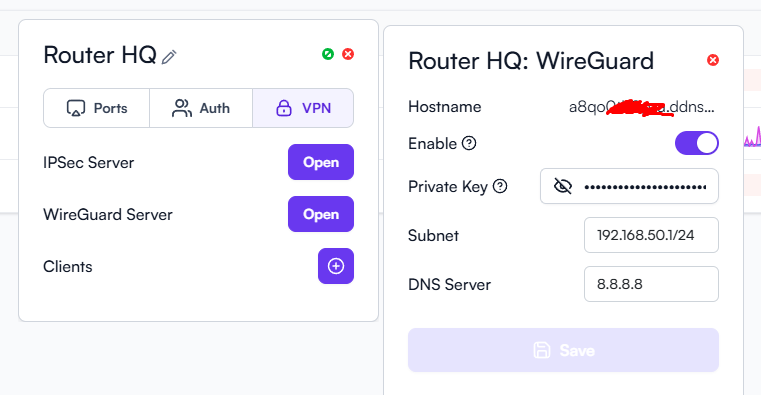
Home Wireguard Server:
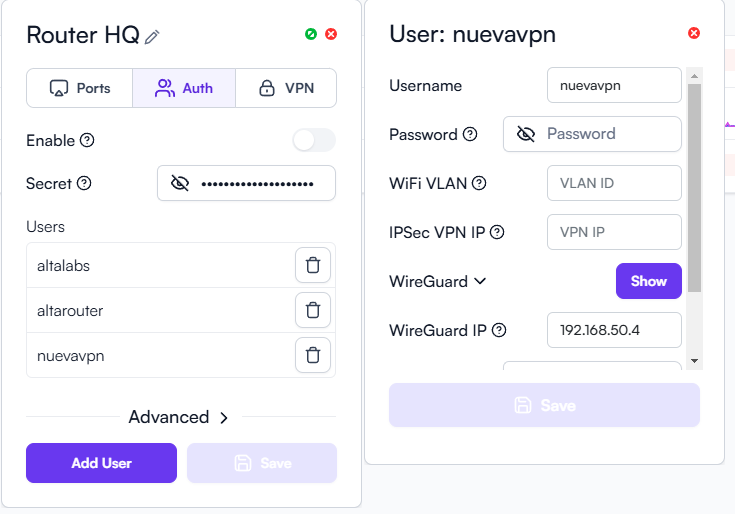
Home Auth User:
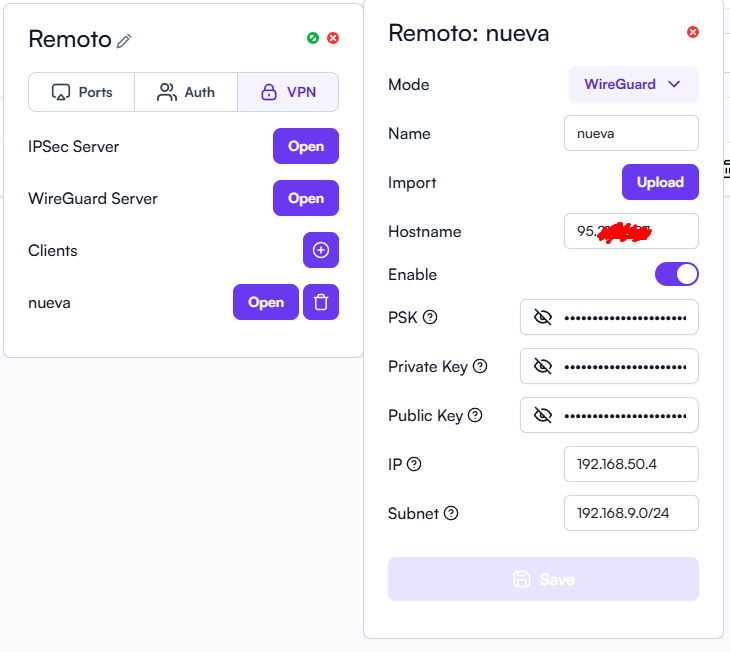
Office Client Setup:
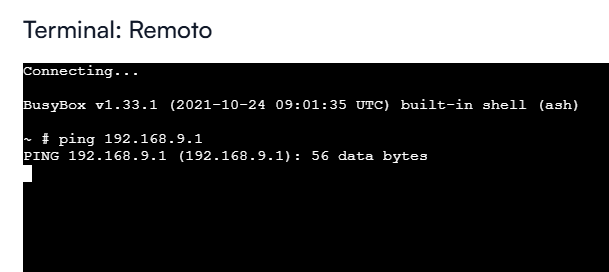
No response ping from office to home:
Any idea?