I’m just a home user, but can you explain what it means to have an unused/unallocated firewall group? For instance, I create FW group with all of my camera’s IP addresses named “Cameras”. But if I don’t actually use this group in any firewall rule, this is what is causing the issue?
I think having a FW group at the time of upgrade is causing the issue, whether it is in use or not. I am currently running the test firmware and everything is functioning normally now.
Release notes will be going up, but 1.4v hotfix release is being pushed out now. Official posts coming shortly.
Any updates? My client just told me her wifi isn’t working well.
I’m seeing that 1.4v looks to be available in the controller now. I can confirm that the release candidate and now the official release took care of the one site I had that was having connectivity issues 
After trying to figure out my the SSID was still able to show, I logged into my mobile APP and in there SSID was still good. It was only logging into manage.alta.inc via laptop SSIDs were not showing. The obvious fix would be to remove it from my mobile app, then recreate it and see if it syncs on both sides. I was just curious to know if anyone else had this issue.
What speeds has the speed test been tested to? I can get line rate (4Gbps) through the router, but the web based speed test on the box seems to top out about 2.3Gbps.
There may be few server alternatives available in the drop down list, have you tried other than Auto or the pre-selected one?
Definitely haven’t seen that myself! Maybe we can see if @Alta-Jeff has ever seen that behavior, otherwise if you haven’t removed the mobile app yet I might suggest kicking a request with some screenshots into support here: https://help.alta.inc/hc/en-us/requests/new
I imagine they’d be pretty interested finding out how things became inconsistent between the app and the cloud controller.
Agreed, your best best bet @Riccardo is to reach out to support@alta.inc if you are able to reproduce a problem, and they can gather the appropriate information to see if we need to fix a bug somewhere. I’m not seeing any issues with SSIDs myself, here.
@craig Did you guys manage to get any successful speed tests that match your connection? I personally couldn’t get anywhere near my 2.3Gb Symmetrical on any 4 of the drop down selections available to me. I can only assume they are all US based test servers.
I’ve tried all the speed test servers available. I’ve also checked the hostnames - and they are 0.9ms away and local to me. Either they cannot deliver 4Gbps - or the route10’s struggling.
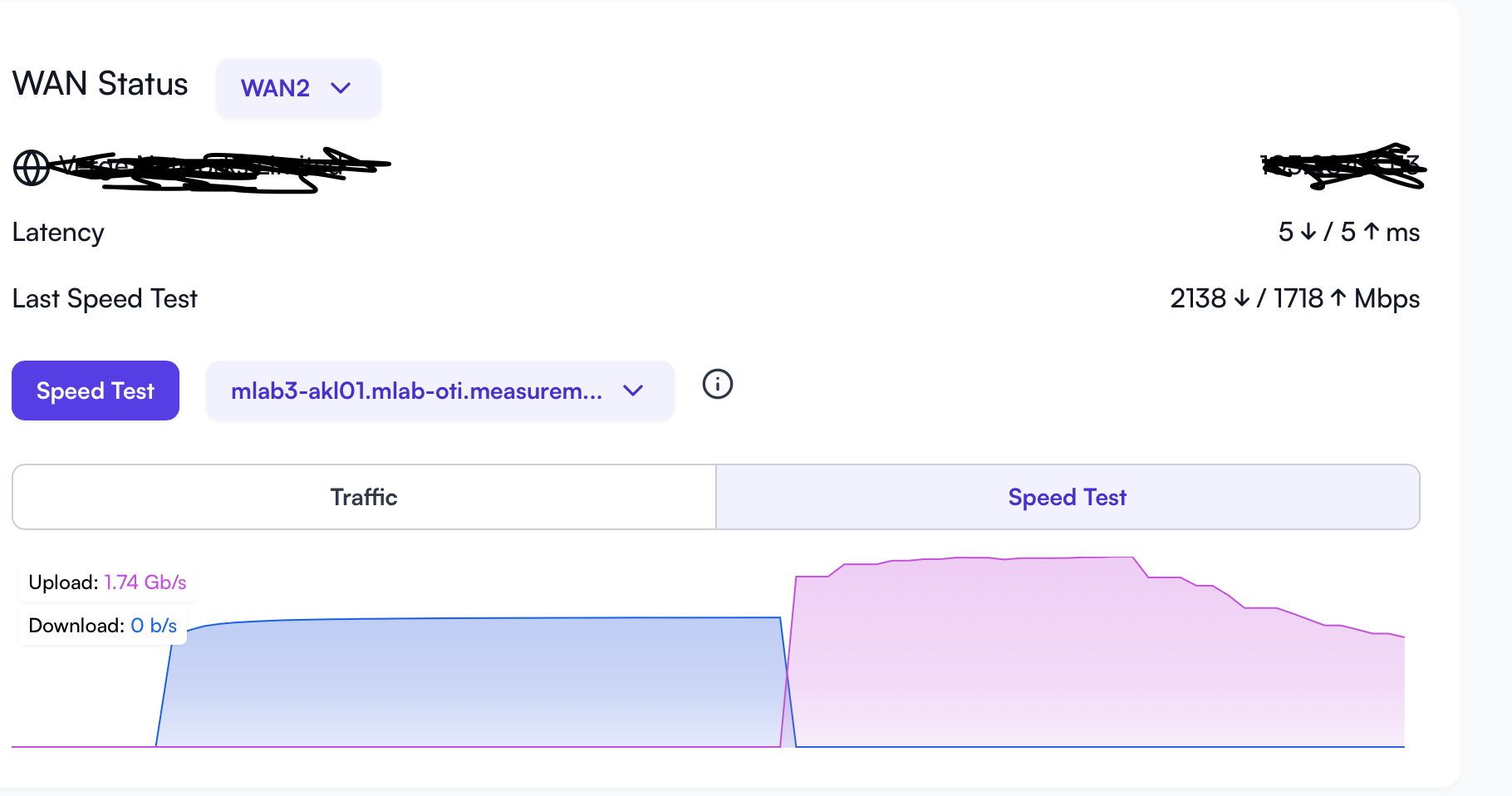
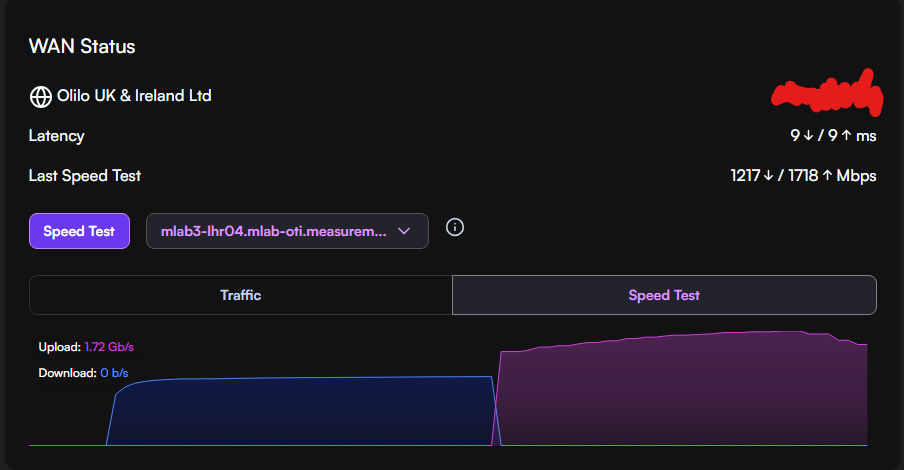
Yeah, that upload is pretty similar to what I see.. interesting we both got 1718Mbps there..
I suppose limits might come down to how the speed test has been implimented exactly. I see it looks like M-Lab is being used for the speed test and I think we can get some more information on where those servers are located and what the uplink speed for each server is here:
I’d be curious to see if I bump into those same limits but unfortunately those speeds are pretty rare around these parts 
I’m wondering if Speedtest disables smart queues and the recently introduced IPS settings to get a true performance reading
I am 1ms away from the speed test server - mlabs host with Amazon and traffic is via peering.