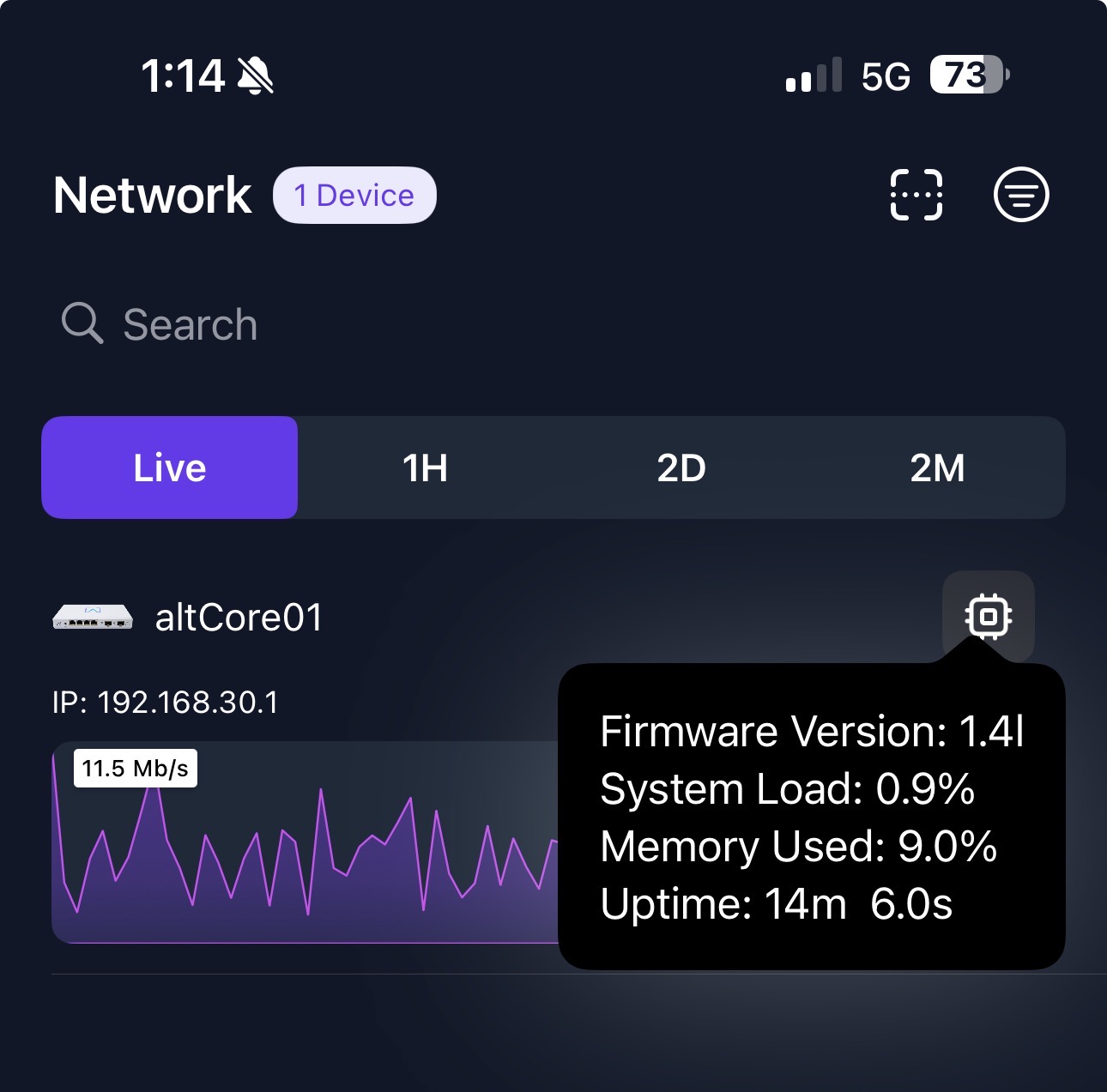
Built for high-scale deployments, this release enhances routing flexibility, boosts performance under load, and further hardens reliability across the entire provisioning and certificate-renewal pipeline.
Add support for BGP and OSPF routing via frr (Settings->Networks->Routes->Dynamic Routing).*
Add IP Block Duration option for improved IPS (Settings->Firewall->Intrusion Prevention).*
Resolve LLDP issues in large networks with many VLANs.
Improve support for hundreds of VLANs.
Improve hardware acceleration speed.
Improve CPU responsiveness on larger sites.
Improve system stability.
Resolve inconsistent state when IPsec is stopped and restarted.
Resolve issue with disabling both PoE ports.
*The new Route10 capabilities are available in Cloud Control today, with a local release following shortly.
Updated documentation and full walkthrough videos are also on the way.
This update is being rolled out now. You can manually initiate the upgrade if you’d like, or it will automatically update overnight (if auto-updates are enabled). The complete, up-to-date changelog is available here:
If you have questions, feedback, or run into any issues, feel free to reply here or start a new topic. Including configuration details or relevant logs where possible helps us troubleshoot and respond more quickly.
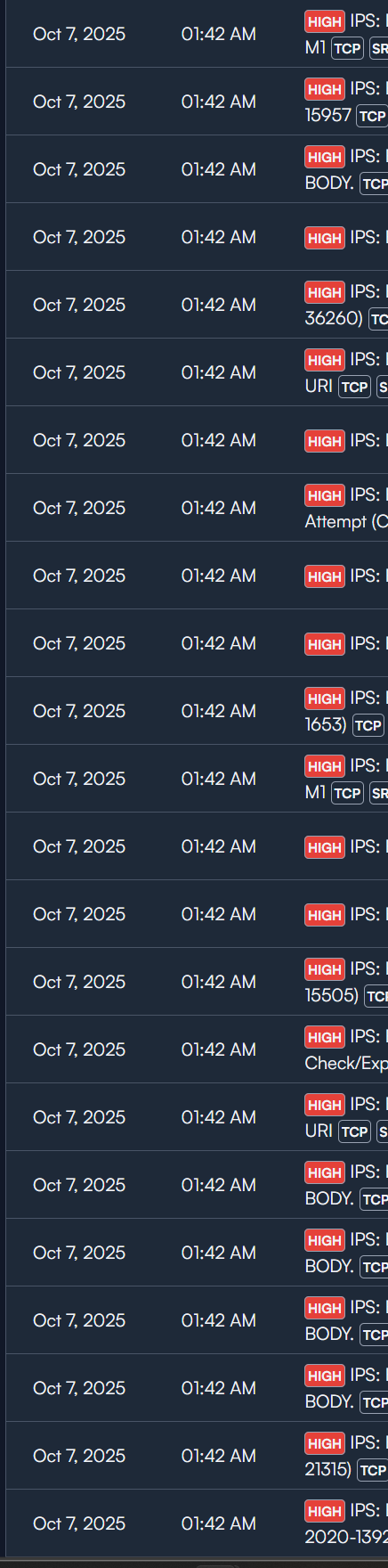
Does this update address the issues identified with the IPS? Where conntrack -D was
Suricata detects it fairly late in the game so conntrack -D is being called “late in the game”
Overwhelming the queue with multiple IDS detections resulting in the following log message: 1_Route10 daemon.alert ips: too many events
conntract -D failing to remove the IP from the routers state table resulting in the following log entries: ips: ctfail: conntrack v1.4.6 (conntrack-tools): 0 flow entries have been deleted.
I noticed there is a ton of options you can configure through the menu in dynamic routing including policy based routing. Is that persistent if you configured a pbr though this menu?
Yes, if the block duration is set, the IP addresses related to the threat will automatically be blocked for the duration. You can also unblock the IP address pair in the Events page. We can look into the “too many events” issue separately. Are you actually seeing more than 10 threats per minute in the wild? We could potentially add an option to configure the maximum, but we don’t see that many threats in actual networks.
Based on what we’ve discussed privately, let’s wait to confirm that this attack barrage does gets stopped instantly with the new IP blocking feature. Based on what I’ve seen, it should.
The only thing that’s intended to be used in FRR as it currently stands is BGP, OSPF, and OSPFv3. Other portions, like interface IP config, will conflict with the controller-provisioned config and may lead to inconsistent or incorrect config application. So keep usage limited to those routing protocols for now.
The PBR portion of FRR is not enabled. Most of the config isn’t present for that reason. It would conflict with mwan3 which is what does PBR for multi-WAN via its own ruleset. Whether that changes in the future remains to be seen. We may stick with mwan3 when making PBR configurable in the UI.
Feels like it would be nice to run everything through FRR, but I could be speaking from ignorance since I’m not sure how the feature sets compare between PBR in FRR and mwan3. Of course, it’s also easier to just something should be done when I’m not the one charged with implementing it
The reason for doing CLI config of routing protocols is their UIs are bad. There are way too many options and varying ways to configure to make a good, universally-viable UI. Saying this as someone who’s designed multiple of them in past lives which are very widely used despite that. Some comparable products didn’t even try and force uploading a raw text config, and then good luck trying to figure out problems if it doesn’t apply as expected. FRR’s shell has a wide range of validation in it which prevents bunk configurations. And those using routing protocols are generally far more advanced admins than those using most other features. Hence why we went that direction for routing protocols.
PBR is much more widely applicable, and applicable to far less technical users. Things like send VLAN X out VPN A for internet, for example. A PBR UI is very much viable without usability constraints, unlike routing protocols. We don’t want to force CLI config for PBR, it’s excessively complicated for most users.
Keeping those functions separate avoids introducing a lot of back end complications with UI vs. CLI config. But that’s not to say the back end for PBR won’t change at some point, as that’s a possibility.
Understandable! So it sounds like the plan is to stick with the FRR shell for any of the dynamic routing protocals and avoid creating a GUI? Just making sure I understand
On PBR, I suppose I was referring to which backend to use specifically (pbrd in FRR vs mwan3), The thought being having anything “route” related run through FRR, whether there’s a GUI or it’s configured through the shell, rather than having different components handle different functions and if that would allow for better functionality and maintainability over the long run.
But it’s certainly nice to hear there’s a plan for PBR functionality in the controller. I know that’ll make some folks in the forum and elsewhere happy
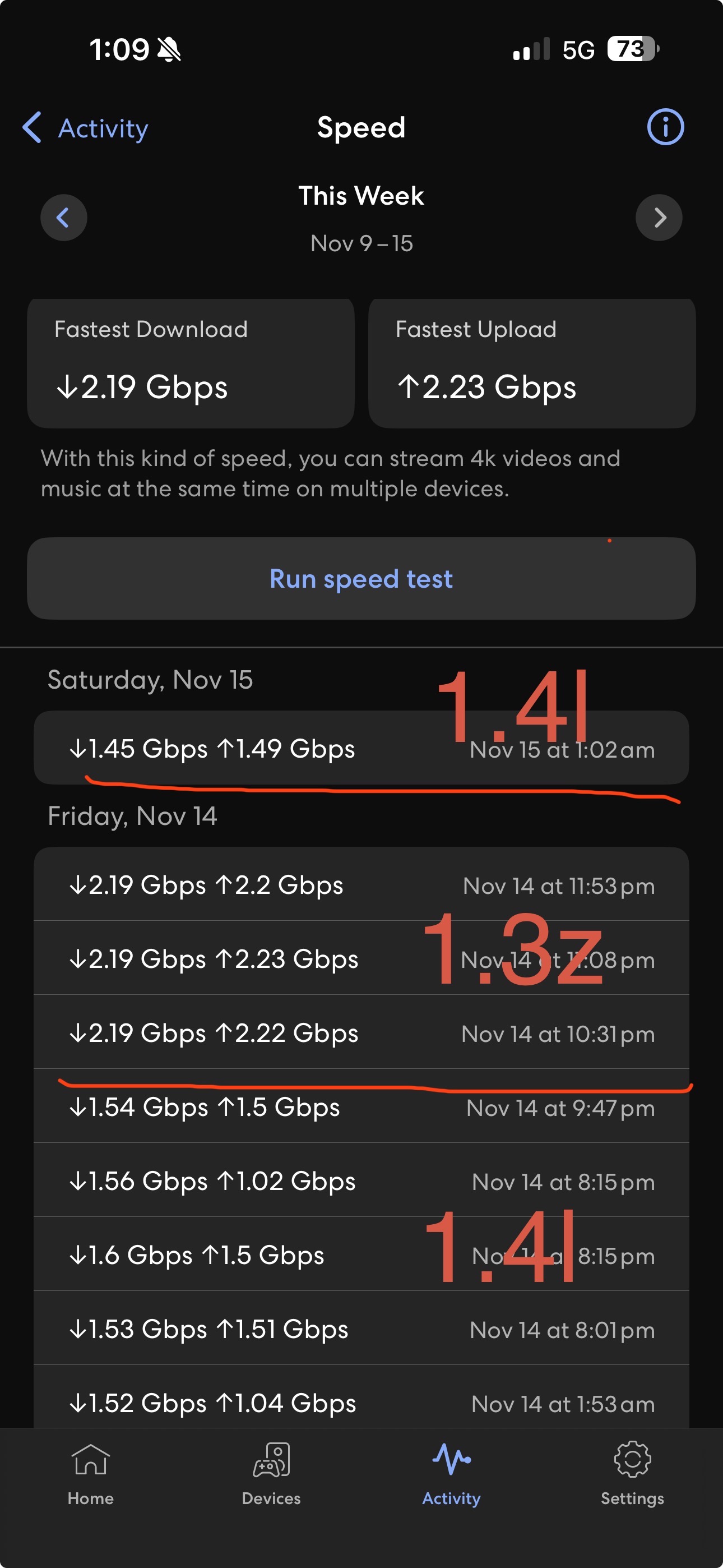
Has anyone else noticed a decrease in through put from this release?
A device that is wire connected at 2.5gbit is now getting roughly 1.5gbit. Primary wan is 10gbit fiber at 2gbit ip bandwidth. Throughput tests would hit >2gbit. Now they top out at 1.5gbit.
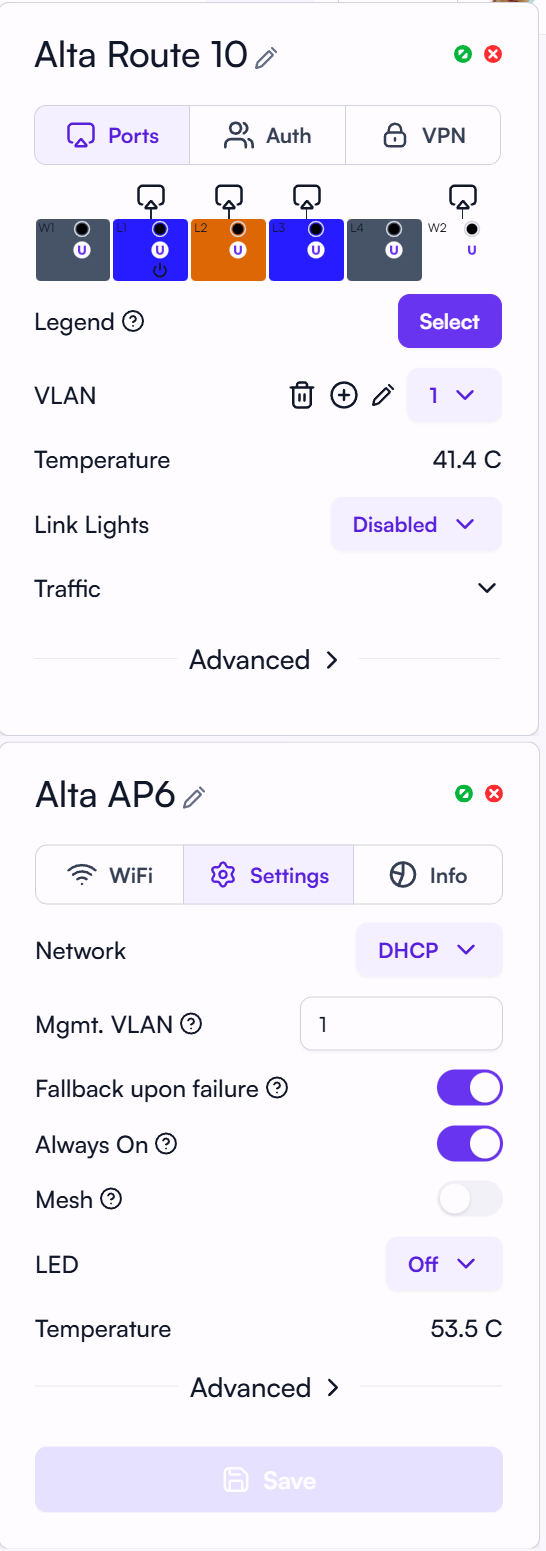
Updated the firmware yesterday, I noticed the temperature drops by 1C for both devices, anyone noticing the same? I have the same things running concurrently, desktop, youtube, laptop, phones
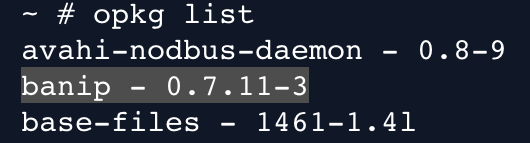
The max of 1.5Gbit, Its definitely related to this firmware. I did a factory reset which took me back to 1.3z and there were no perf issues. Its like something is artificially capping it at 1.5Gbit.