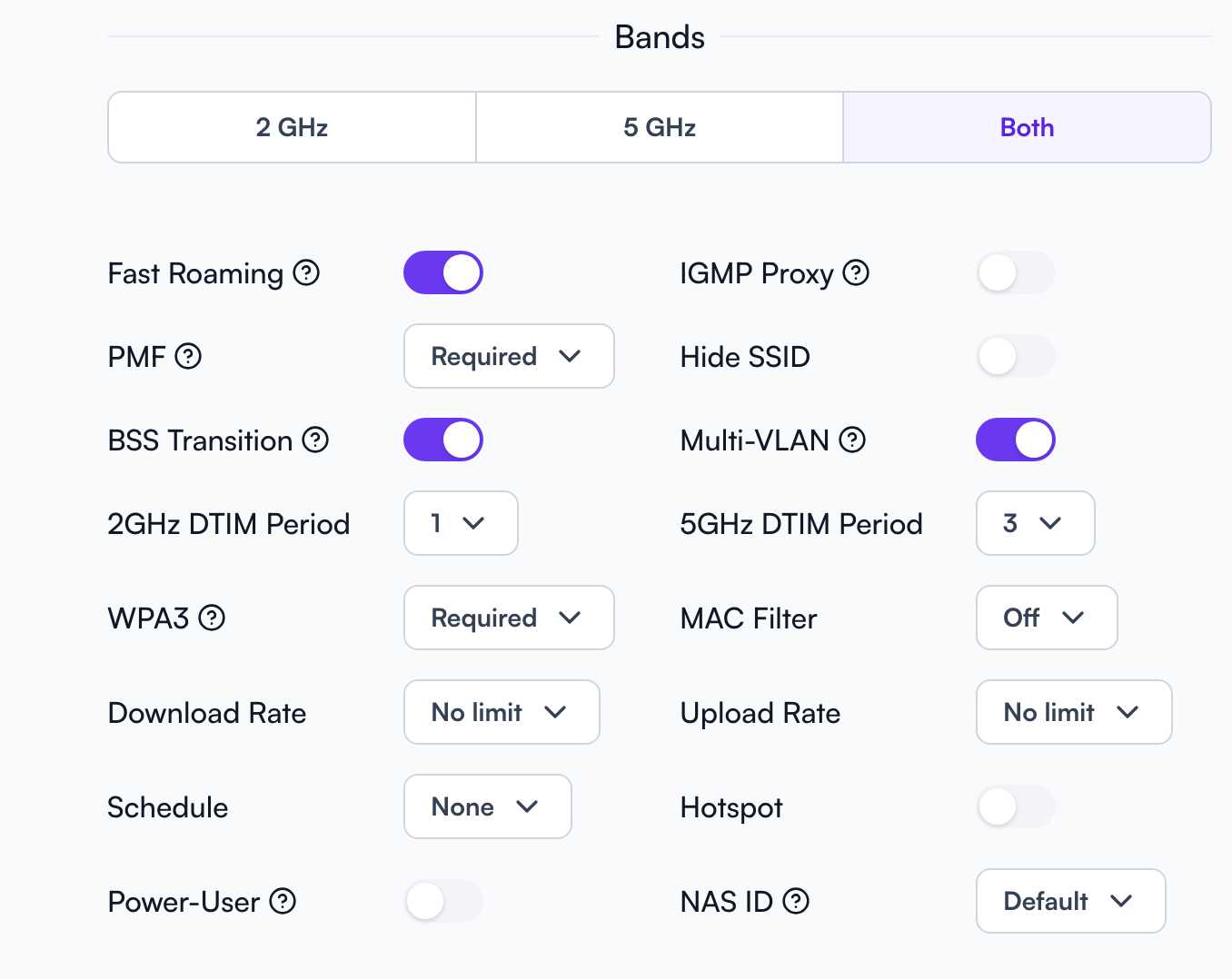
Please double check what @jmszuch and @ebuckland81 have suggested, and let us know. I’ll reshare this here:
Just make sure to use the appropriate settings for the desired mode.

For WPA2/3 transitional mode: WPA3 = on , PMF = on  (PMF required is valid here, if you know all client STAs support it, but for broader compatibility leave to on which means optional)
For WPA3-only mode: set both WPA3 and PMF to required  (there is no other valid option for WPA3 only).
WPA3 cannot exist without PMF, it is literally part of the specification. HERE’s the PDF on the Wi-Fi Alliance site.
E.g. page 10, section 2.2, part 3, WPA3-Personal Only Mode:
The AP's BSS Configuration shall be PMF Required, i.e., AP sets MFPC to 1 and MFPR to 1 in beacons and probe responses of the BSS.
And then on page 11, 2.3, part 4, WPA3-Personal Transition Mode:
The AP shall reject an association for SAE if PMF is not negotiated for that association.
The reason it doesn’t show up on Apple and some other devices is because you have an invalid configuration, most likely PMF off.
EDIT: while some devices are tolerant of an invalid transition config, you basically just have a WPA2-AES SSID at that point, as without PMF, it will never negotiate SAE (WPA3). Linux, and some older versions of Android, and some IoT devices are what may connect (via WPA2). Even some newer Android devices like my Galaxy S24 Ultra or my Galaxy Z Fold 7 do not show invalid SSIDs (e.g. when WPA3 = on and PMF = off).