Evening,
Just thought i would raise another minor bug i have encountered.
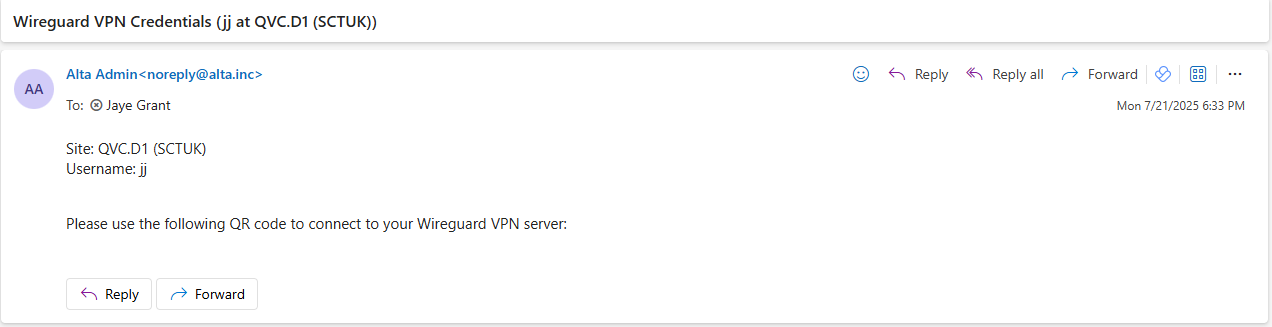
While messing around with WireGuard, i have noticed that when you send the VPN QR code via email it doesn’t attach and it appears blank.
Just something little to highlight.
Regards,
JJ
Unfortunately that’s a known problem with how some mail clients handle base64 encoded images. Microsoft Live/Outlook on the web, as well as their computer and mobile apps all do not support decoding those types of images. You’d need to use a non-Microsoft client to access the account, or extract it from the message source and convert it, neither of which are ideal.
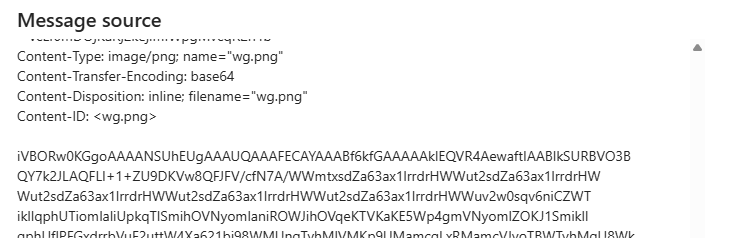
If you go to the 3 dots, choose view, then view message source, you can look for the wg.png file, like here:
This string is truncated, the real one will be long. If you copy that text to a base64 image decoder, then it would generate the QR code file for you. To my knowledge there are plans to change or improve those, but I don’t know where things are with that at this immediate time.
Thanks for the response Mike, hopefully this will get sorted in the future!
JJ