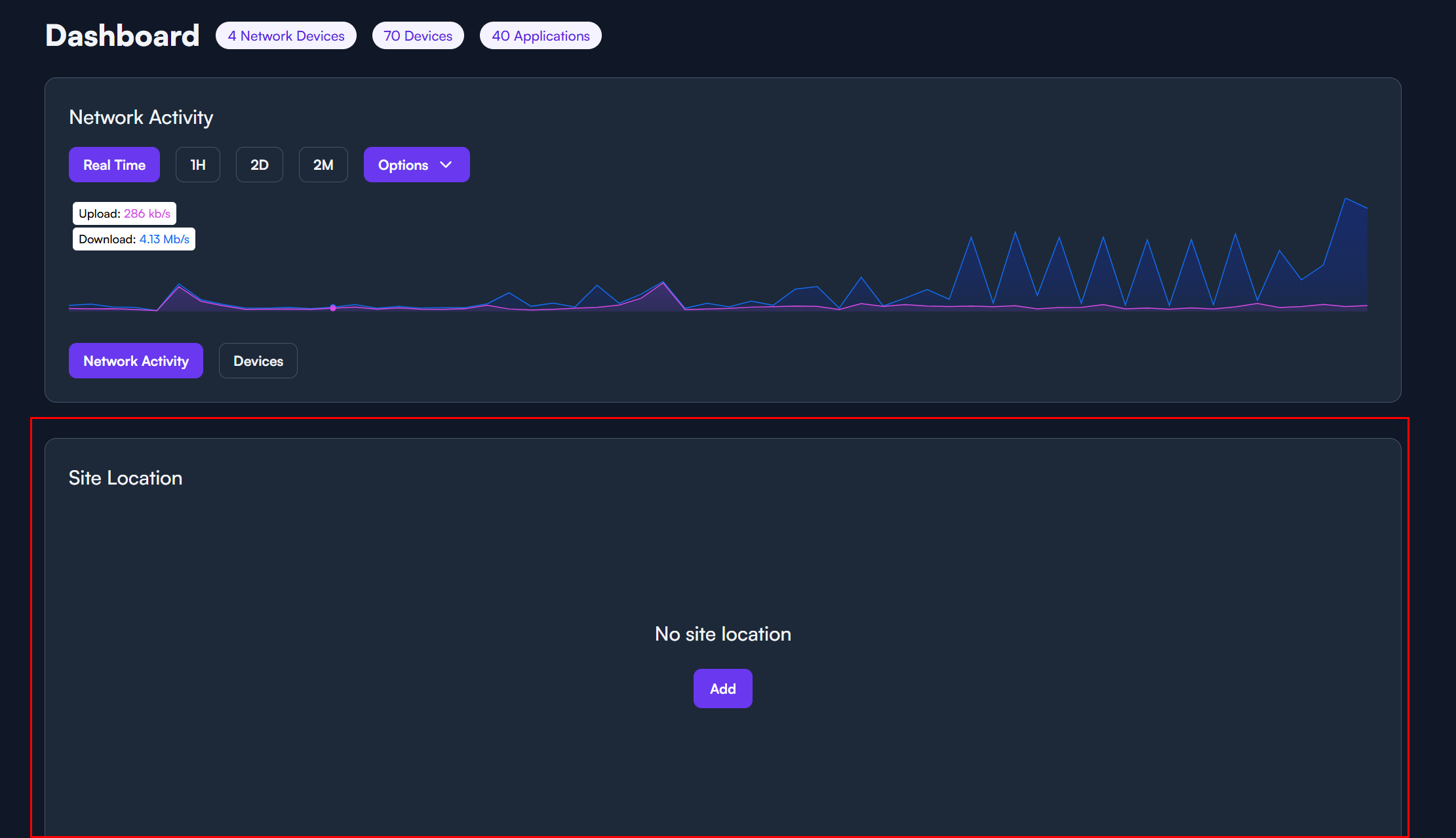
Why…. At least give us an option to collapse or move the site location. The fact that it takes up literally half of the entire splash page with no benefit is a bit much.
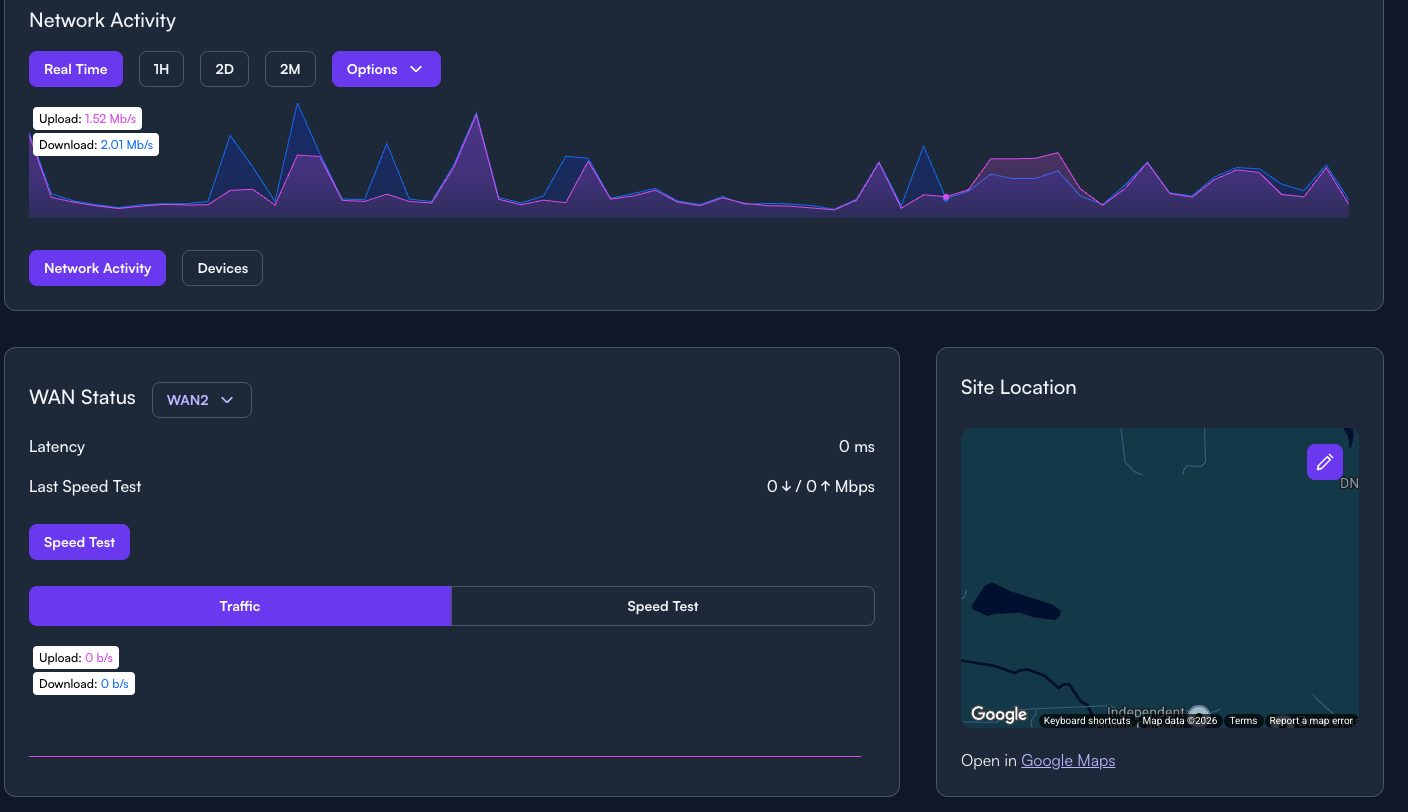
Why couldn’t you cut the “network activity” in half and place the “site location” on the other half to make better use of the space..
Know what would be great too, since you have the map, is to list the actual address on the screen. No where on the screen does it show the actual address (123 Main Street, Home Town USA). Even when you click the edit address button it does not show the address it is just blank. Can we have a space for the customer contact info on the dashboard. Name, address, phone number, email and god forbid a notes sections that is not hidden under the WiFi tab. If there is an issue with a site which is something the dashboard should be used for I have to go look up what number/email to contact the customer. It would be great if we could store the Comcast account number so when we call Comcast for the customer we have the account number. If I have my techs doing work there is no easy way for them to look this up. Really wish the dashboard had standard dashboard info like who is the customer and how to contact them. Can the speed test be set to an interval, to run once a day (would love to have the option to run every couple hours…) so we can see some history?