Thanks @anon77415413. Very strange. As mentioned, I began noticing slower response times on resolution which prompted me to check and lo and behold, both were unreachable, through both SSH and cut-through. Still down as of today for those particular DNS/NTP services. Quite ridiculous.
All roads in my opinion continue to lead to this unreliable Control appliance. Either that or the Route10. Nothing ever appears to go wrong, or can be emulated in the lab. I find it hard to believe that I’m the only one on this planet with such a simplified configuration experiencing issue after issue. I’m only glad I didn’t toss the original boxes.
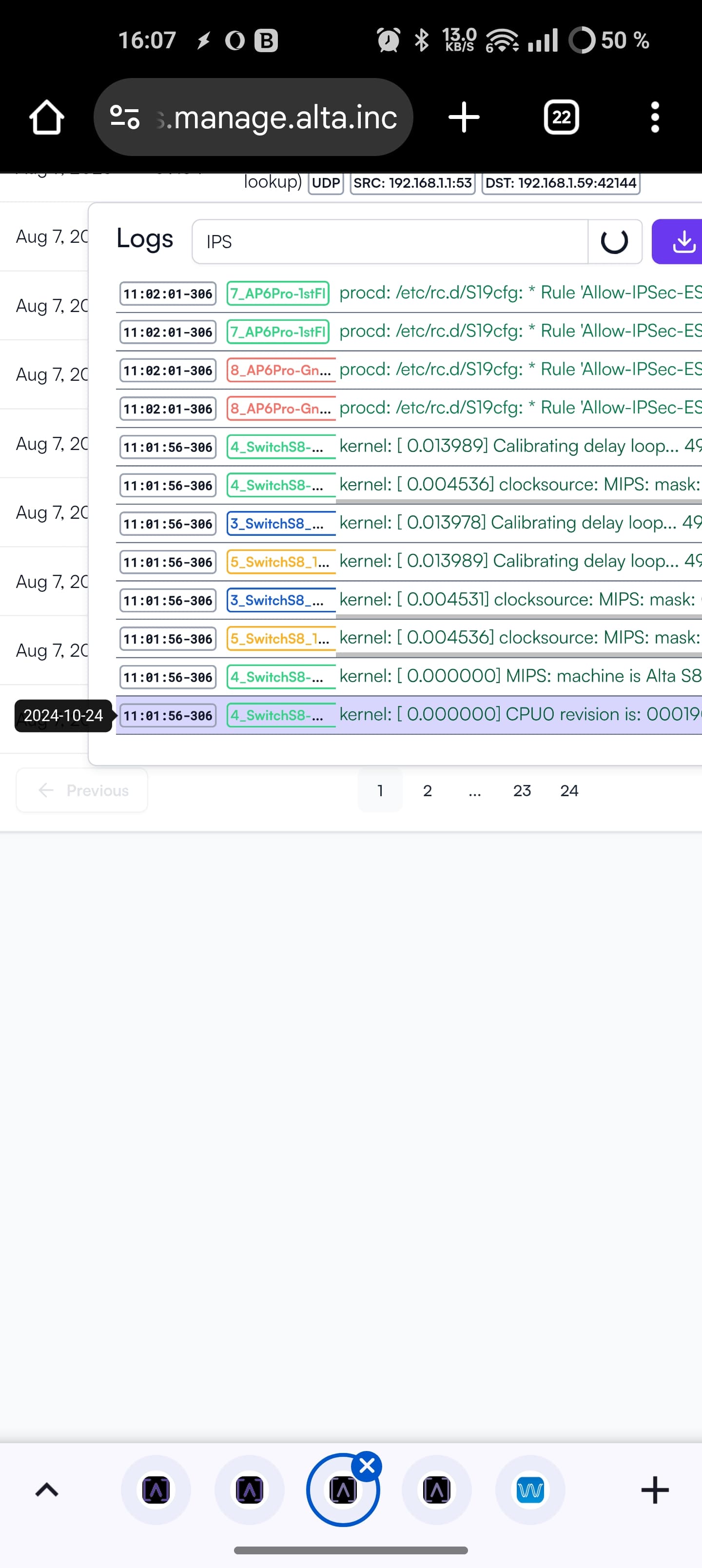
I just tried again this morning, and all of a sudden after removing the static Cloudflare DNS for 12 hours or so and replacing with another, all of a sudden I can now ping both. I’m not going to mark this as resolved. Clearly something is up. In addition, the logs are still showing wrong dates.
I can’t speak on the other issue you experienced, but the logs viewer should be in local time while the on-device logs are in UTC instead. In my experience the dates and timestamps are correct if you account for that.
I think you might be on to something there @ebuckland81
I have persistent logging eanbled on most of my sites, but a quick check of one of the sites that doesn’t have persistent logging enabled showed some logs with the October 24 time stamp. I’ll see if I can check a couple others and better confirm if that’s part of the difference when I have a little more time
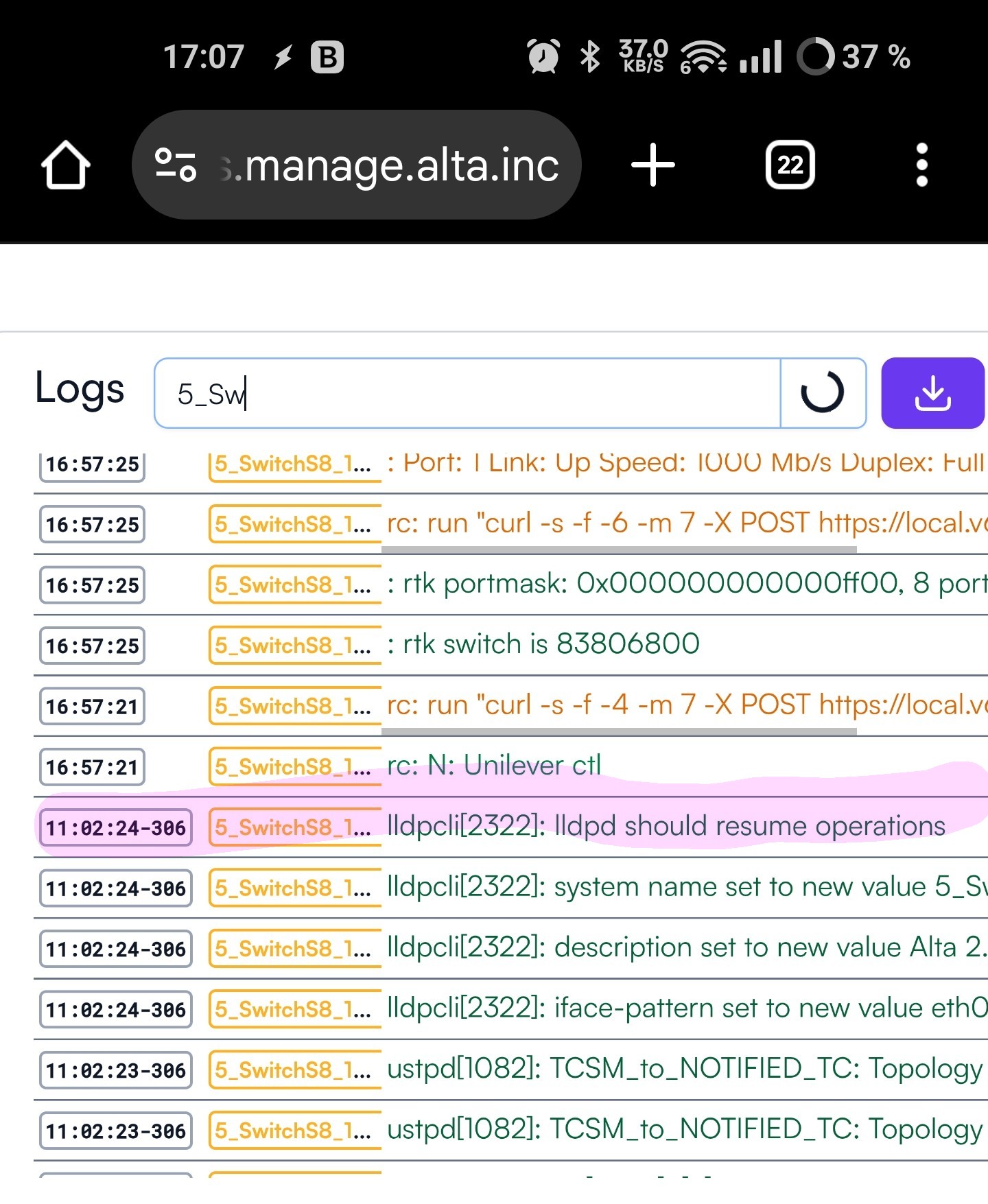
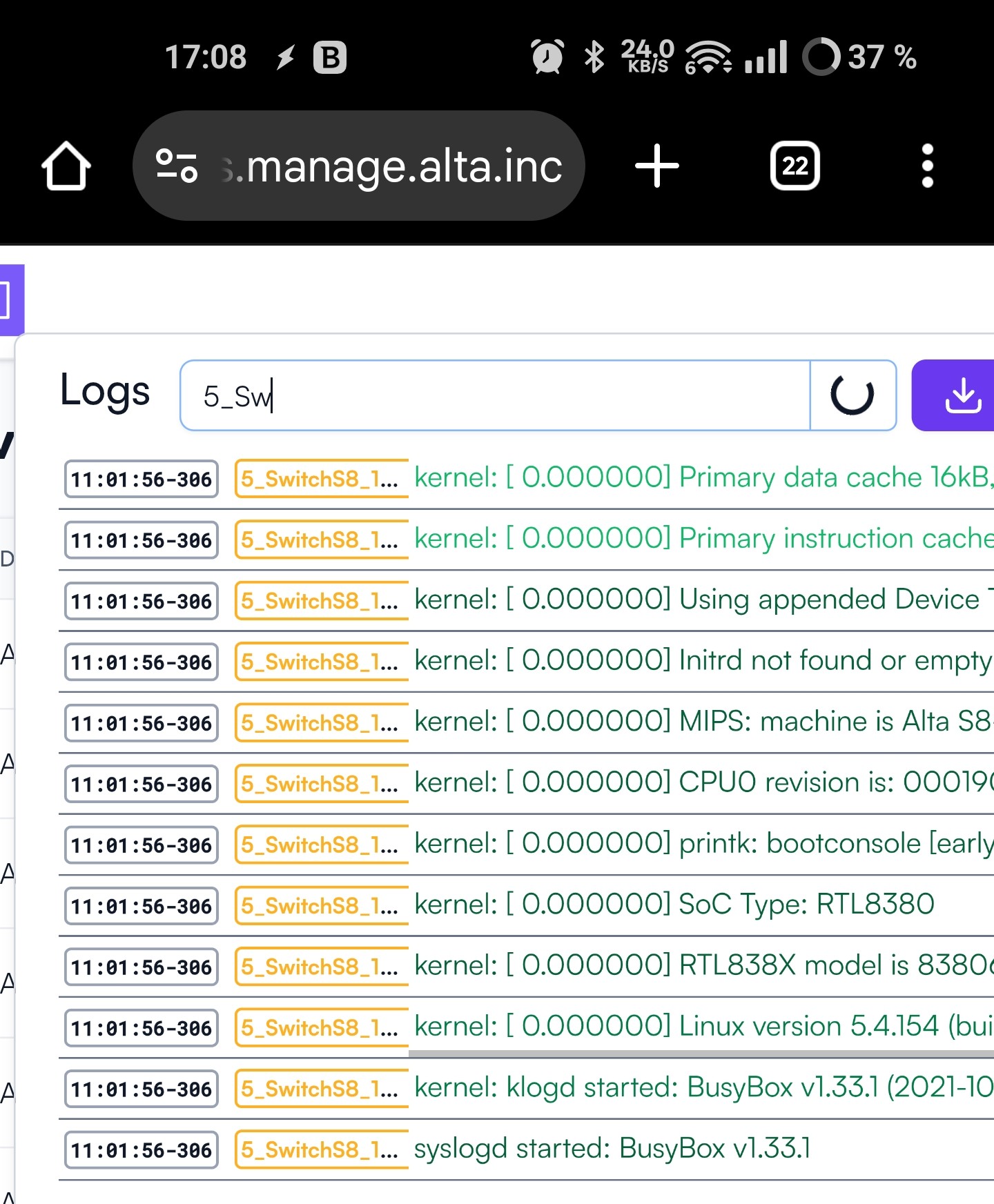
So, it seems pretty consistent. After a reboot, a portion of the logs are time stamped with the mysterious October 24, 2024. Then, after some 25-30 s (at least for the S8 switch), the time stamp turns correct. Breaking point for one startup marked in screenshot below. The specific log event does not seem to be associated to the point where time stamp turns correct. I guess this might be hard to work around altogether if there is no built in battery that help maintain time over reboots?!
Understood! Although, and forgive me if this is incorrect, isn’t there a script called sysfixtime that should be pulling a more recent date and time from a file in /etc on boot before any syncing kicks in? That’s my understanding anyway
There is no RTC in the Route10 hardware, so you would need a UPS to ensure that the time is never lost on the device, at least if you used it as an NTP server. We have considered storing the time periodically to flash, but we are balancing that feature with trying to avoid wearing the flash as well.
Gotcha, thanks Jeff. I imagine with the implementation of the persistent logging feature, unnecessary wear to the flash really has to be kept top of mind.