I just got this router and it is not obvious how to set a static IP address for a device. Is these instructions for this?
Just a couple of questions for the sake of clarity, are you thinking something like a DHCP Reservation on a device on the network? Or a static IP on another network device like an access point? Or even a static IP address for the router to get to the Internet (WAN)?
It would be a static IP address on a server connected to the Route 10
What kind of service/application runs on the server?
You should always manually configure the IP address on the server itself and never use DHCP for those kind of hosts.
This because it usually are some kind of critical application running on it that you don’t want to fail if the DHCP-server is failing in any way.
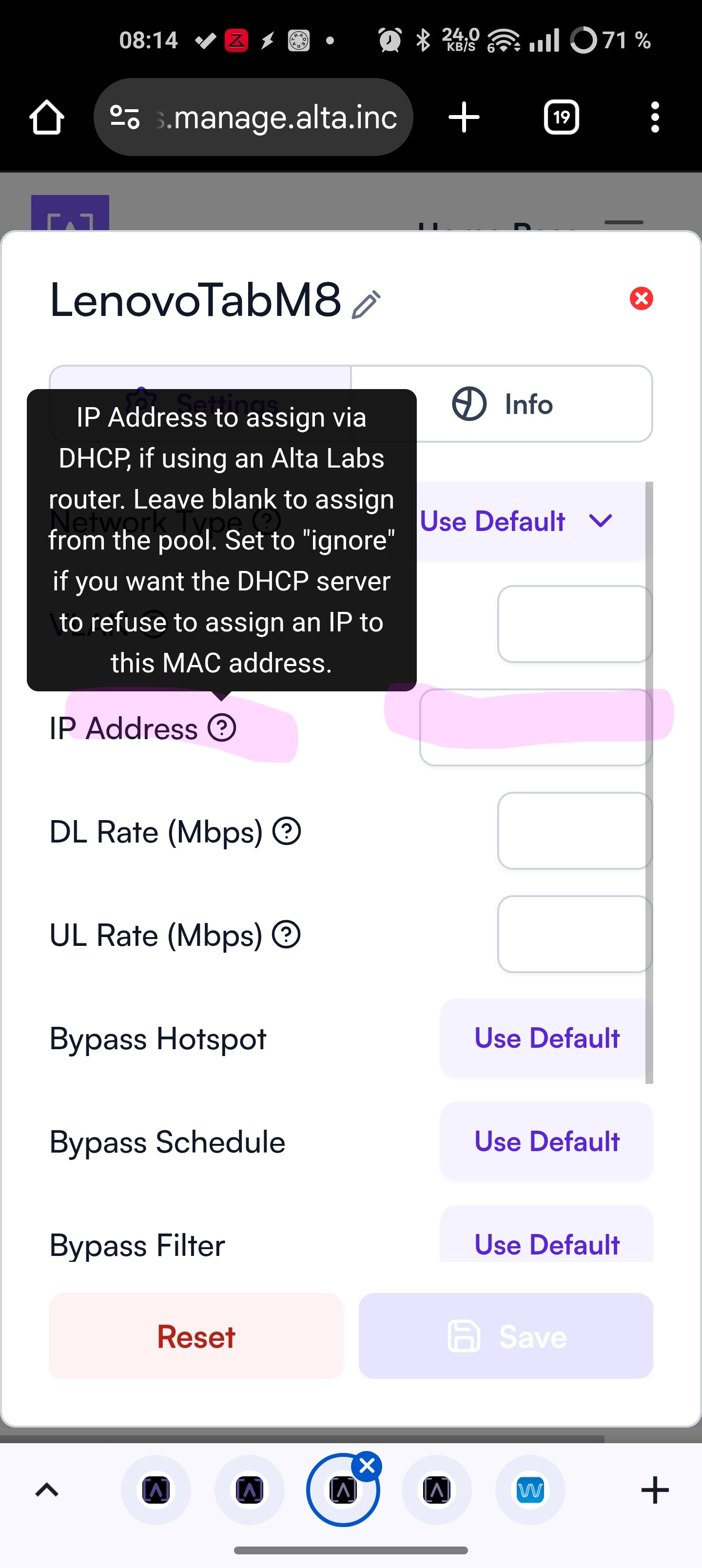
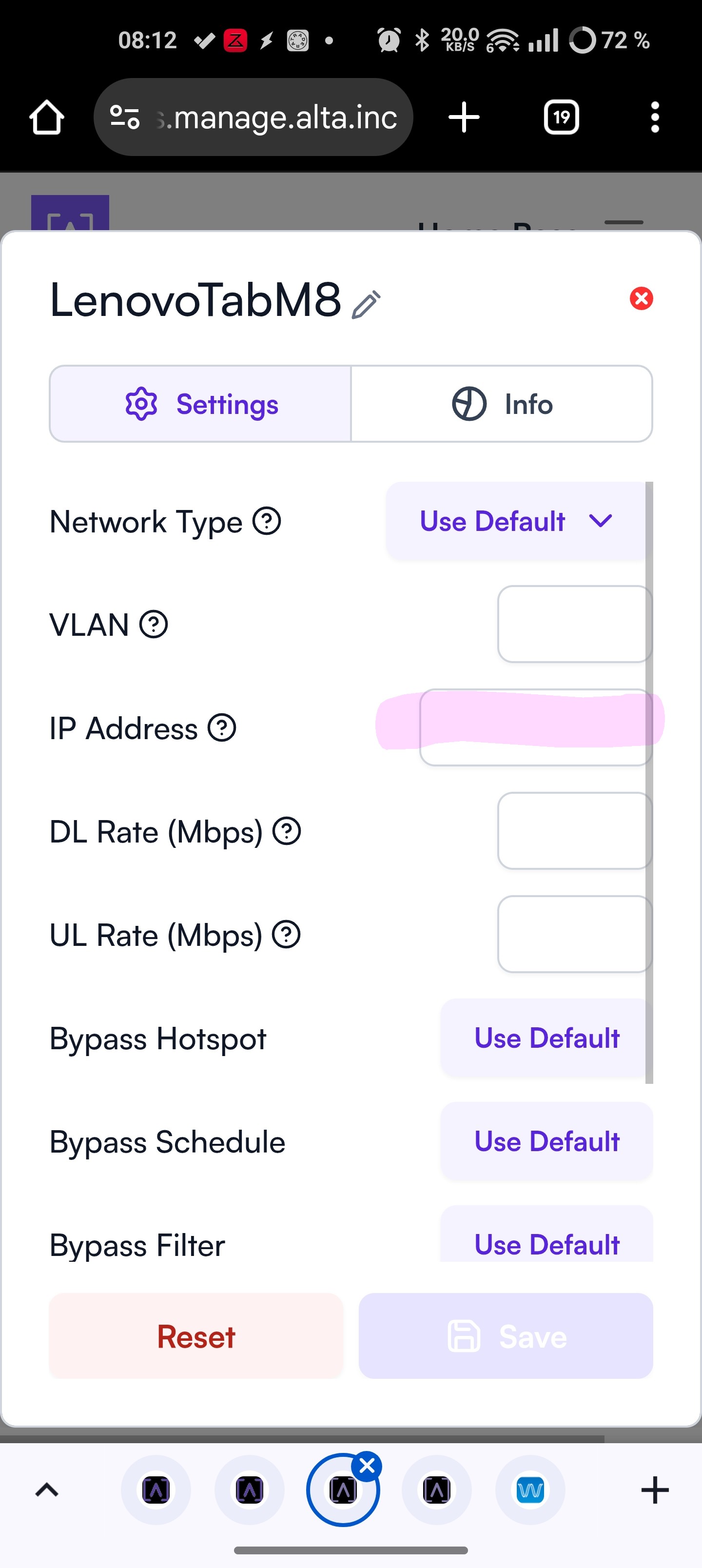
I added the static IP to the IP Address section you have highlighted, is that correct?
Yes, that would be it if you want static set by the Route10. @Lennieh’s take on it is worth considering also.
I have a very simple network in a workgroup configuration. I use a Synology NAS as the server mostly supporting Plex for media. I assume that the Route 10 will do the DHCP and the NAS is set to a static IP. I would think that I would need to add the static IP address to the Route 10 to tell it not to assign that IP to anything else. Is that about right, or are there other ways to do this? Thanks
For your setup i would exclude the IP that you are using for your NAS from the DHCP pool and only set it as a static on the NAS.
As an example: In the DHCP you should exclude 10 IP-addresses (in alta setup this will automaticly be the first 10 in the scope).
So lets say that you have a 192.168.0.x/24, then the DHCP will start at 192.168 0.11 which then opens up that you can use from .2-10 to use on your NAS(.1 will be gateway by default).
At the moment I am not able to add screenshots to assist on exactly how you should configure it, maybe @ebuckland81 can shime in here since he usually provides great step by step guides 
Definitely this would be the most typical method of doing this, at least in my experience 
Although with such a small, simple network setting a DHCP reservation like @ebuckland81 outlined would probably be fine.