A minor bug report here…
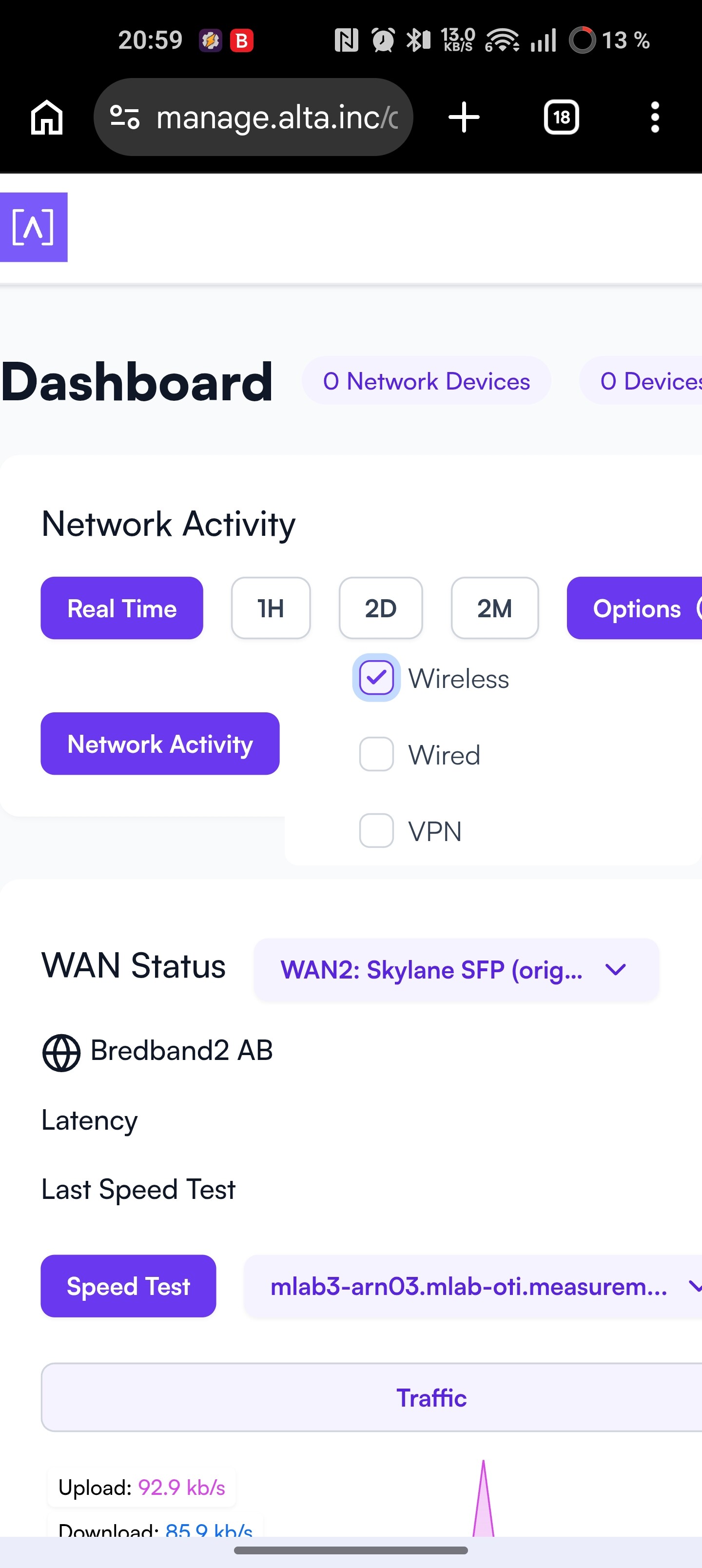
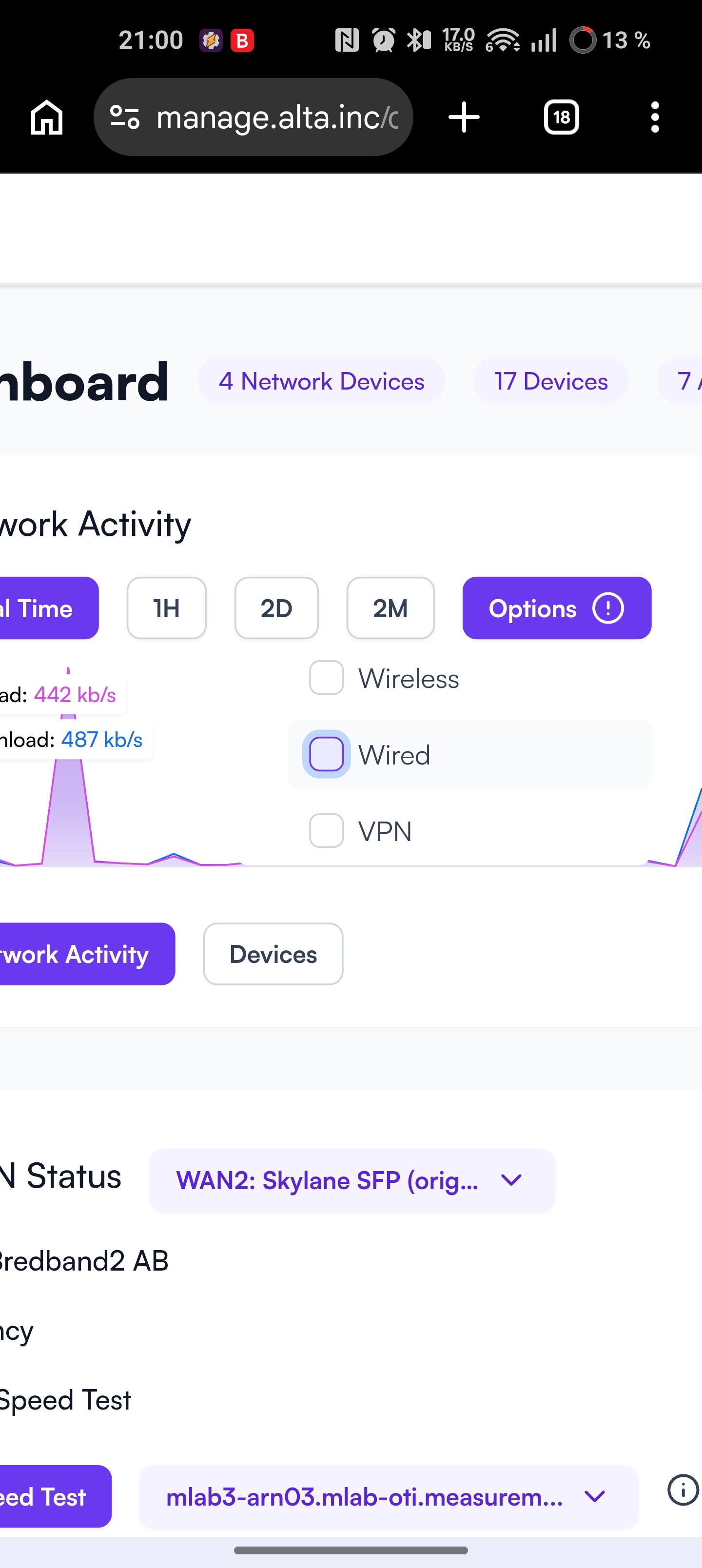
The Option check boxes for the Dashboard on Mobile browsers (I tried Chrome and DuckDuckGo) seems to be out of synch between actual selections and visual representation once clicked to select or unselect. Issue exists for both Mobile and Computer versions of the browser on my Android device. E.g. clicked a box and the check mark remains, or vice versa. So it is hard to know wha is actually selected. I haven’t tried this on a PC.
See examples below, empty info but one checkbox seemingly selected, and the opposite with nothing selected but still info for one entity.