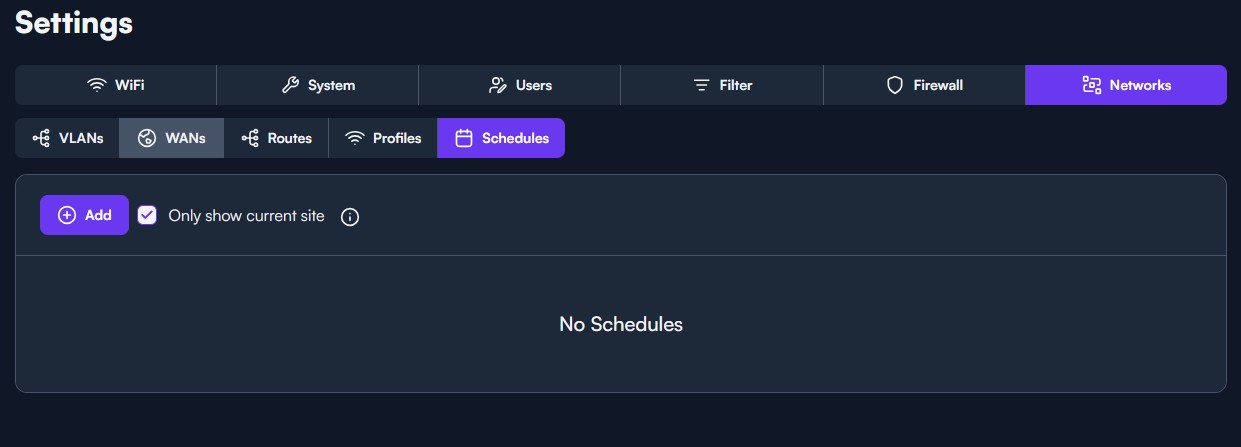
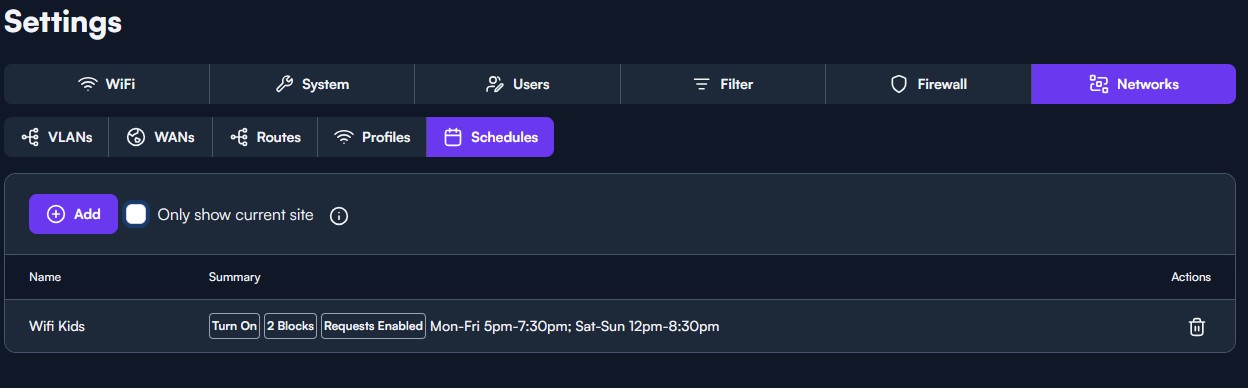
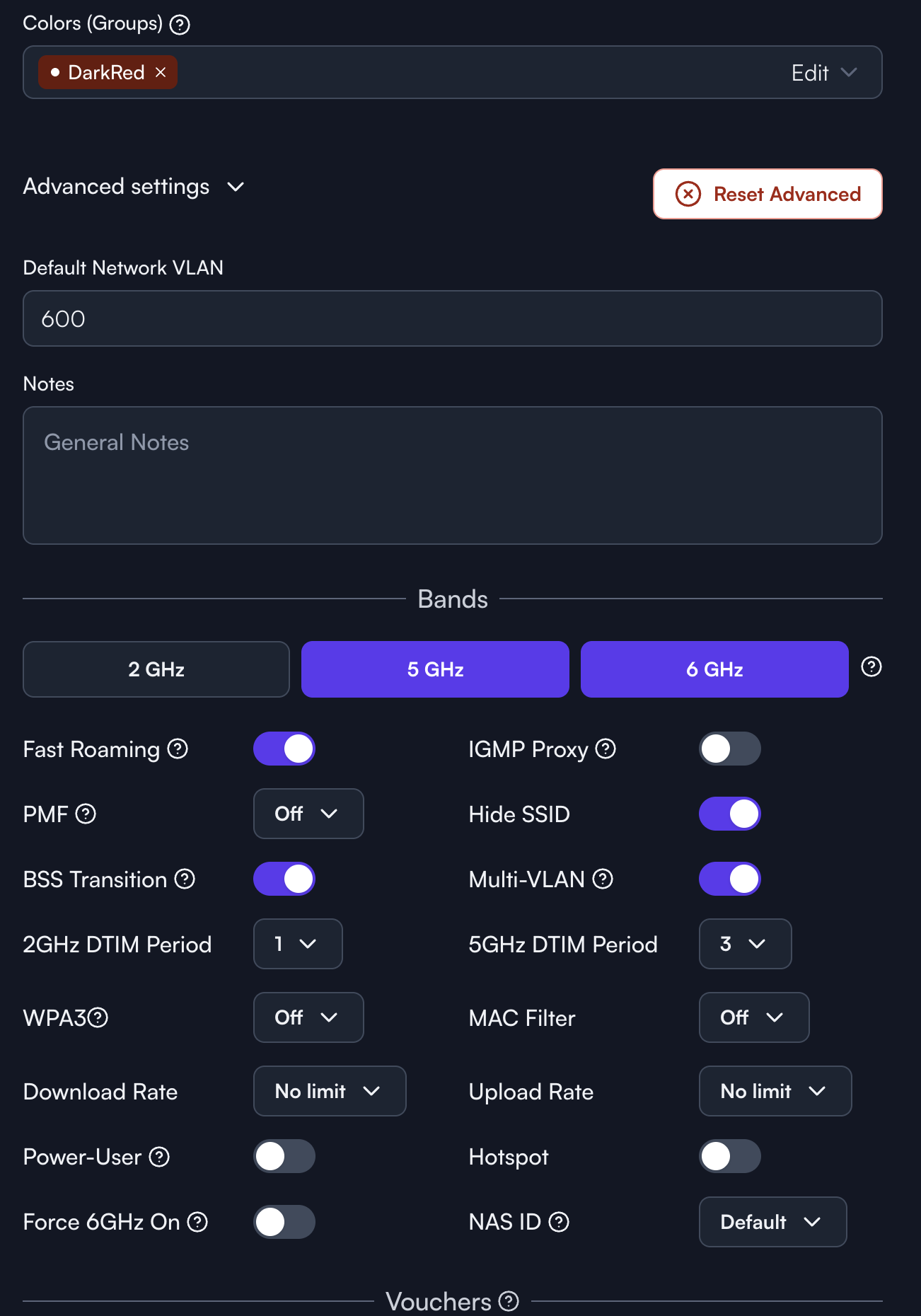
Route 10 v 1.5c, Schedules drop down not appearing under advanced config for Wifi. No apparent way to apply schedules to SSIDs
It depends on what kind of SSID it is. If it’s password-based, then the schedule setting would be per-password. If it’s Open/Enterprise, then it would be in the Advanced Settings.
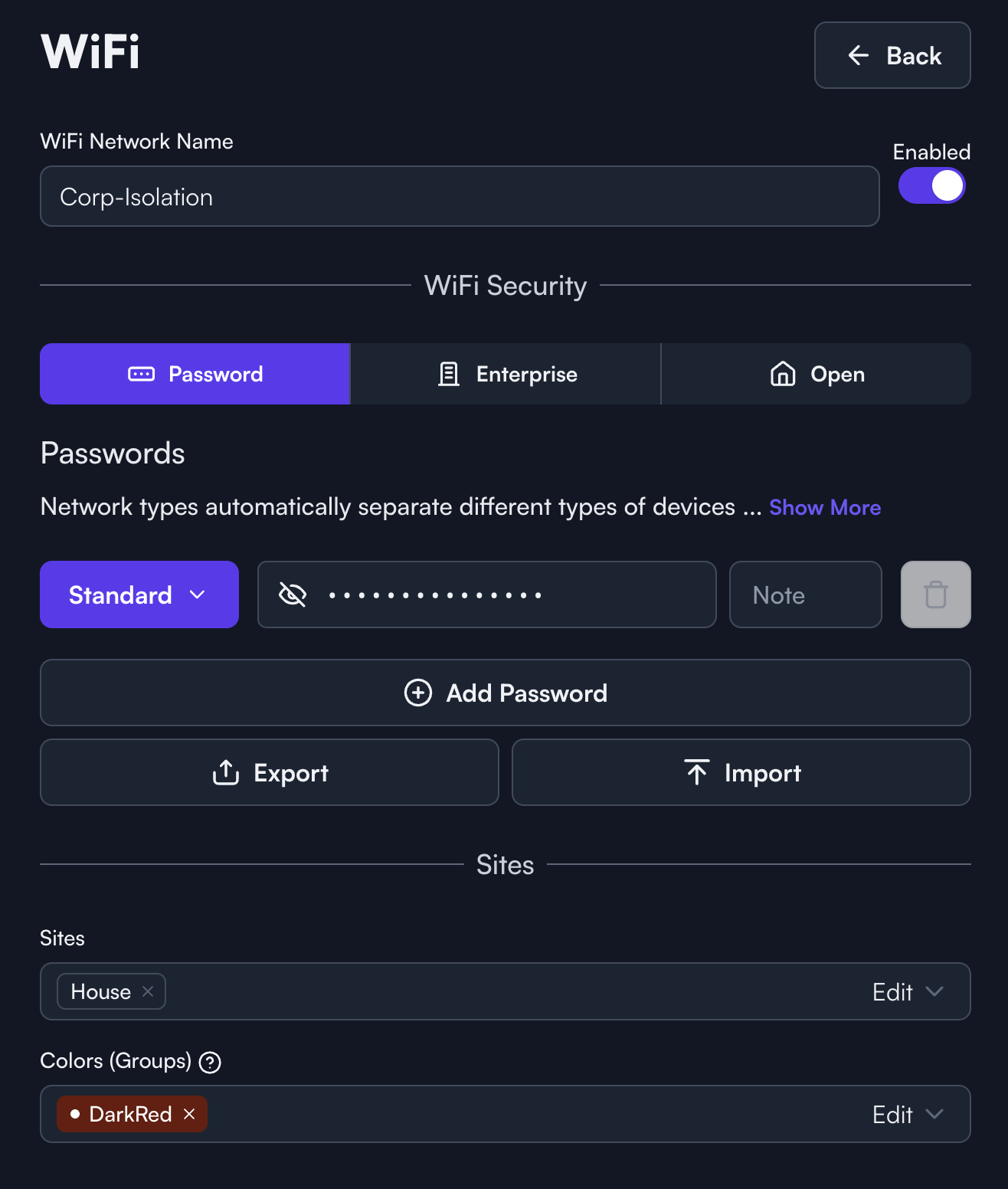
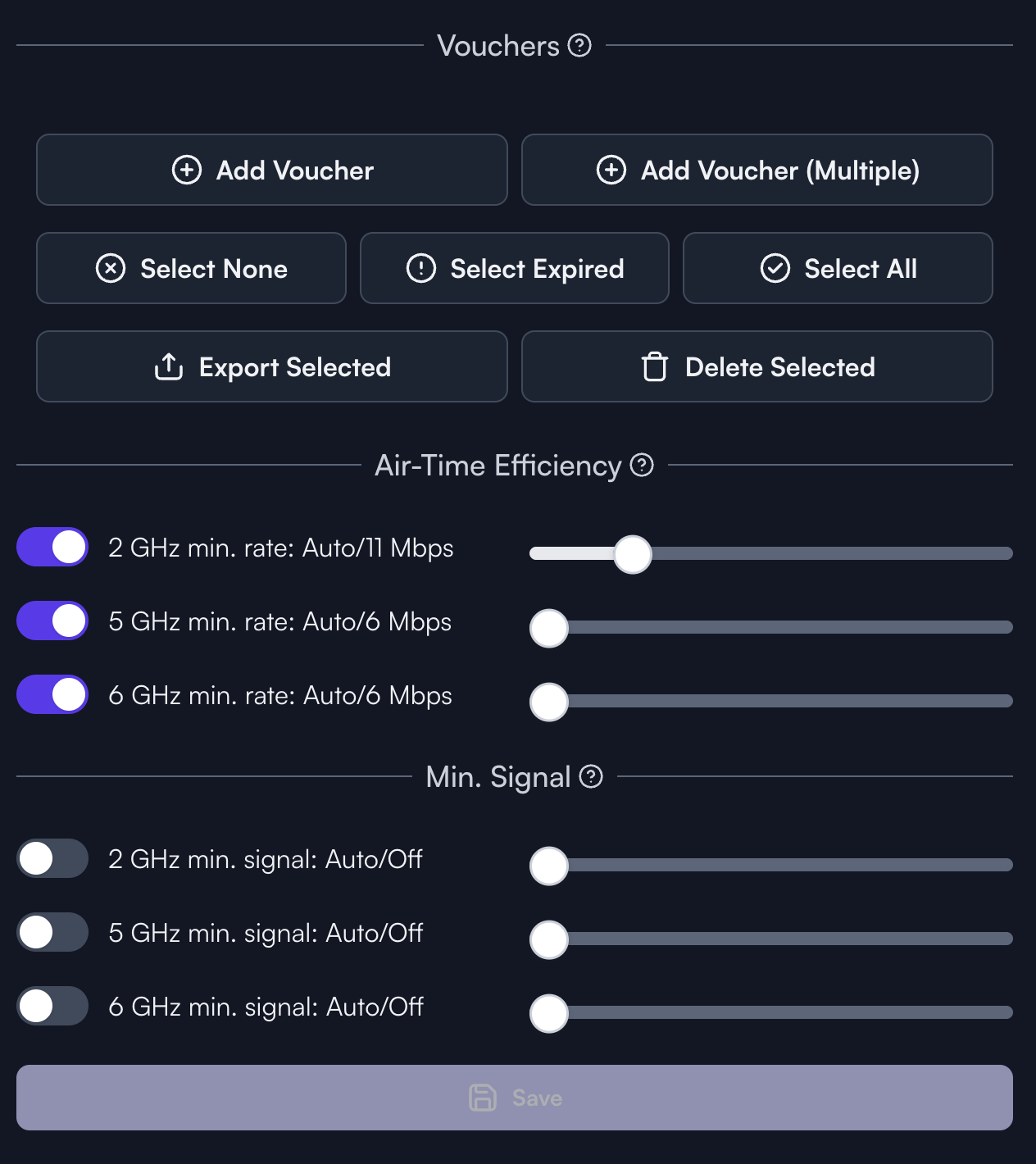
@2bleere Click where it says “standard” next to your PSK, schedules will be there because they can be configured on a per PSK level.
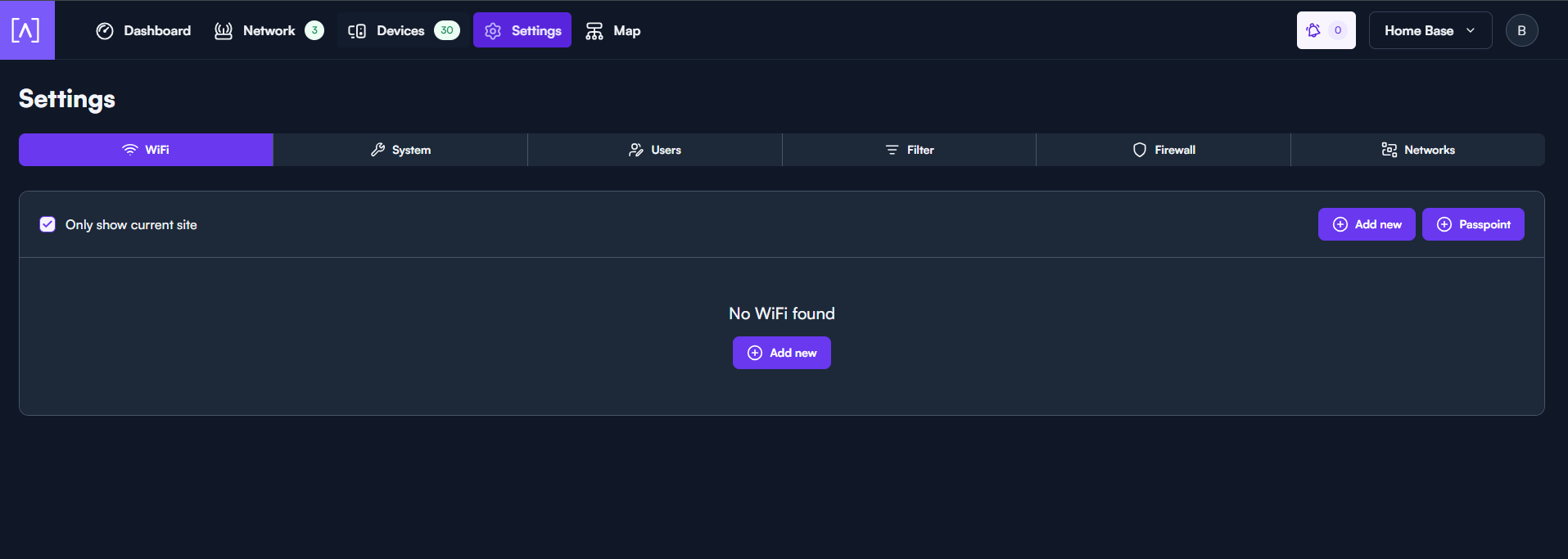
I’ve made a schedule for my kids as well, but for some reason I have to de-select “Only show current site” to make it appear in the list. Only got a single site.
Edit: I realise I was a bit quick to respond, as you’re showing the wifi settings and not the schedule settings. But maybe the same visual bug? It’s been happening to more panes than just the schedules: