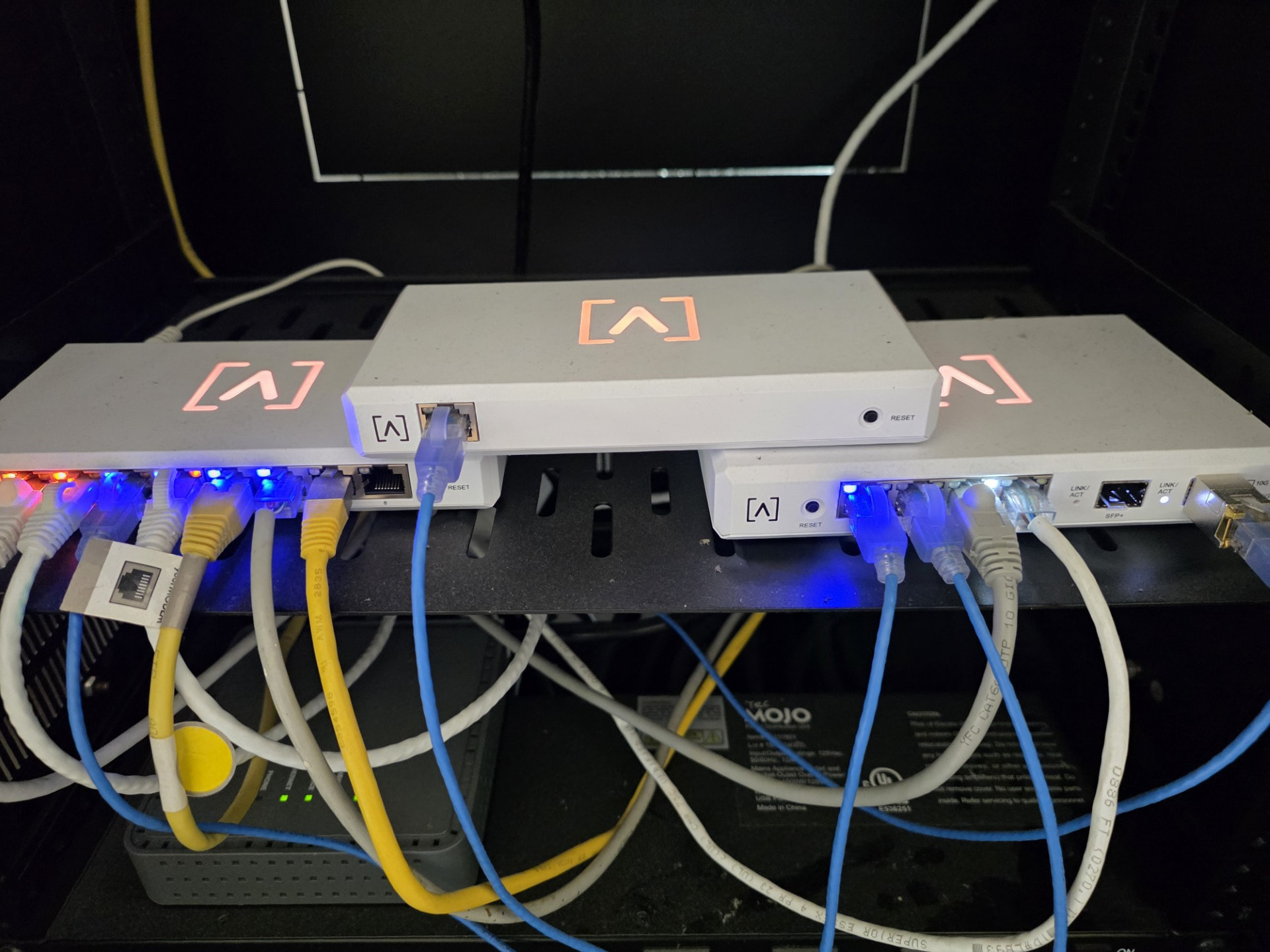
Its been a while since I logged into my control, and the ip is not working, I tried 192.168.1.1 and got message: Please use the controller for further configuration.
How do I log into controller?
Thanks
Its been a while since I logged into my control, and the ip is not working, I tried 192.168.1.1 and got message: Please use the controller for further configuration.
How do I log into controller?
Thanks
The local controller is typically not at 192.168.1.1, but that is rather likely your Route10.
You can use “fing” or some other network scanner to find your “Control” device on your LAN, then go to that IP.
Thanks for the reply, but I dont see anything resembling the Control device, I tried every ip that was returned.
Did you use a Control device to set up your network? What Alta gear do you have there? If you didn’t use Control, you should be able to log in at manage.alta.inc.
I set my devices up locally with the local controller.
I have the 10 port switch, route 10, Ap and controller.
Its strange that I had the local url to the controller but it doest work nor does the ip.
Any ideas on what I can try?
What’s the local url? Can you ping just the hostname of the local controller? What do you see when you run fing on your network?
Not able to ping, is there another way to get to the controller. Or do I have to wipe my whole network and start over?
I’m sure we can figure out what the IP address of your controller is, and then you should be able to log in. What was the output of fing?
AP.localdomain, Route10.localdomain, Switch.localdomain and the rest of my devices, but no control.
Does the controller have a link light, and does the switch also have a link light?
Looks like the Controller doesn’t have a link, even though it has power. Can you please try a different cable? Is that one of those Monoprice ultra-thin cables?
Yes, a monoprice thin cable. I’ll try a diff one.
Tried a brand new regular cat5 cable and no lights, I even tried a diff port and nothing. I tried resetting the control and now it just blinks red.
If you can’t ever get a link light on the RJ45 port itself, even after trying multiple cables and switches, you might have a bad Control device, and you’d need to email support@alta.inc to go through the process of returning it. I haven’t heard of any Control devices not being able to get link myself, though.
Maybe just to say you tried, plug control into the other PoE port on Route10? Just to see if you get a link?
Ok thanks
Yep I tried that too. Thanks everyone for your ur help. Much appreciated.