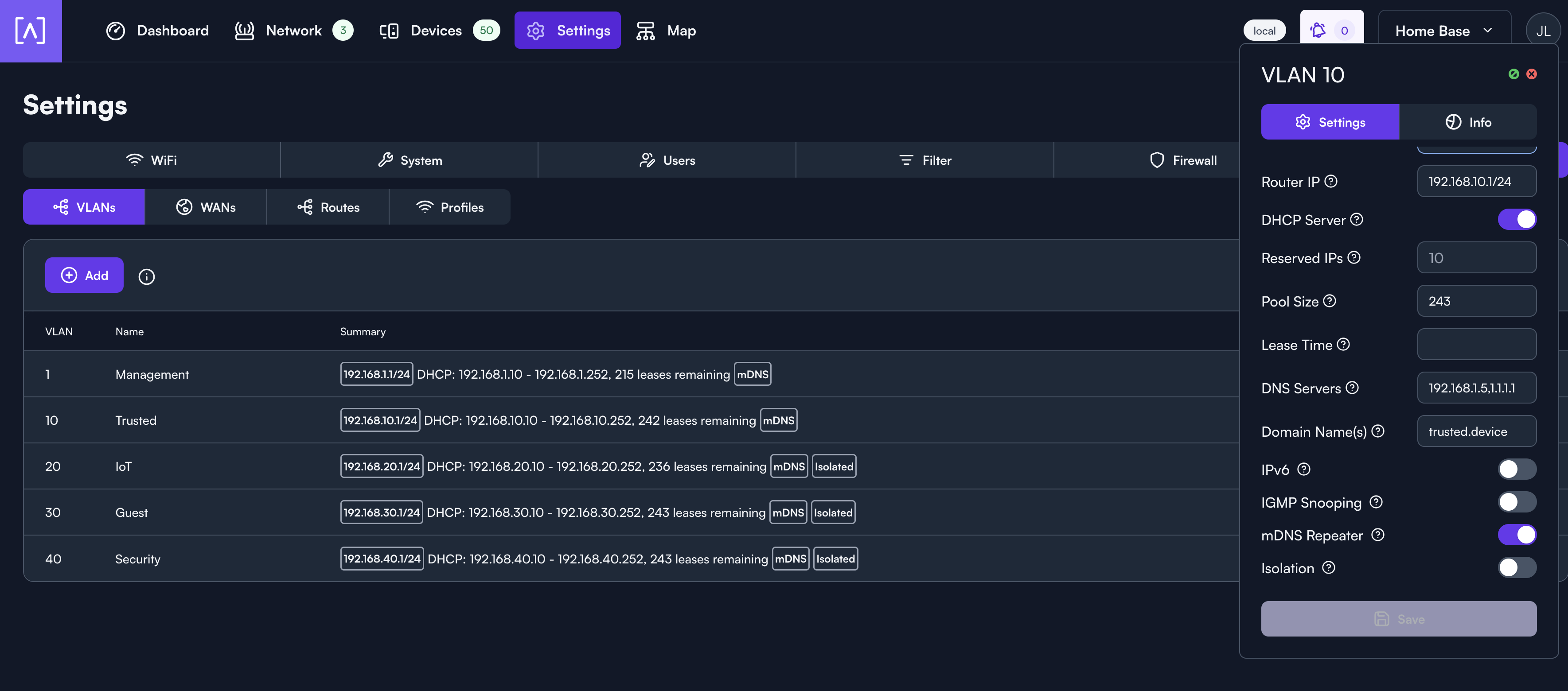
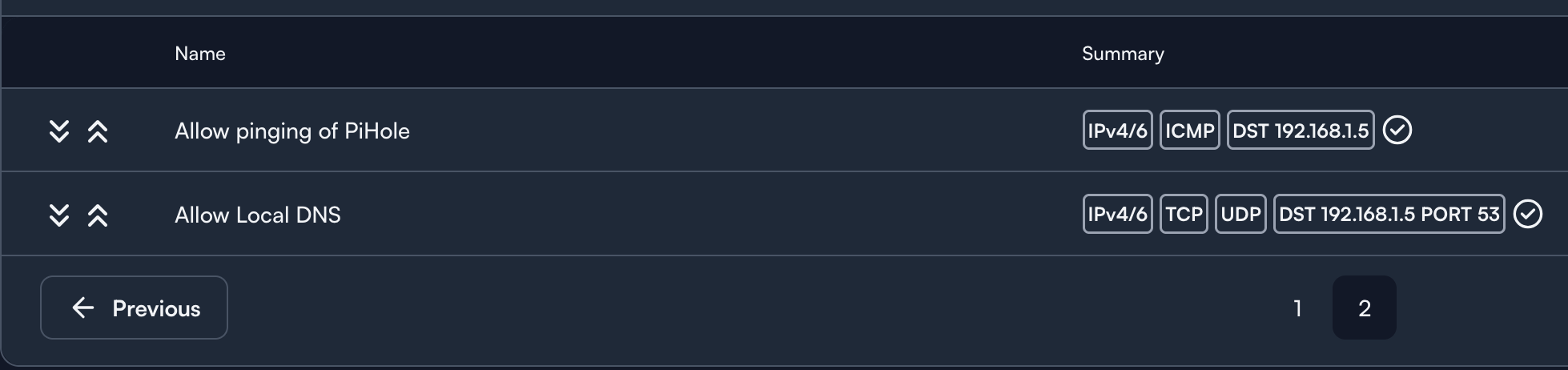
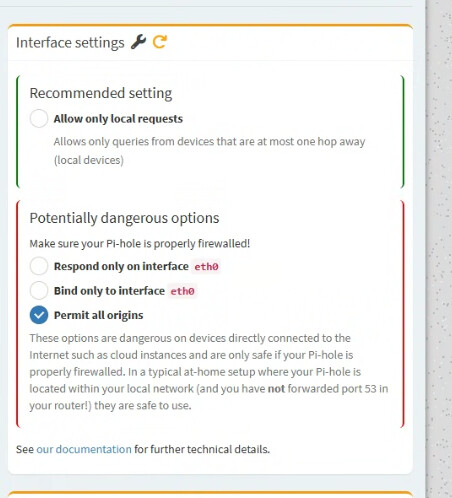
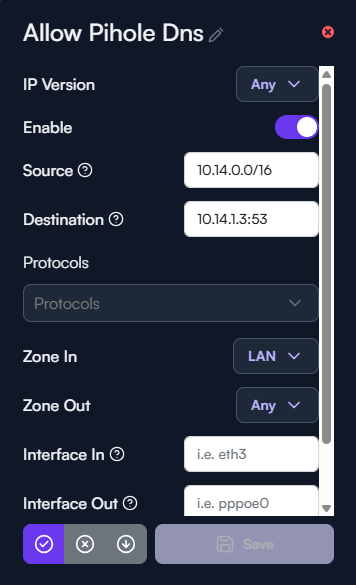
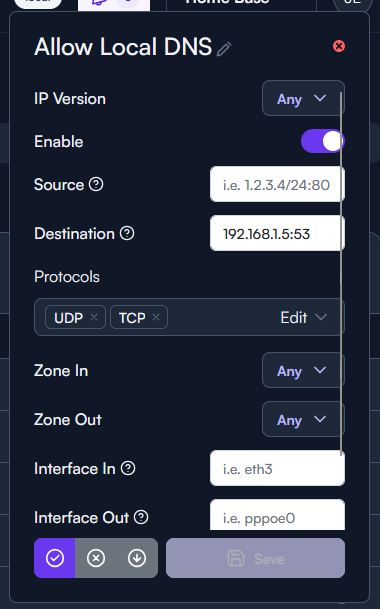
I’ve setup 5 VLANs, management, trusted, IoT, guest, and security, made firewall rules so that every VLAN can access my PiHole for DNS and their respective requests show up in the query log of my PiHole but nothing can access the internet except for the default management VLAN. Devices show up in the device list with proper IP’s, can ping local devices, be pinged by devices in VLAN 1, yet cannot go to google.com or any website.
Just thinking out loud, I wonder if it would be worthwhile to reset all the firewall rules and then confirm everything is flowing properly. Let’s say from trusted to management and vice versa. Then tighten everything back up again, assuming things are working correctly at that point.
I have tried this already where there are no firewall rules, DNS to 1.1.1.1 or 8.8.8.8, same issues, no communication issues amongst local devices, but cannot access the internet.
Yep, wired or wireless, if I run a traceroute on VLAN 1 to 8.8.8.8 everything is obviously fine, swap to VLAN 10 and it goes to 192.168.10.1 and stops.
Are you able to ping 8.8.8.8 from one of the other VLANs, like VLAN20 or VLAN30?
You shouldn’t need to add any NAT rules for this to work, but have you added any custom NAT rules?
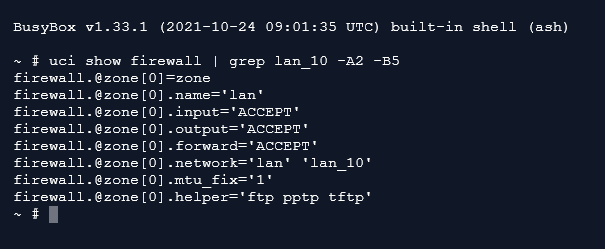
If you open a terminal to your Route10 (Network tab → Hold “Shift” on your keyboard + click on the R10 name), what is the output of “uci show firewall | grep lan_10 -A2 -B5”
@kimchi Did you get this resolved? I’m having the exact same issue. Only the main VLAN (VLAN1 - 192.168.1.0/24) has Internet access and none of my other VLANS (10, 20, 30, etc.) can access the Internet. No firewall rules. This is a clean new router setup… just today.
We ended up having to reset and reprovision the router. (Reset the router, and once it shows backup in the portal, click the “Set Up” button to push site config.)