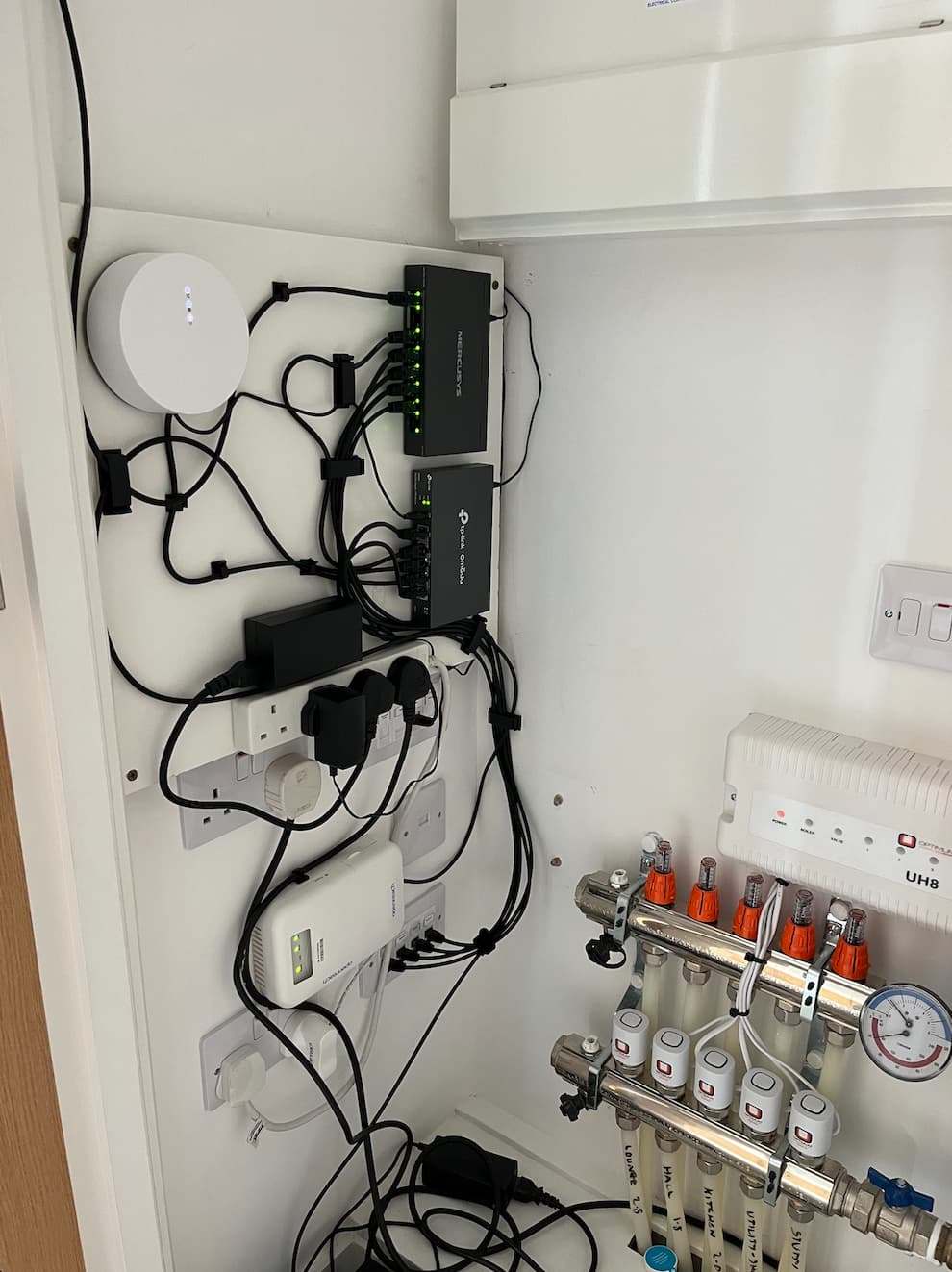
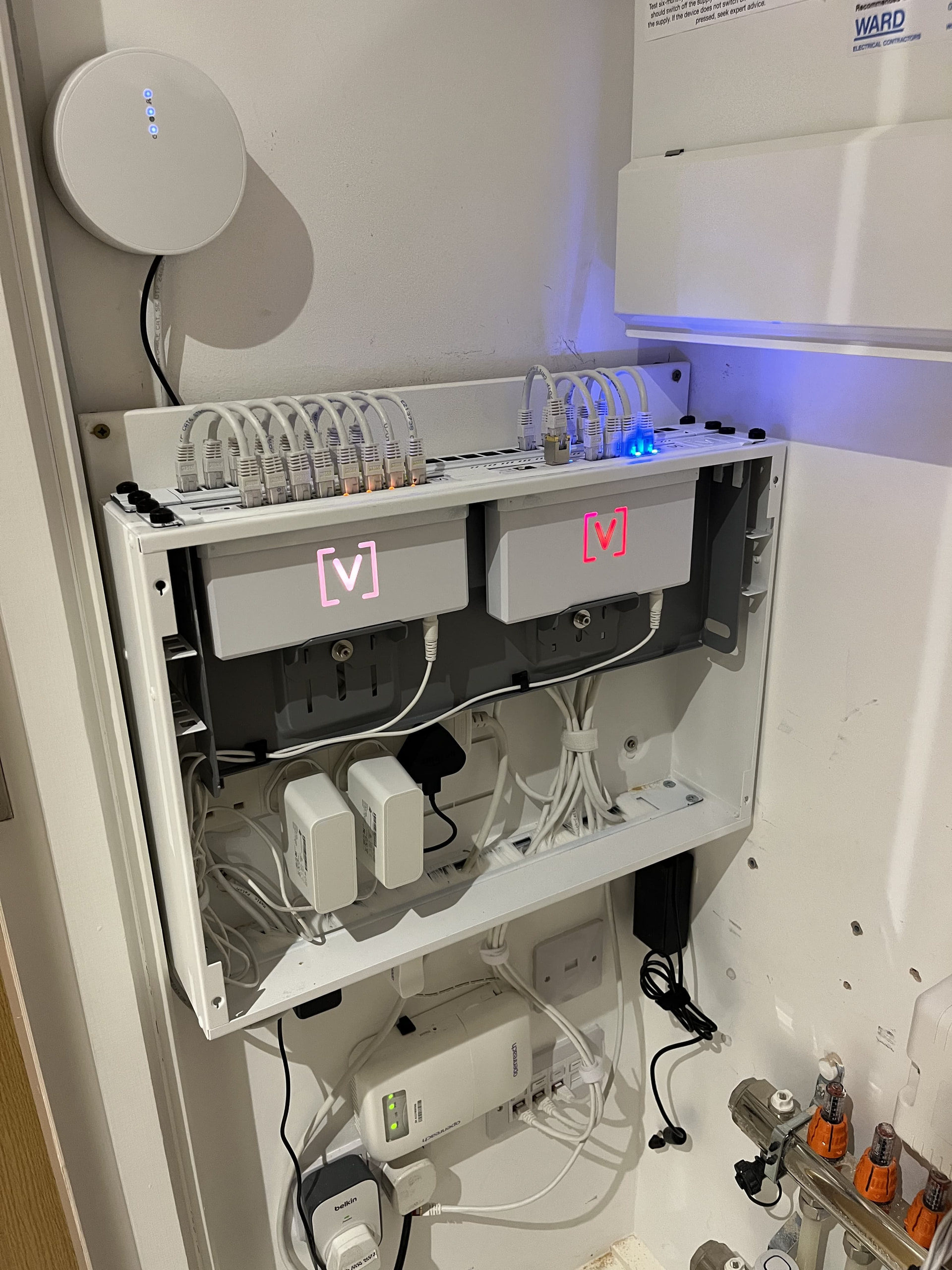
Hi all. I’ve recently moved into a new house here in the UK, it’s a new-build home and thankfully the builder has installed CAT6 in almost every room. I had been looking at upgrading my existing ASUS Mesh system which has served me well over the last 6 years or so when I stumbled upon a YouTube review and installation of Alta labs. AP’s.
Obviously, I’d been looking at Unifi gear for a while, but the stock was proving difficult to find and also the price was not an easy pill to swallow.
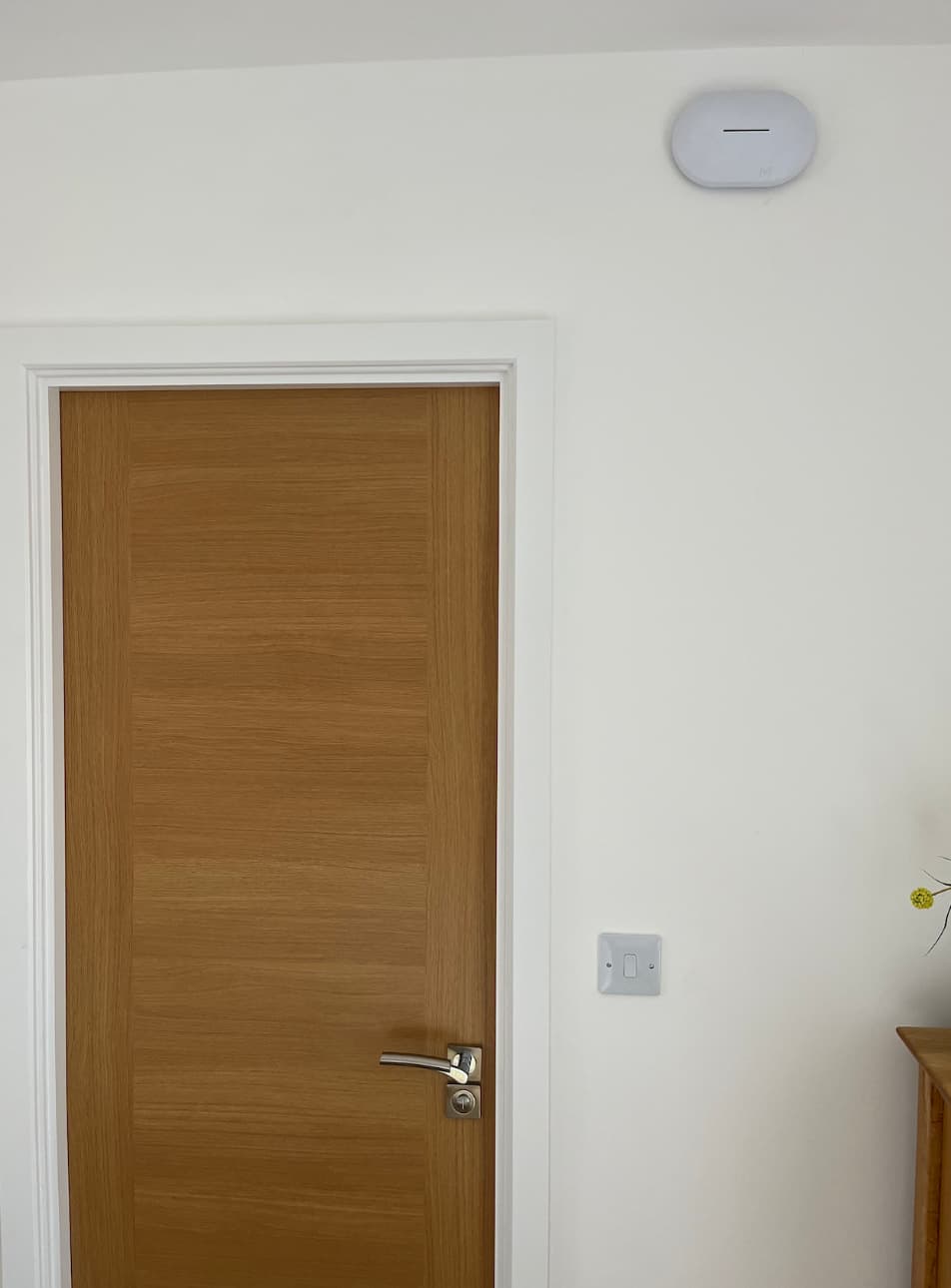
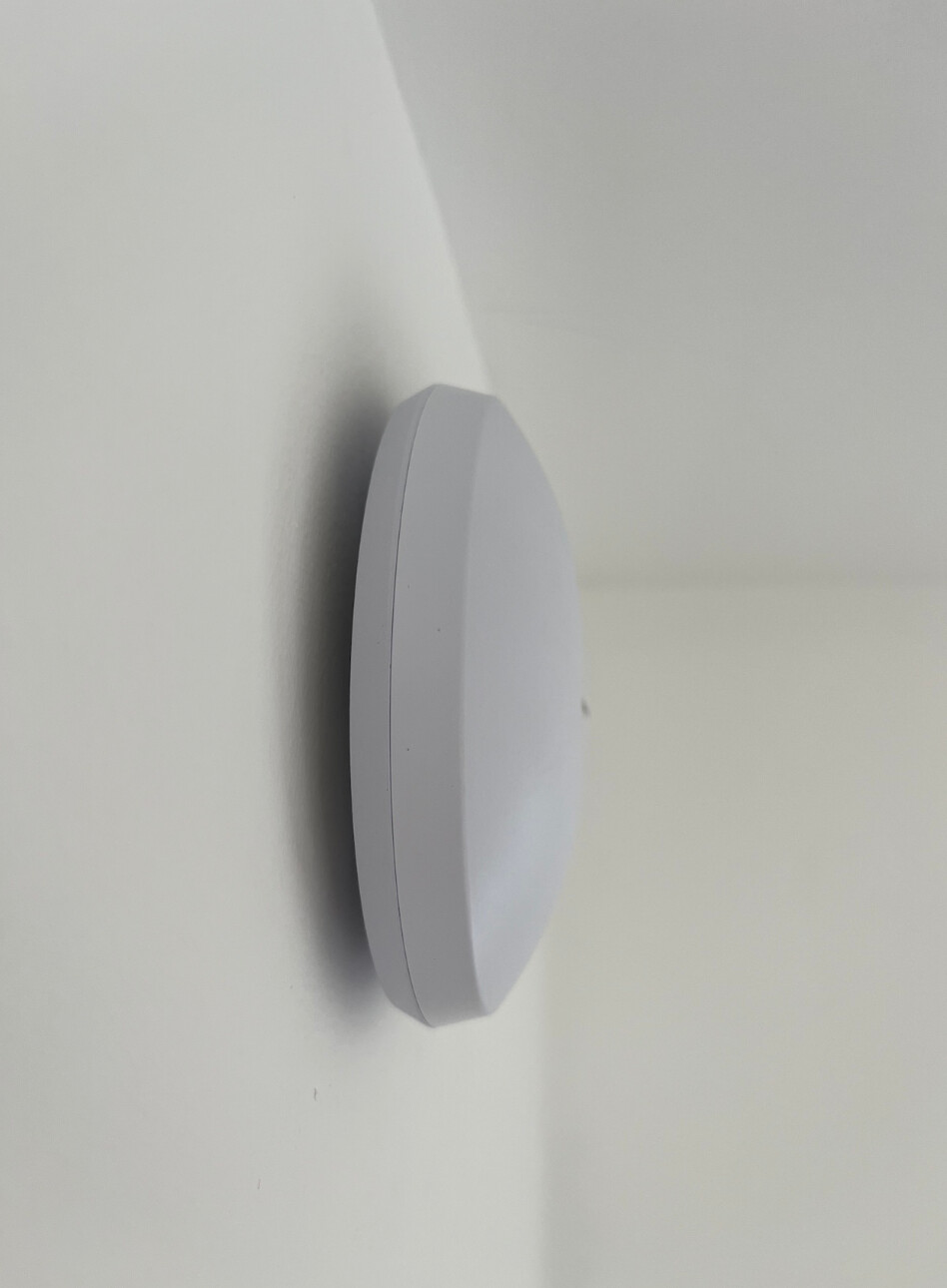
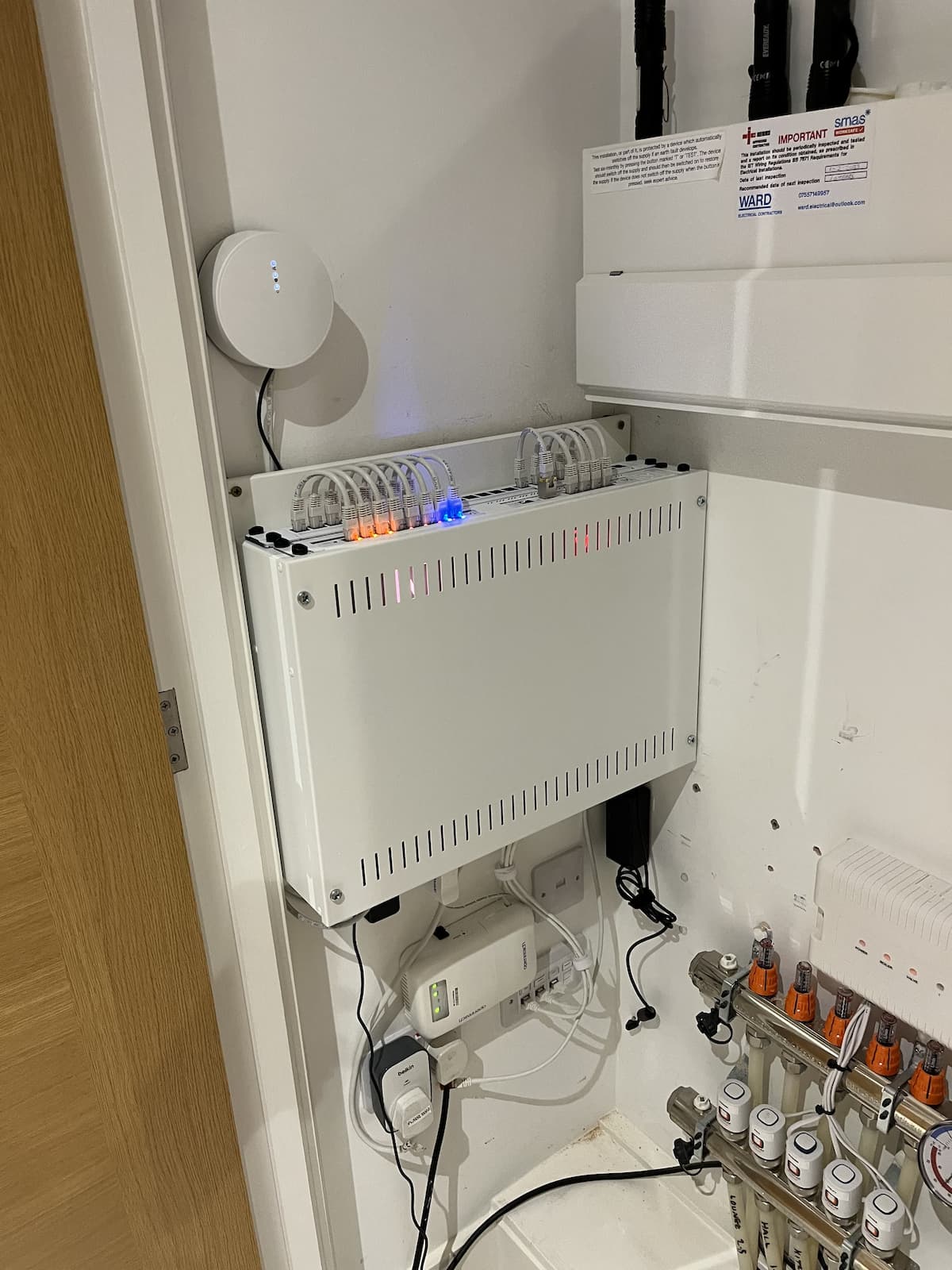
As soon as I saw the offering from Atla Labs I was in, placed my order for 2 X AP6 and the upgrade has been amazing. Much better speed, fewer dropouts and of course some nice sleek APs compared to the black Asus routers I had running my old mesh. It’s a humble install, but it does what I need and I’m very happy with it. I’ve mounted my APs with spacers behind the mounting bracket to help with airflow/cooling as when I had them laid on a table for testing they seem to get very hot. I’ve included a few photos to show it all off
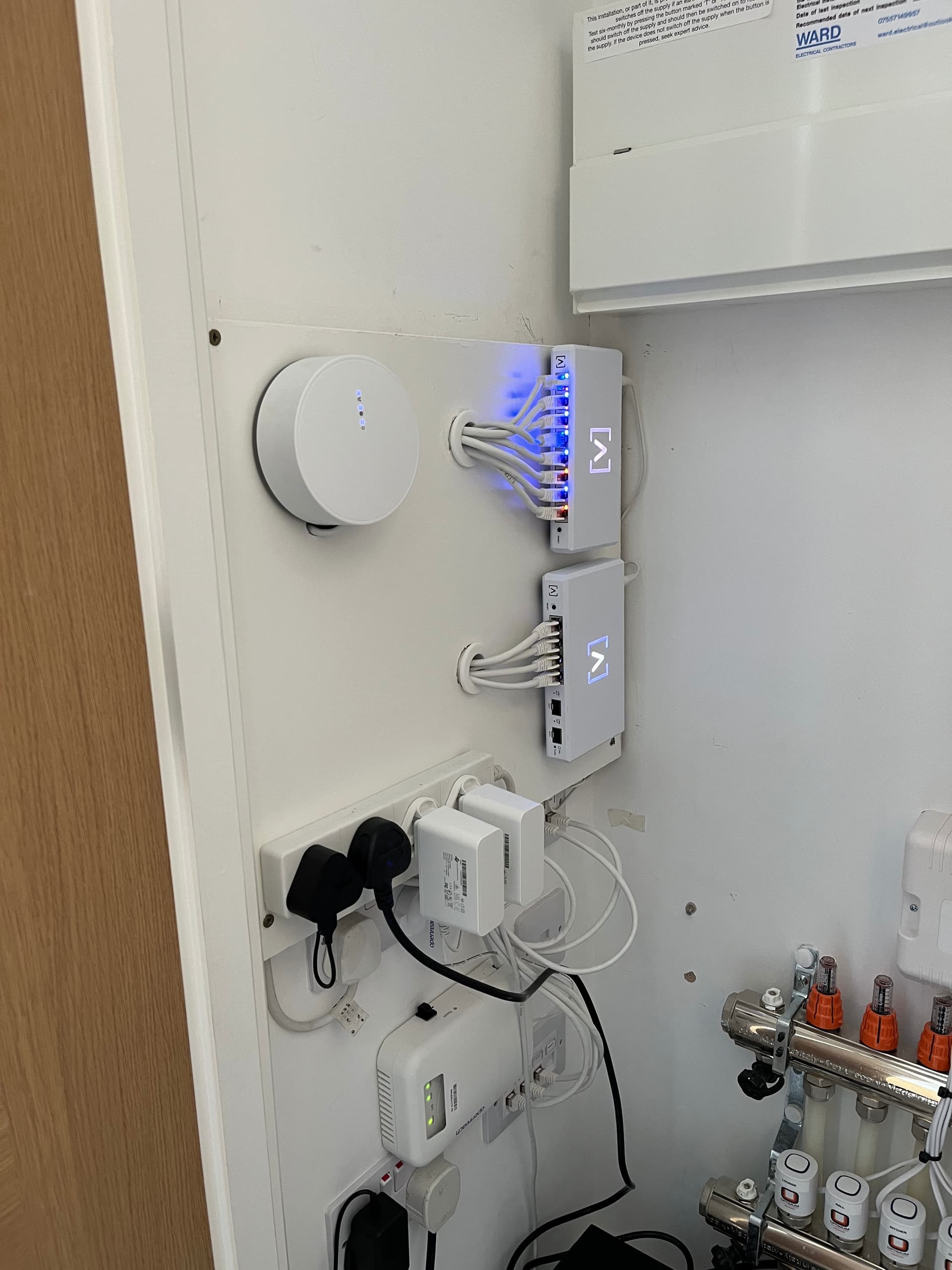
The main network is mounted inside a cupboard which houses the underfloor heating manifold, consumer unit etc, I’ve mounted 1 of the AP’s inside this cupboard but it might move to the outside of it if/when I’m allowed. The other AP is in the spare bedroom and gives full coverage of the garden and garage,
Hi Nick,
congrats on the new house, great choice going with Alta Labs WAPs! You could easily find a cheap 6U rack enclosure it would look so much nicer housing/hiding all the equipment Let me know if you have questions, I can send you a couple links to affordable but well designed enclosures
I did think of this initially but the network cables and some power lines run behind that wall, I also didn’t think I had the equipment to justify a rack unit, but I can see how it would look nicer, as long as it doesn’t restrict access to the consumer unit then it could be nice!
Pretty nice and clean installation! I really like to see other setup because the traditionnal setup is in a rack, so it’s pretty nice to see other setups to be more creative.
Very simple and clean! Although I personally would’ve considered a different location being that close to PEX, but I get it. Sometimes you have to deal with the cards that were dealt. Are those outlets RCD protected?
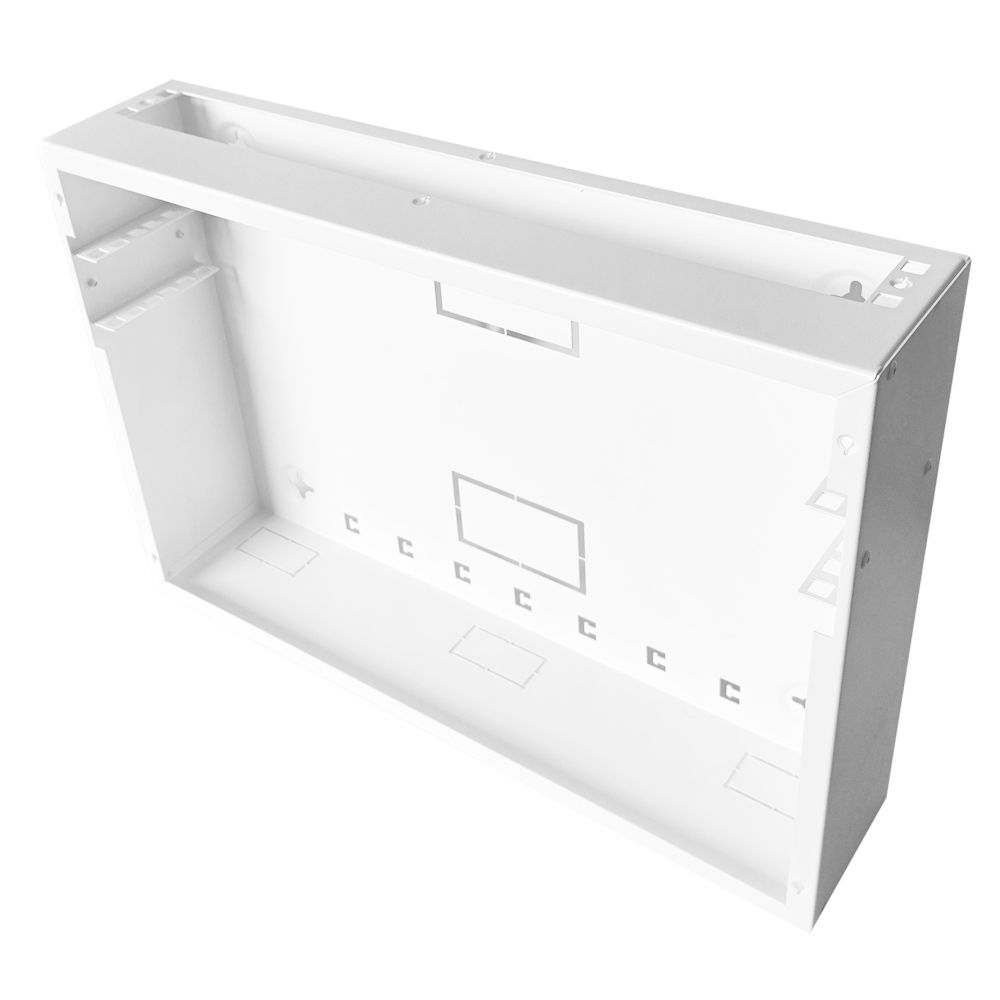
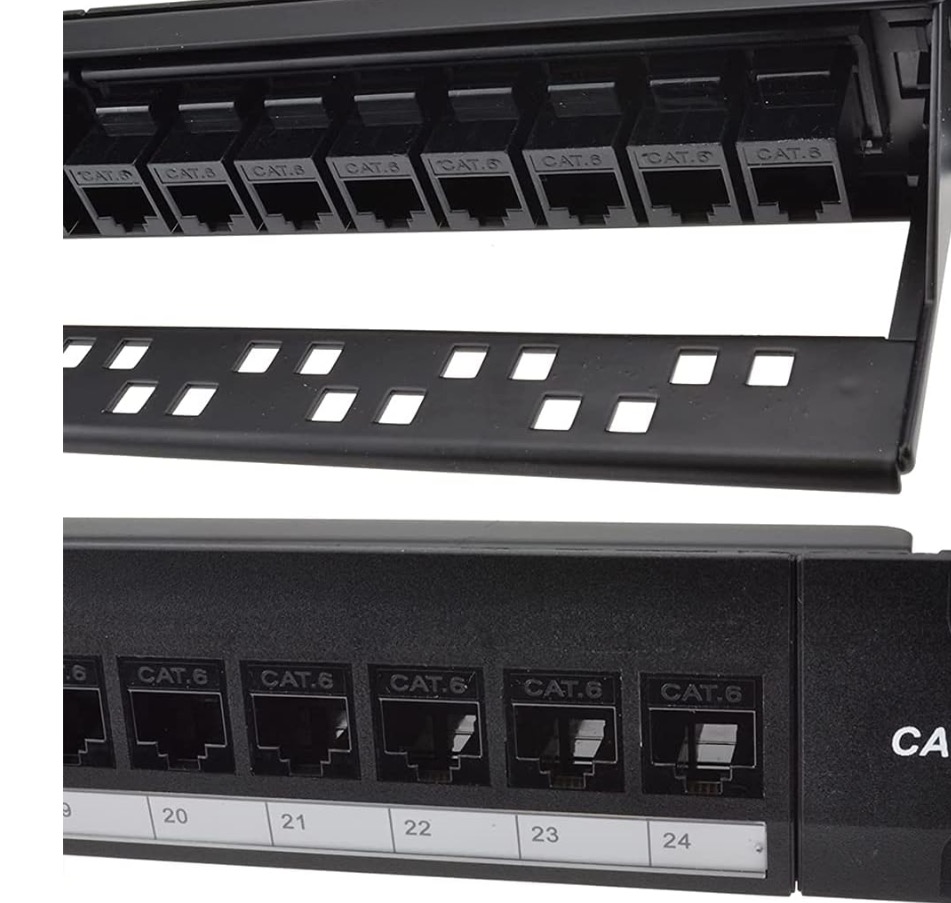
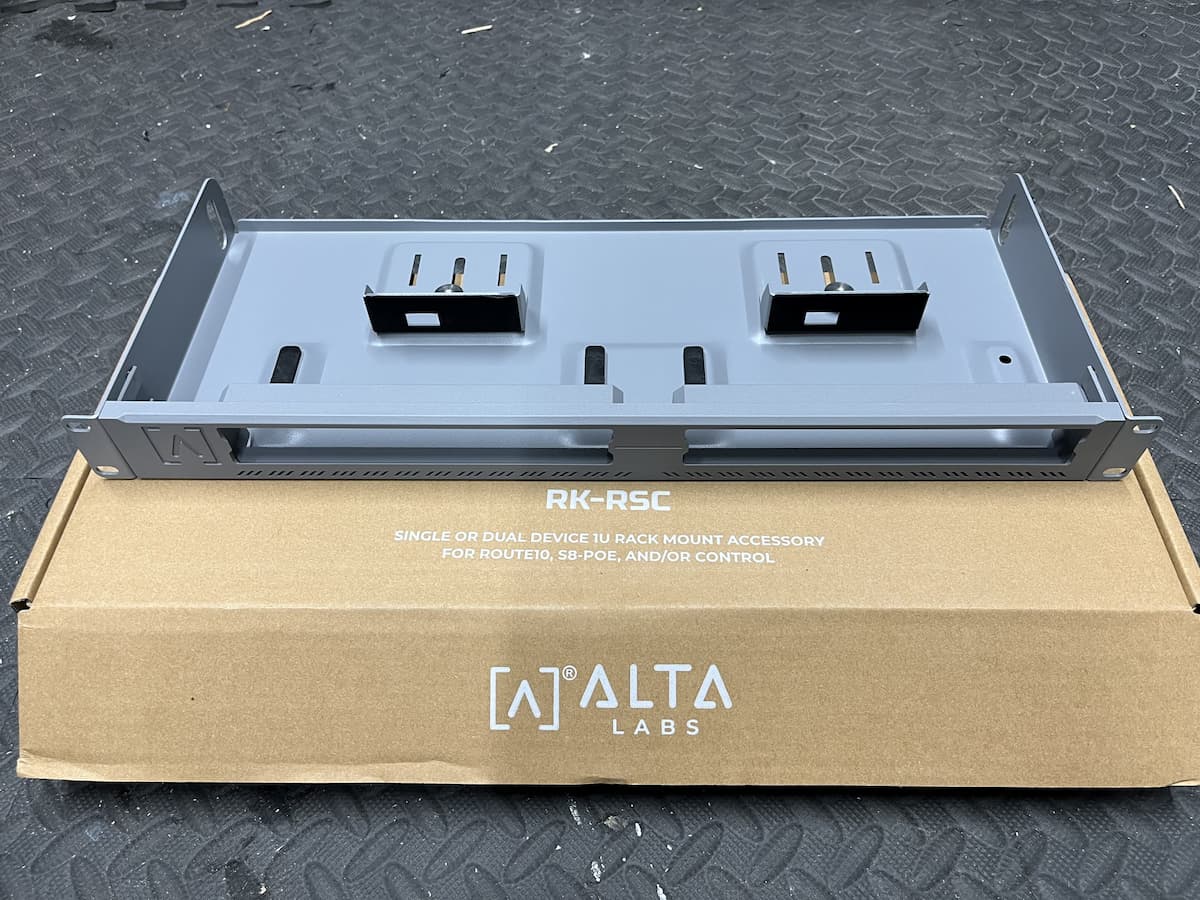
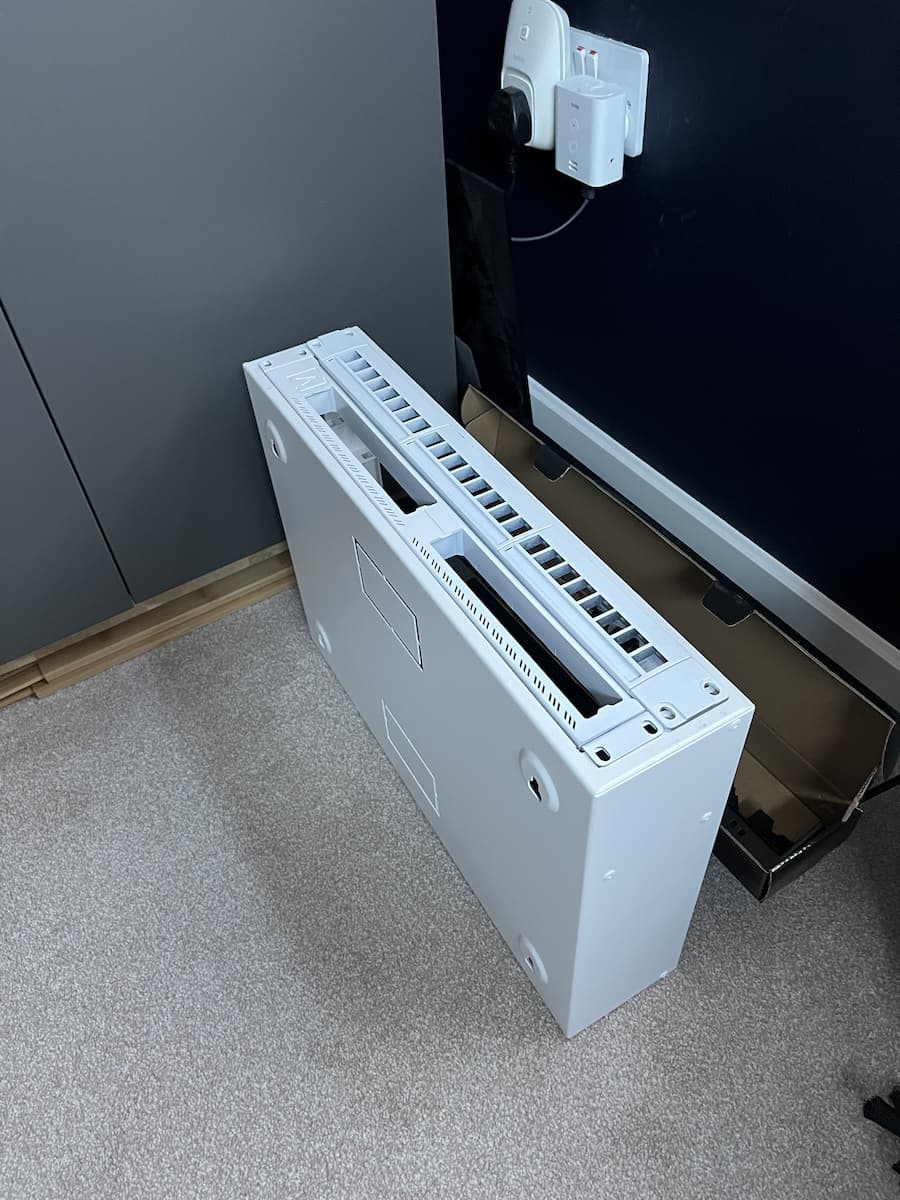
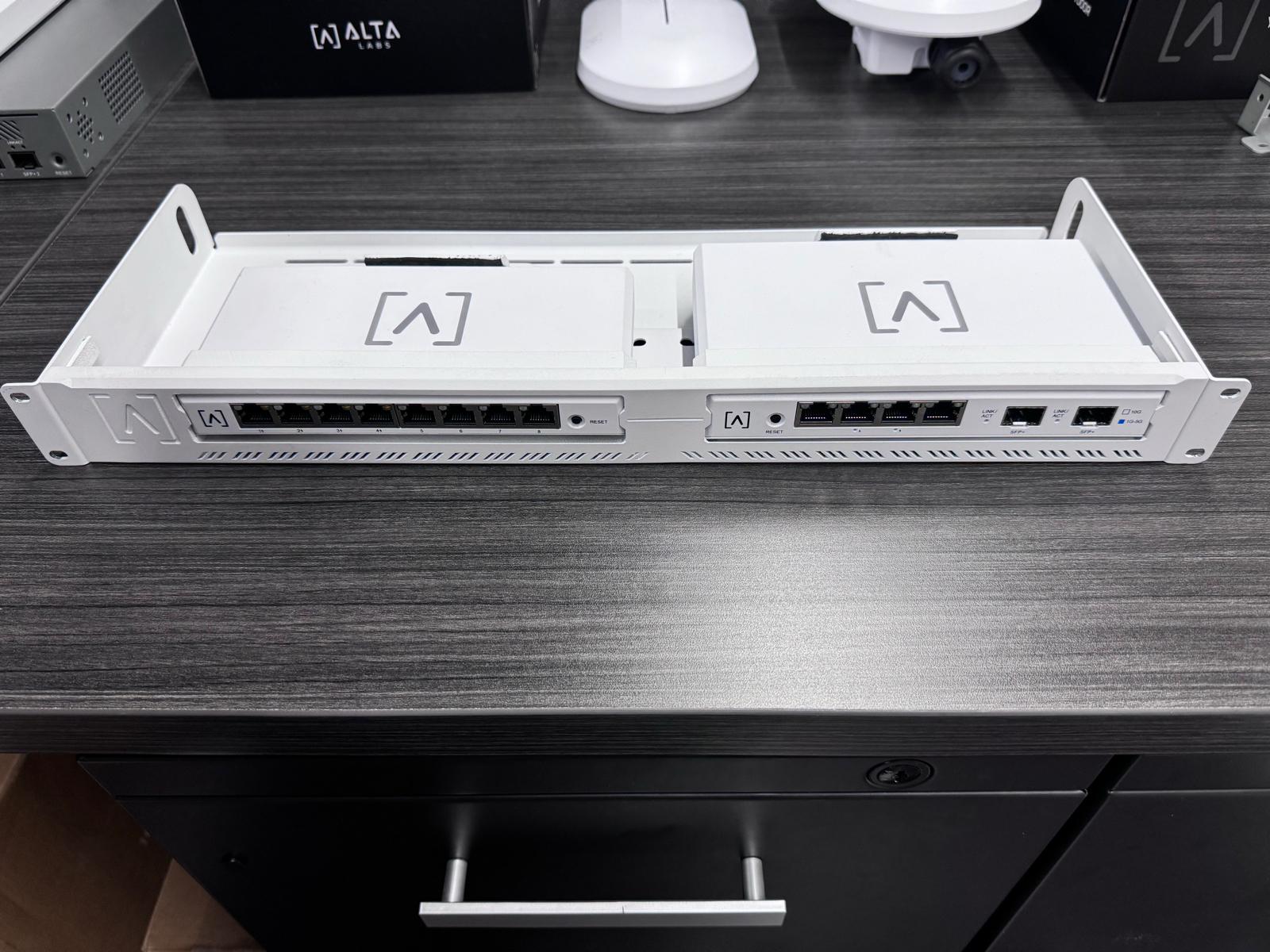
So, finally got my hands on a rack mount, didn’t agree with the colour though, nor the colour of the patch panel, especially not for my white cabinet. Didn’t like the fact that the rack mounts were inside the cabinet either so set about making the opening of the cabinet wider to accommodate both the patch panel and the rack mount and then sprayed the facias of both too , much better IMHO.