It would be great to get a multifloor ability.
If we have access points mounted on several floors it would be good to see the coverage through the floors.
That would be really useful to evaluate a multi story home.
Can you take a video of the issues you are seeing, and let us know what browser/OS/version you are using? We do not see components move as you are describing.
@Alta-Jeff , I can not make a video for the moment.
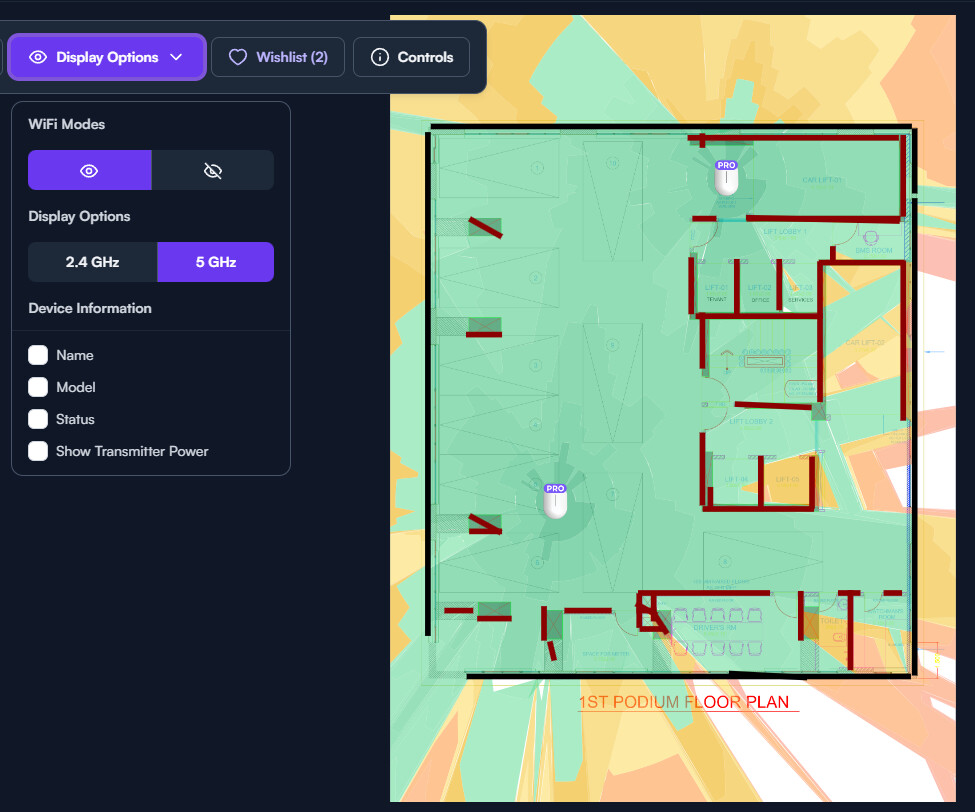
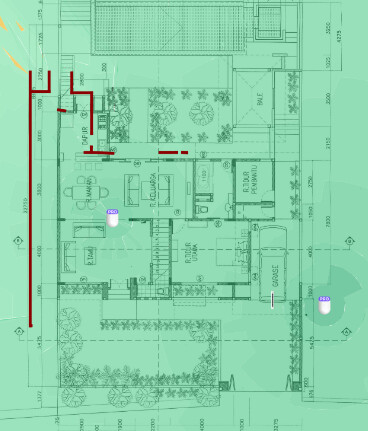
You can see it from the picture, when I draw the walls they was drawn on top of the walls. and the items inside the property. But it looks like when I pan the floor the wall was not moving at the same time.
I have made the floorplan now and the issue I had that morning has not shown up again.
I will however try again later with some new floorplans and see the wall and the equipment moves again.
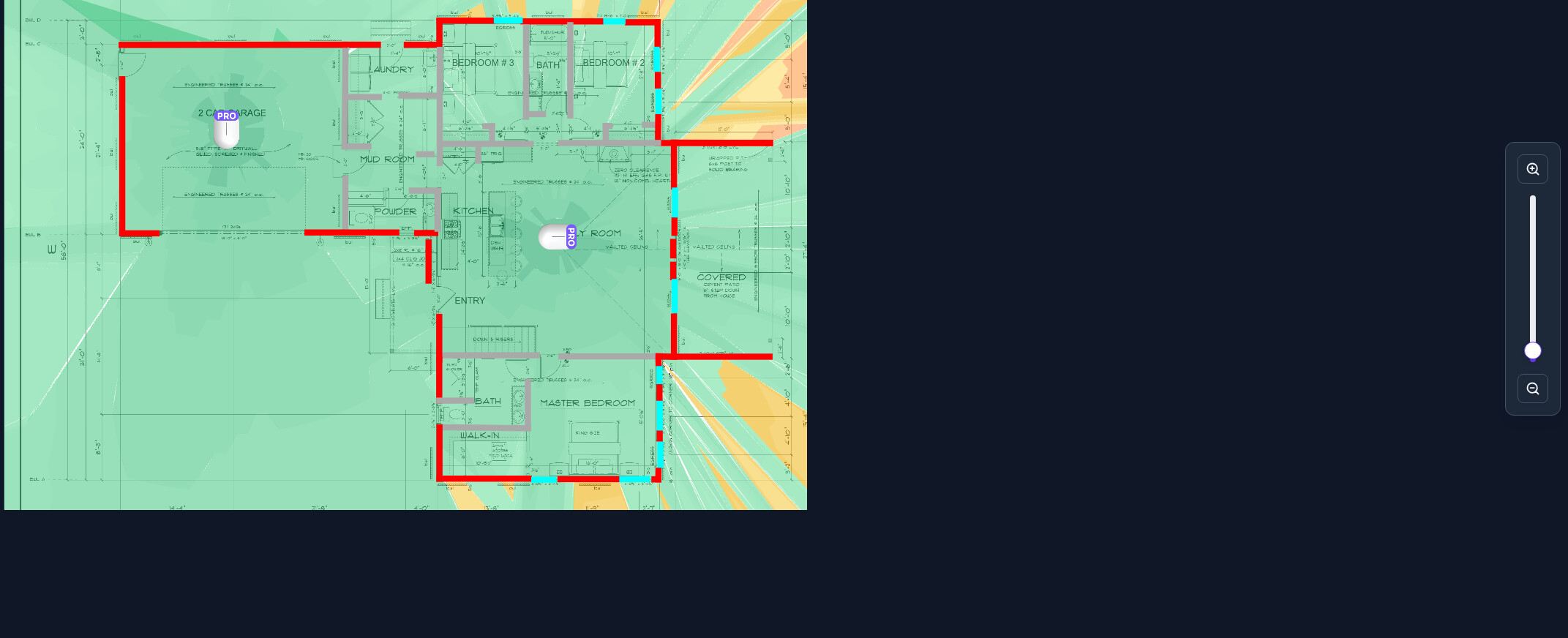
I did notice that it could allow the floorplan to take up more screen real estate like @Astina14 mentioned. Example screenshot is on a 27" 1440p montior in this instance and the floorplan is kept to it’s corner when the controller is full screen. Also zooming in with the scroll wheel can feel a bit sluggish, but both of those issues are fairly minor for my own use anyway.
No issues with walls or components moving during my testing at this point. Mostly been working in Microsoft Edge on Windows 11 just for reference.
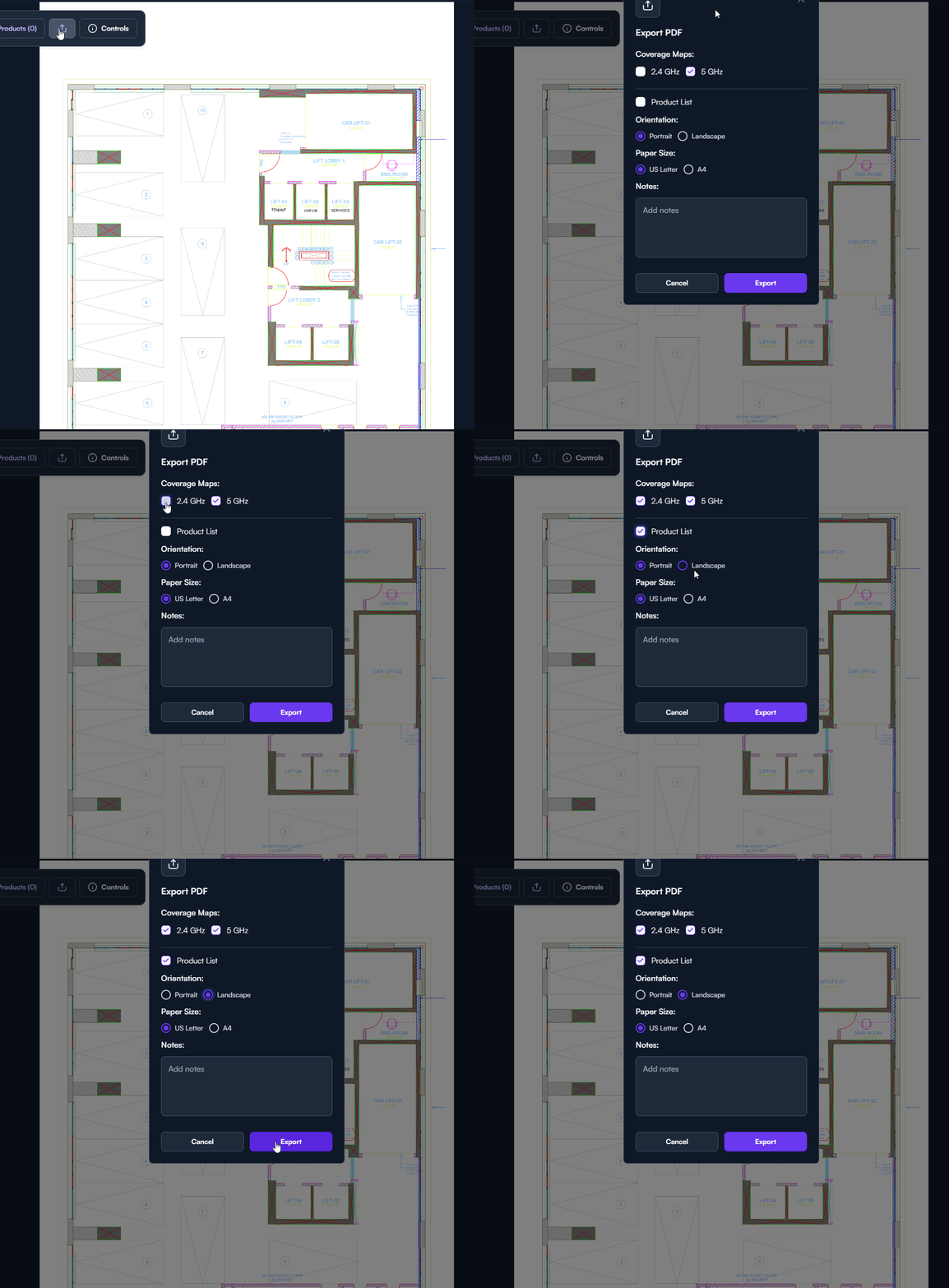
Thanks! Just did a little test and I’m liking how the PDF export comes out like a little report, so kudos to whomever had that idea.
This did remind me to ask something I’ve been meaning to ask; any chance of having the Route10 added to the planned devices list? And I guess the S48 and S12 eventually too, as it looks like everything else is there.
@Alta-Matt_v2 I have tried to used this feature i have a number of concerns and some suggestions.
let me begin with, its a great first step, needs some bug fixes but im excited to share it with our customers.
The Floor plan doess not scale correctly. i Sent details of my issues to Cole and i hope he forwarded my notes. Please look at the scaling as based on what i experienced, an AP6 covered over 9000m2. unlikely. from what i can tell is off by a factor of 25x, i even offered the numbers in feet, the scale remained the same but it was well off the correct scale.
when you scale the floor plan for a large site. the icon for the AP6 dissapears to a pixel, please limit the smallest size it can be to sometthing visible. if you scale to a large site, you will see what i mean when you try and then select the AP6 device
The Layers option for PDF with layers is not working as expected. Its detailed in the bug report I sent. please take a look at it. In a nutshell, the feature does not work despite me making a custom image in illustrator and maintaining the layers. Saved as a PDF from the source with layer retension. The layers were identifed in the selection area correctly within floor plan feature with the names i chose, however, the vectoring that is supposed to trace around these lines completely lost its mind, all detailed in that bug report with screen shots.
with reagrd to the scale. please offer a ruler style scale that scales with the image, it would be more useful that the 1m=xpixels which doesnt translate well as its difficult to measure pixels once printed. although the pixel info might be useful when in simple drawing program, best ratin that as well.
the default dBcolours indicating green, orange and red (GOR)… it would be nice to be able to click on that seperating line and drag it to my prefered dB for GOR, that way i can get a better comparison when comparing with a certain well established design centre tool.
is it possible to offer me multple layers per floor, that way i can load the outside walls seperately from internal walls or columns, and essentially build a layered pdf from image files to make wall selection basically automated. this is a lesser concern for me. would be a nice option is all.
Hope you can take a look at a few of these points soon.