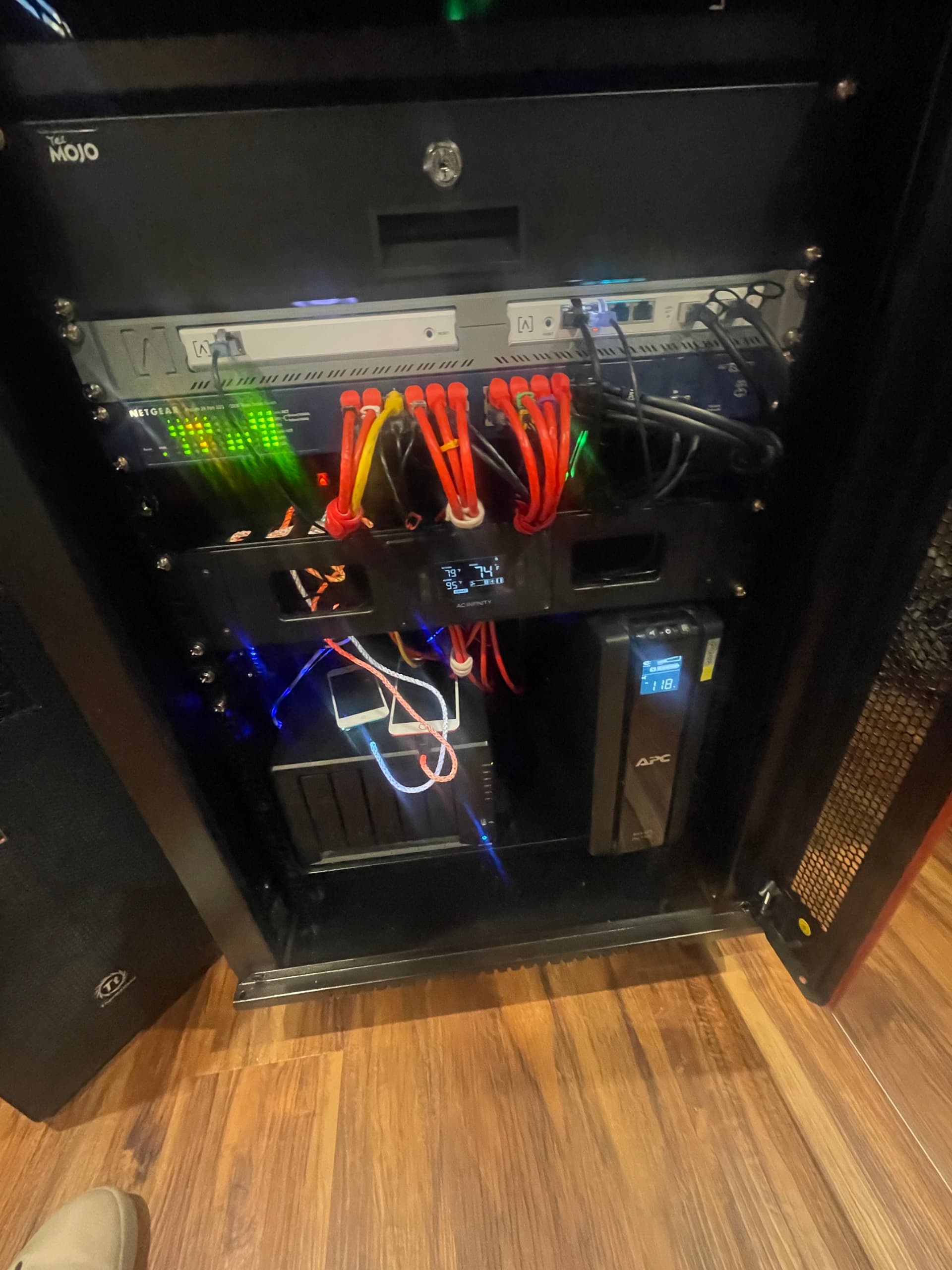
I have been using the Route 10 cloud for a few weeks and decided to add the hardware controller. I have bee trying to get it to work and so far I can see the basic control panel for the network, but there is nothing in it. They are also to separate sites that can be accessed through the dropdown menu. I also used a different email address or the Controller. Not sure if I need to just have Alta Labs delete everything for the controller and start over or what.
The Controller is at 1.1h firmware version.
Good news I finally got both the Local and the Cloud to work.
1 Like
Got a question, I have the Local interface up and running and connected to Route 10, but the Cloud has the Route 10 disconnected. Can they both be connected at the same time?
No, only one controller per device.
OK, good to know. However they are not the same as there is no Firewall or Networks tabs with the Alta Control and I am at 1.1i. Will there be an update that will add these?
They should be there. Are you sure you are looking in the correct place.
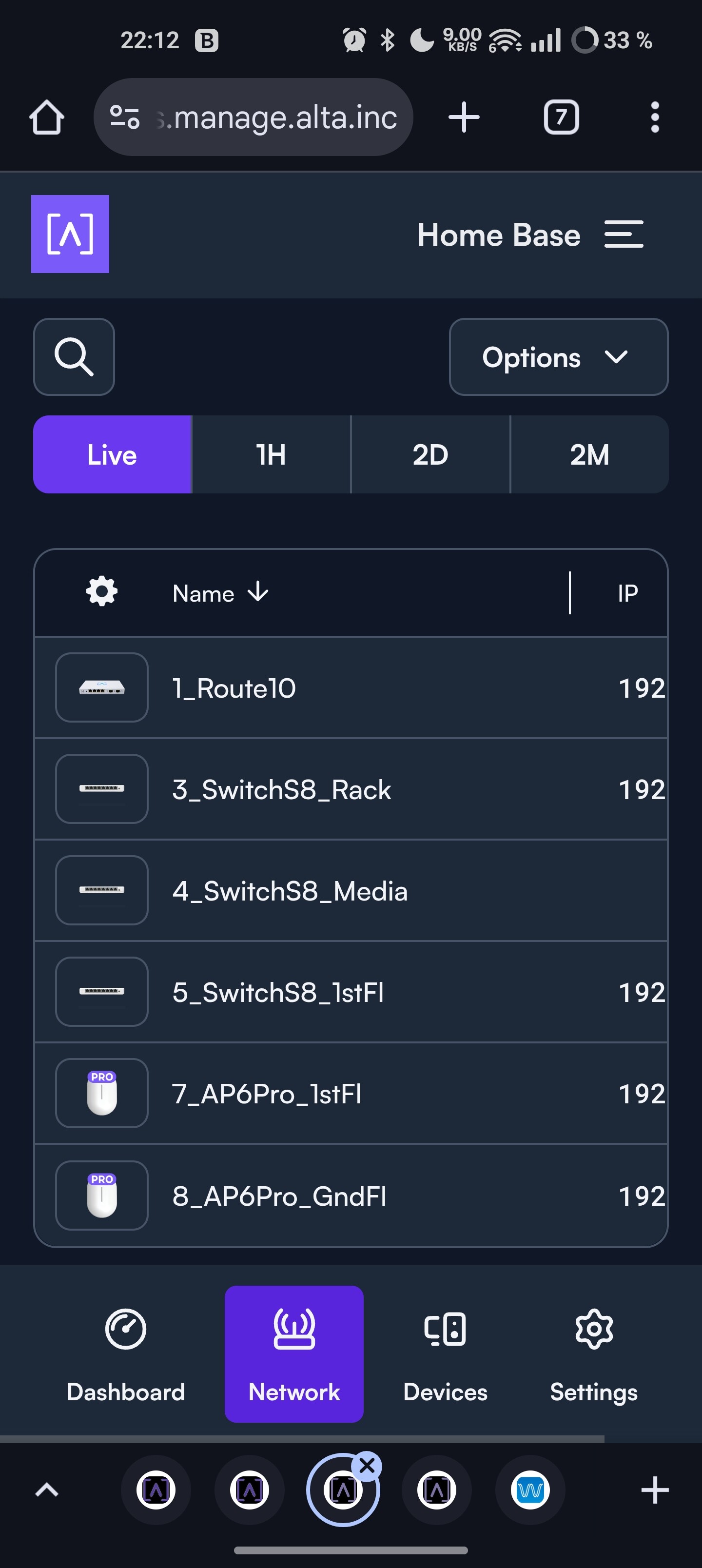
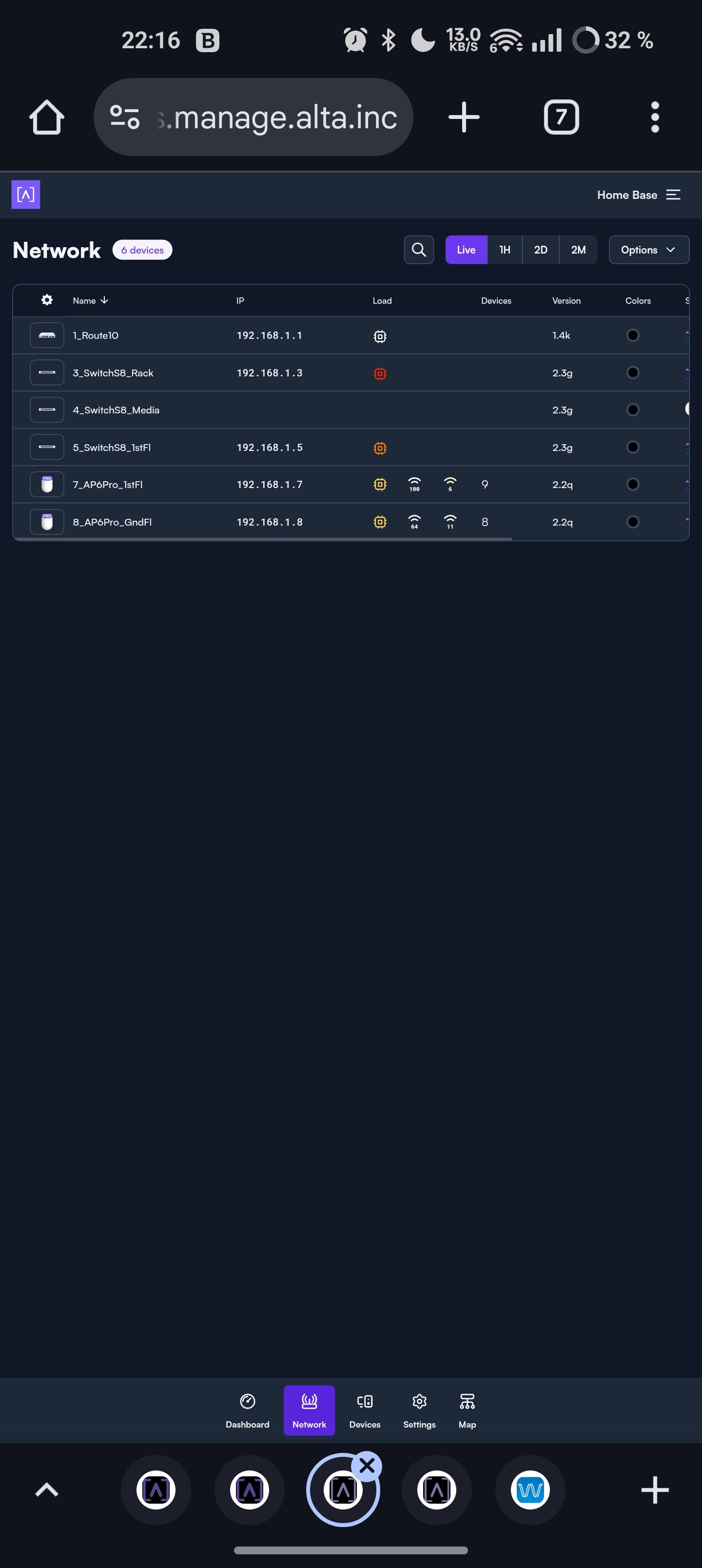
Looking like this on Android mobile Chrome browser in Mobile/Desktop view.
Network:
Firewall:
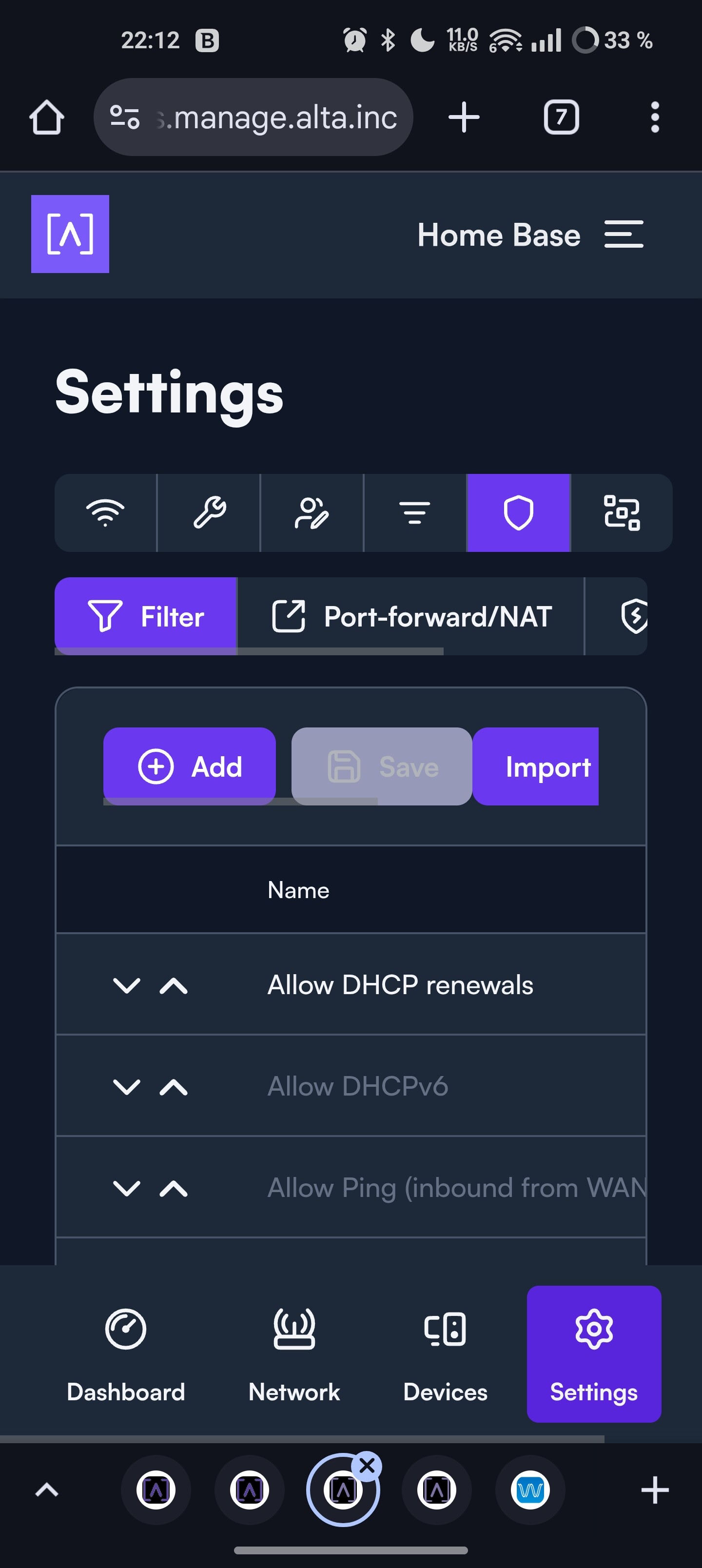
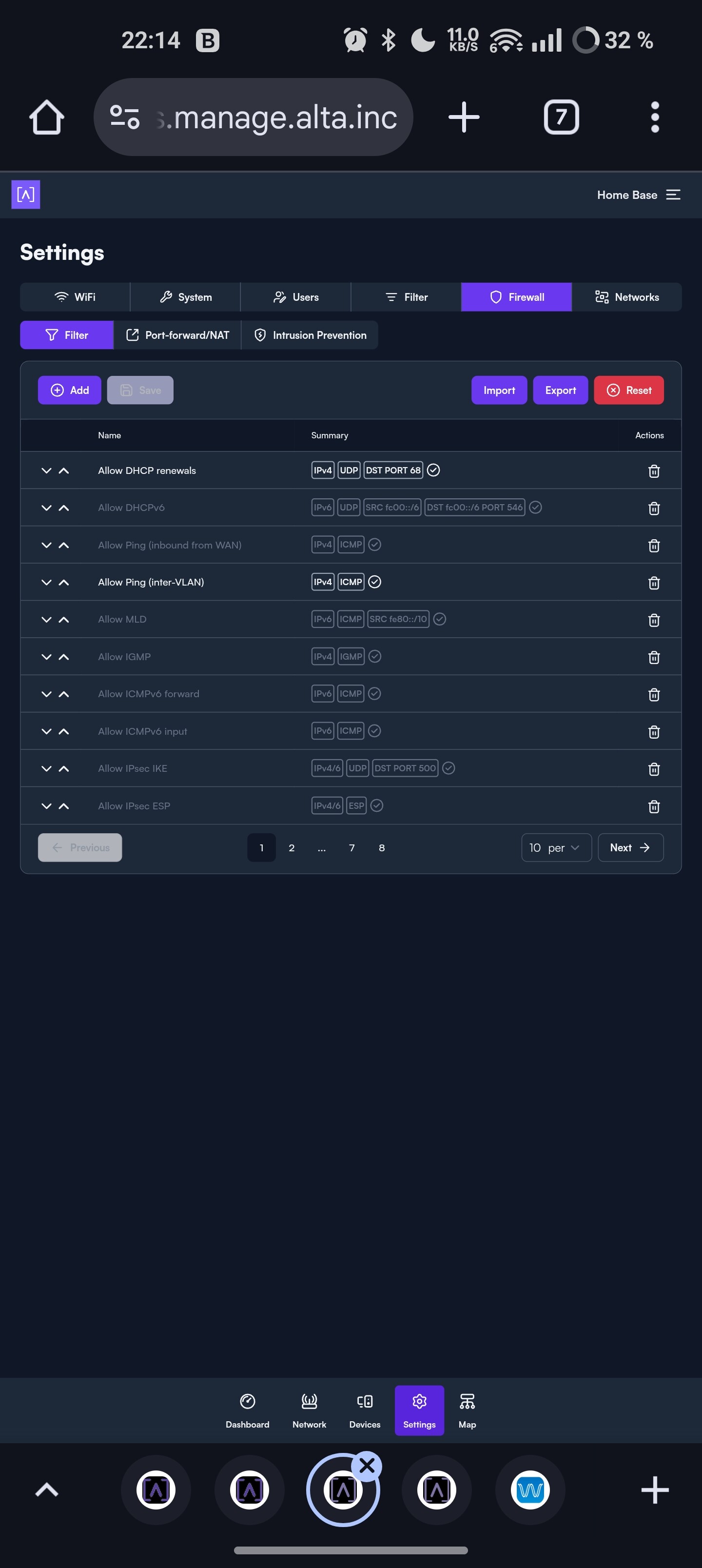
This is on On-premises Control HW, version 1.1.
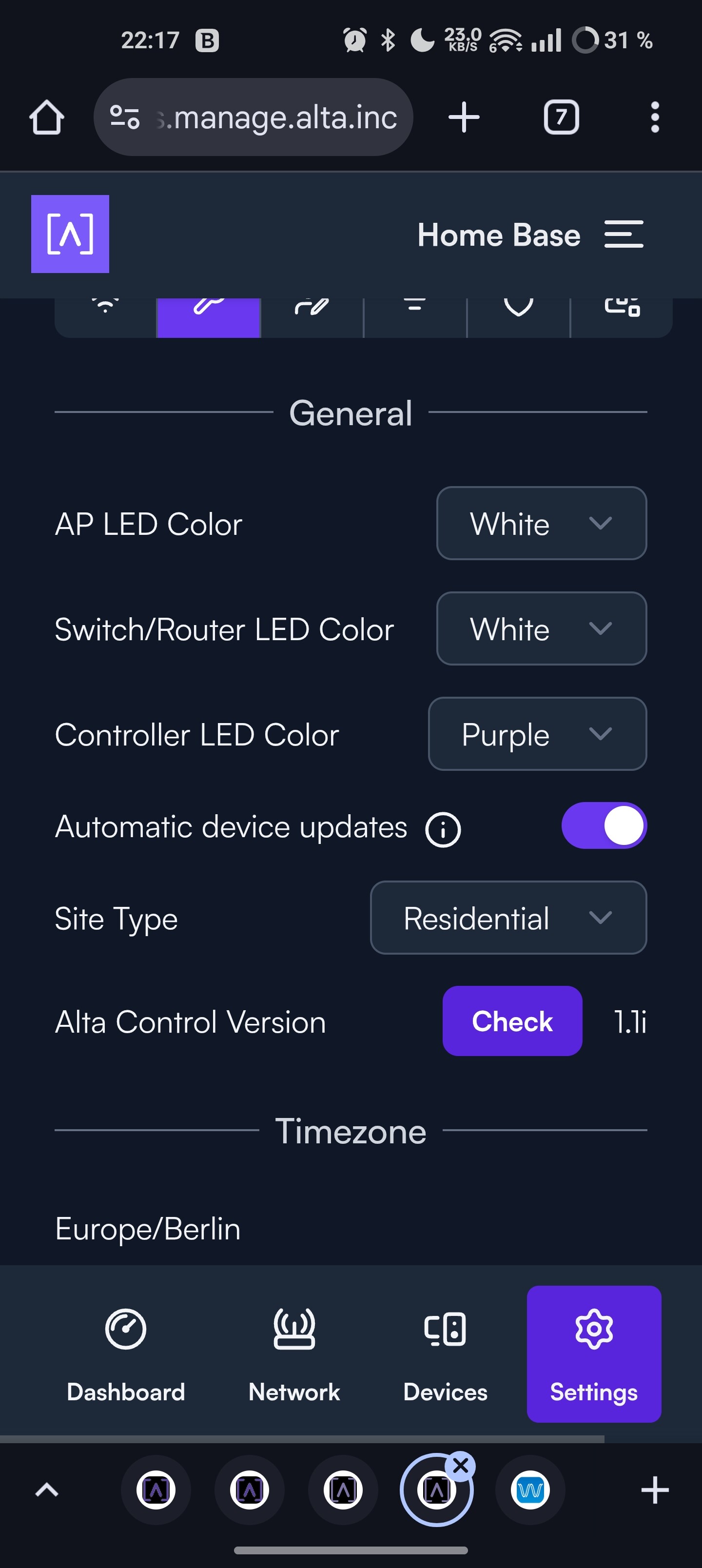

The Cloud shows this on a Windows Desktop

This is what shows on the Local Control device.
Thanks for all the info.
1 Like
Oh, strange. Which browser is that?
Does any of these help at all? Turn off any incognito/private modes, try other browser, log out/log in, refreshing and clearing cached pages and/or reboot controller.
I think I am almost there. I think your right I need to refresh this. My iPhone shows most of what you have provided but Under settings all the tabs WiFi, System, Users, Filter, Firewall are there but not Networks where you can add the VLANs, Wans, and Static Routes.
1 Like