Why does setting up the Alta Control require access to a file at cdn.cloudflare.net/ajax/libs/zxcvbn/4.4.2/zxcvbn.js - The requirement to access this “Bad Passwords” file is ridiculous if you’re trying to setup an Air-Gapped system. The same goes for the Route10, I cannot setup the Route10 locally without an Internet Connection or the Alta Control.
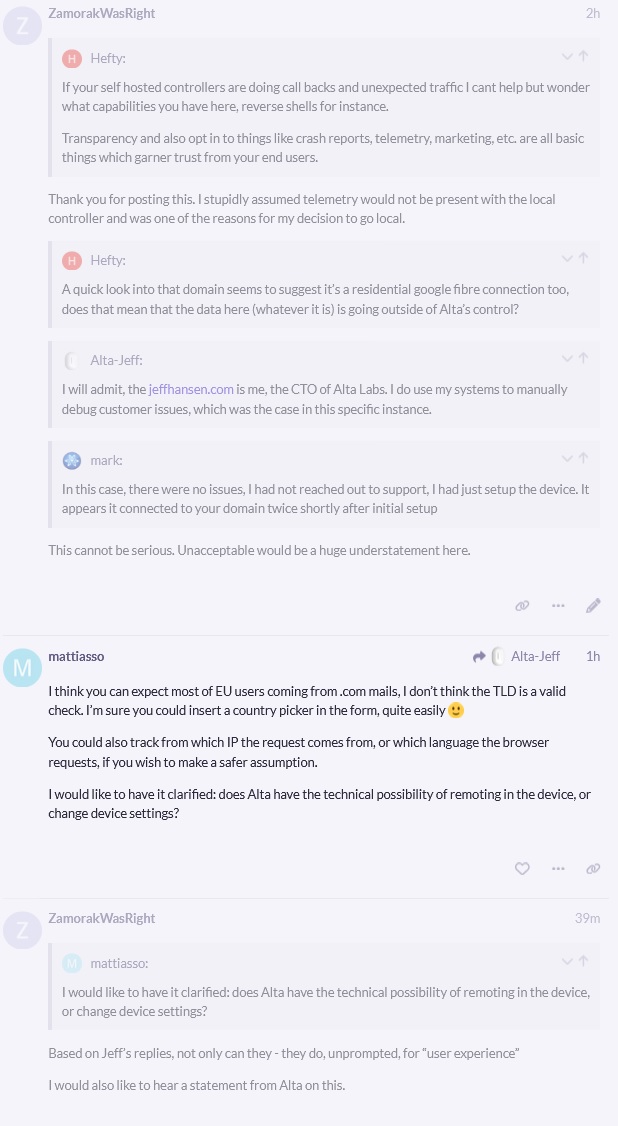
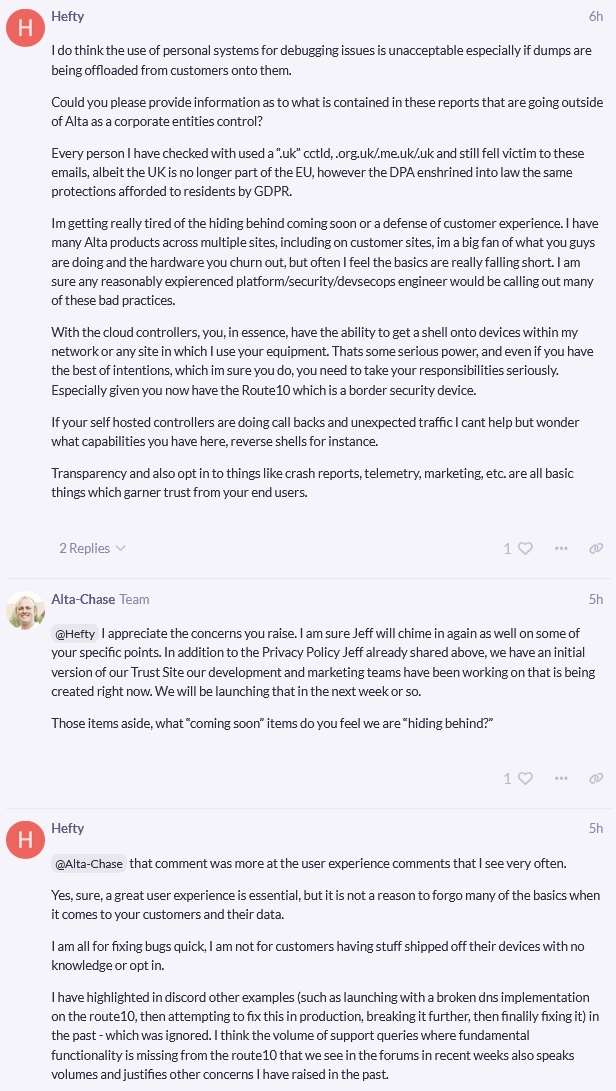
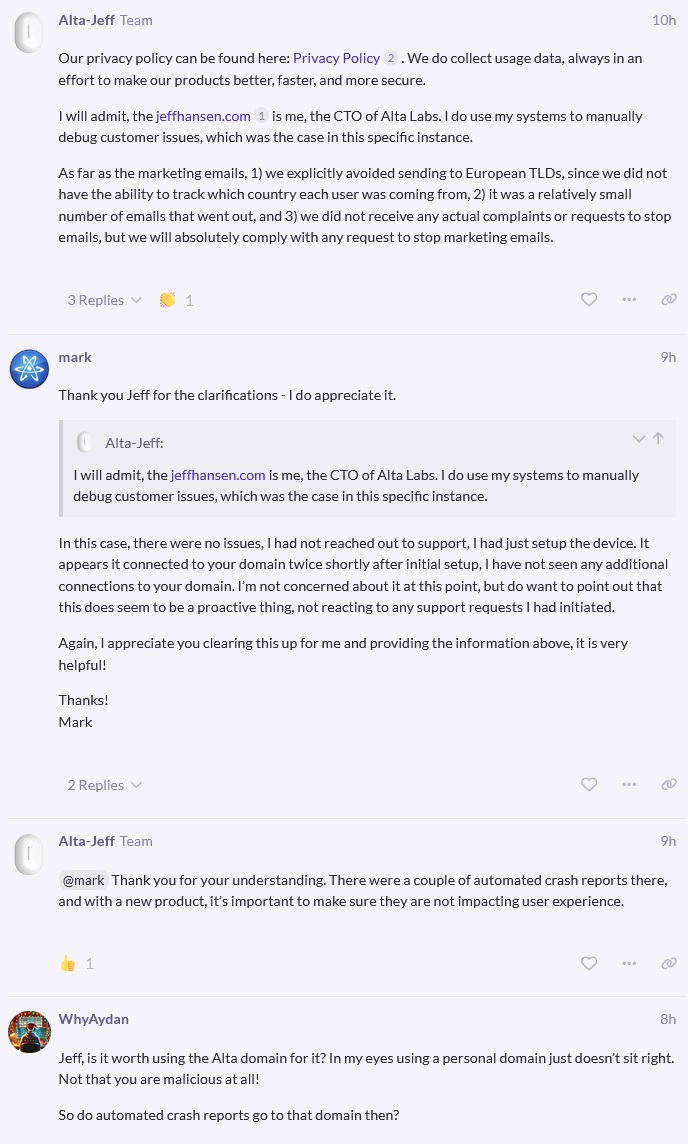
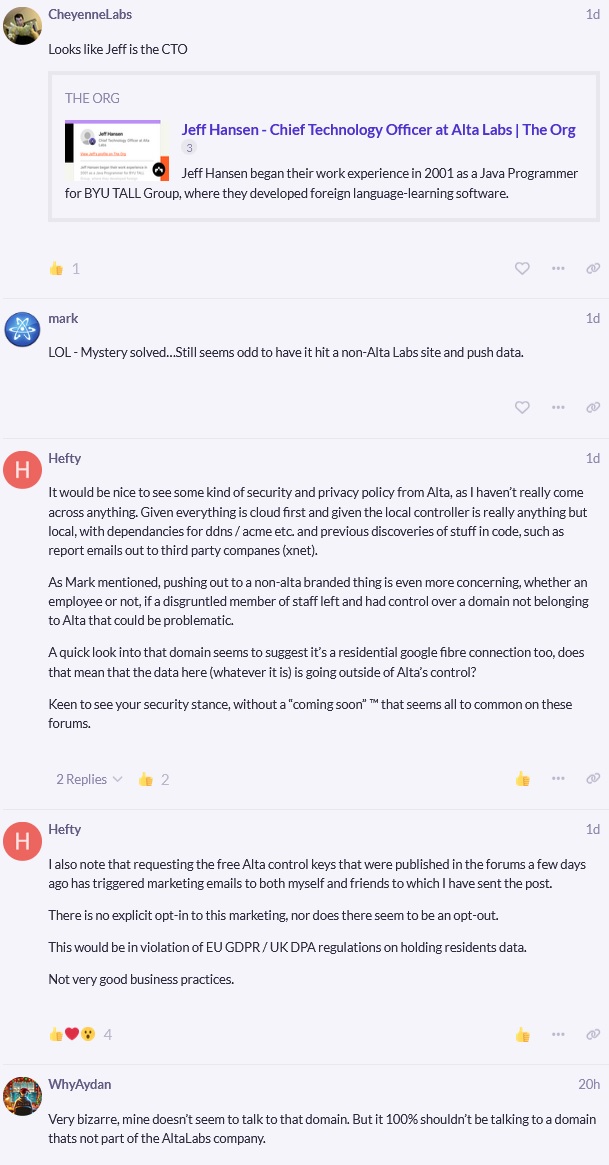
I saved the entirety of the conversation linked above, as well as other similar topics if you’d like to read what they removed. Pretty egregious in my opinion.
What’s the point of hiding it, just explain it. Why am I required to access a file at some random website when AltaLabs themselves is trying to be a player in both the home and commercial industries.
Also, the topic is gone, so I’d love to be able to read what was originally there.
Curious where you are seeing this being downloaded, since that library should be cached locally on the Control itself. If it’s being downloaded from somewhere else, it would be a bug… Are you seeing any actual crashes or failed configurations from it? When did we last shut down a topic discussing this?
See below attached images for the entirety that the waybackmachine wasn’t able to capture.
A bit silly to ask that, as most users would not know when Alta censored topics - They would be gone. The one above is only documented because I seen it coming.
Those aren’t really related to the matter at hand. I’m genuinely trying to understand where the request to cdn.cloudflare.net is coming from on the local controller. Can you help me by reproducing the issue so we can track down this potentially erroneous request?
Would they not be directly related to the topic title?
“Local Alta Control is not copasetic with a air gapped system”
I get that you are addressing the specific issue at hand. Genuinely I commend you for it, Alta support is some of the best I’ve ever received. I do think though that it is not the only issue he is raising here.
We’ve been clear on the forum and with customers directly that Control needs to be set up with an active Internet connection. We’ve opted to focus on the most common use case where an Internet connection is available during controller setup, and so setting it up without an Internet connection is not supported at this time. We are prioritizing security and ease of use here, because Let’s Encrypt certificates and our Alta DDNS cannot be used without an Internet connection. We refuse to compromise on non-TLS traffic like other vendors do. At some point we plan to allow for custom certificates to be uploaded during setup, but there will be a big warning that the traffic at that point is not secure, and it would be the responsibility of the admin to ensure that there are no third parties eavesdropping.
You can set up Route10 without an Internet connection, but you need to do a few things:
DNS server pointing the controller DDNS hostname to the local controller
You would need to refresh the LE cert at least once every 3 months
Once again, this is a pretty big corner case for us, so it’s not something we are necessarily focusing on at this time, but it is possible.
We’d like to focus on each known issue one at a time, and if the password library is not being hosted on the local Control, we’d definitely like to fix that.