When I login to my Alta Labs online controller page on my network at my house, all the activity graphs showing “activity” on anything does not show live data usage, but if i log into my alta labs management at work, friends house, etc… the activity bars all show live data usage. I cant figure out why this doesnt show at my house where the actual network is at?! What am i doing wrong?? Thank you for any input.
If you haven’t already, please try on another browser or private tab.
I’d also make sure that your OS system time is accurate.
I have tried this in an “incognito window” in chrome with same results. Time and windows are all correct and updated
Could you try opening a CMD or PowerShell prompt as Administrator and run :
w32tm /resync
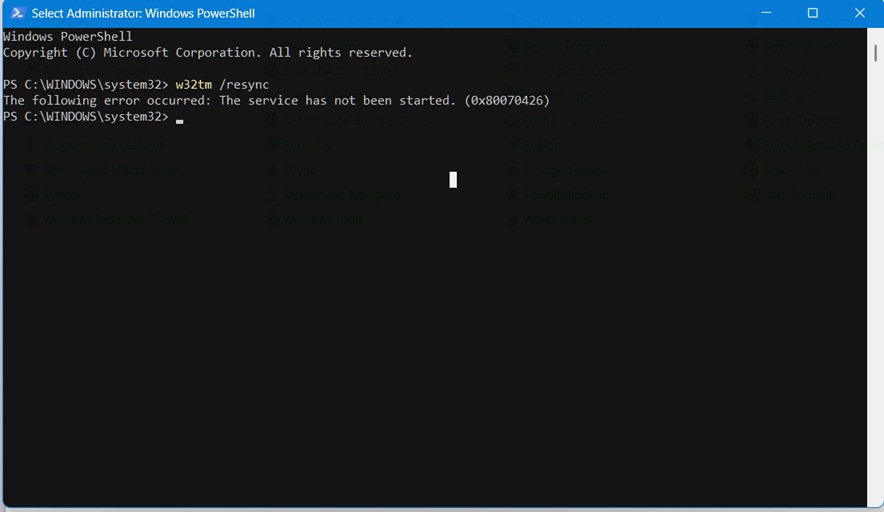
I would try starting the Windows Time service. It should be enabled by default IIRC
that fixed it… i found the elevated commands to stop and resync windows time. Thank you very much!
Awesome! Glad to hear that worked