Our residential clients are often moving away from ISP provided gear, which allows them to ‘pause’ the Internet to their kids devices from the app. Would there be a way to be able to ‘favorite’ certain devices so they’d show up at the beginning of the device list in the app, and have a pause button for those devices. Bonus points if when you push pause you get an option for ‘indefinitely’ or ‘until [x:xx time or x hours].
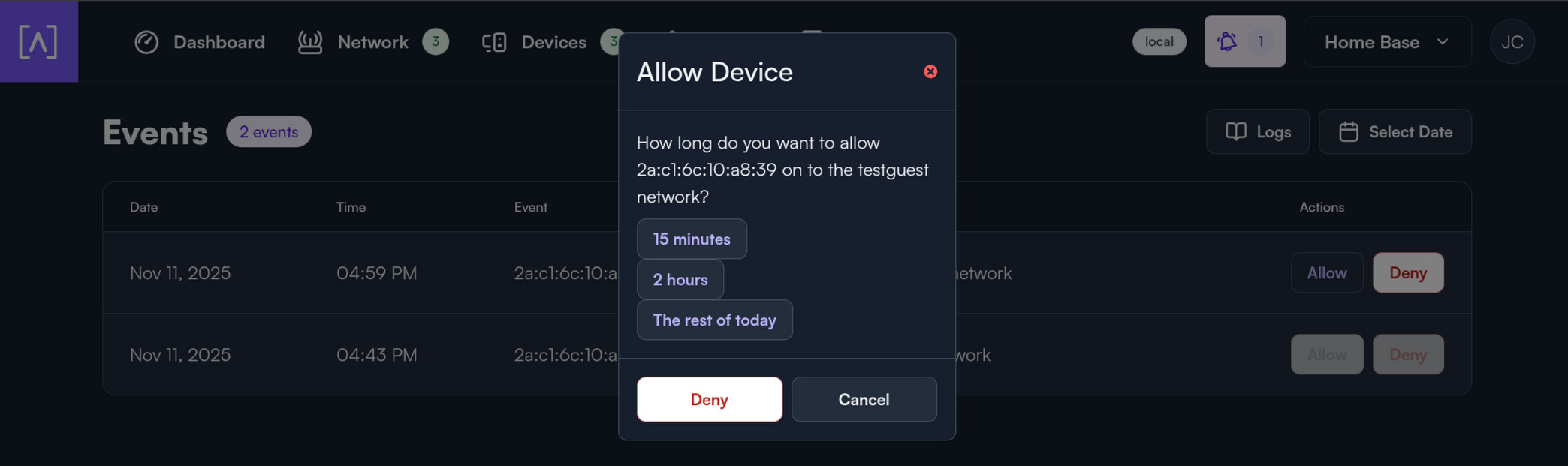
Conversely, when you have a kids network that has scheduled restrictions, if there was a temporary ‘allow’ button for devices that are on a network that’s currently on downtime, that would be awesome.
While we do not currently have a way to favourite devices, you could add “1” start of the device name. That way, they will be at the top of the list when sorted by name. You could then block the device manually (swipe left on mobile or “x” on the web portal). I’ll forward your feedback regarding pause/blocking for x time frame.
For wireless networks with schedule restrictions, users can request access outside of the normal allowed time frame. Just make sure that “Users can request access during down-time” is enabled under the SSID → WiFi Schedule.
At the moment, these events are only available in the portal and iOS mobile app (EDIT: and email), but support on the Android side is well underway.