All changes to Monitored VLANs under IDS/IPS will make the Suricata main process restart, given that it is enabled. Changes will easily get out of sync and if I add say two VLANs rapidly, the list will easily get out of synch from my intentions as one entered VLAN may suddenly disappear from the list.
The initialization takes quite a while to finish (like a few minutes), and is also not infinitely fast to stop either. It also puts rather high pressure on RAM and Swap as well as CPU I/O.
So a Save button to push any changes must be introduced.
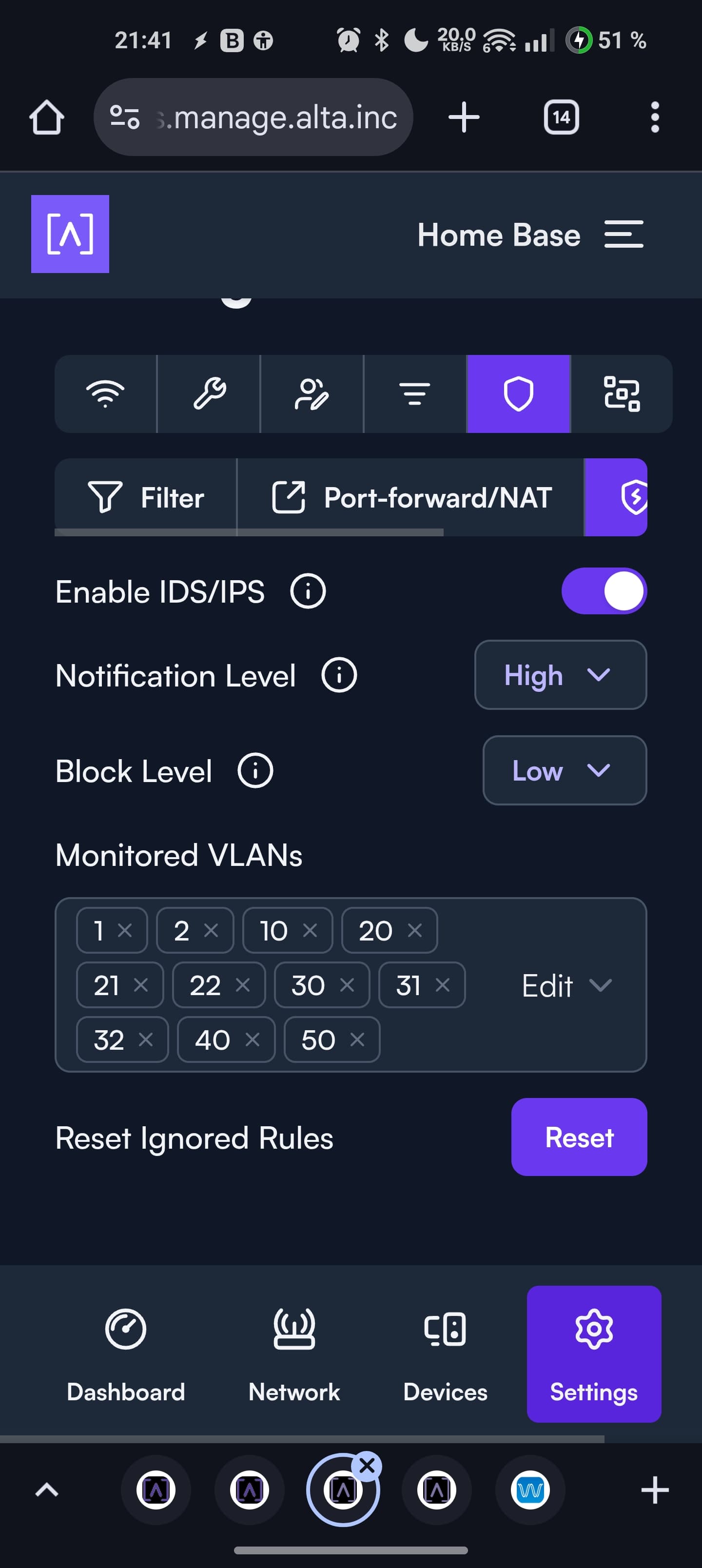
Edit: I am not entirely sure all changes will make it restart, but there is a good chance for a restart. I guess current memory allocation plays an important role there. This issue with troubles getting the VLAN-changes to stick, are for Android mobile Chrome Web browser I found a way to make it stick, namely adding or removing a VLAN, then pressing outside of the VLAN list box, then pressing inside and then outside again. That made the setting get sent properly.