No worries! I plan to turn on inline at a site or two just to see what the performance difference looks like. I’ll post an update after that when I get a chance 
I’m super excited for PBR!!!
And that’s great that you guys are taking the time to improve your product, competition drives innovation. That being said, I would consider a block on second attempt architecture a security failure, it’s not a prevention system but a reactive system. The fact that it was designed that way out of the gate and stayed that way for a year so you could claim your product does 10Gbps with ids/ips (yet not telling people the first attack attempt is allowed) until there was more pressure about it on a public forum for it to change turned me off from the ecosystem for the time being. It’s hard not to feel burned as a consumer when you buy a product that claims to do something yet fails to do it.
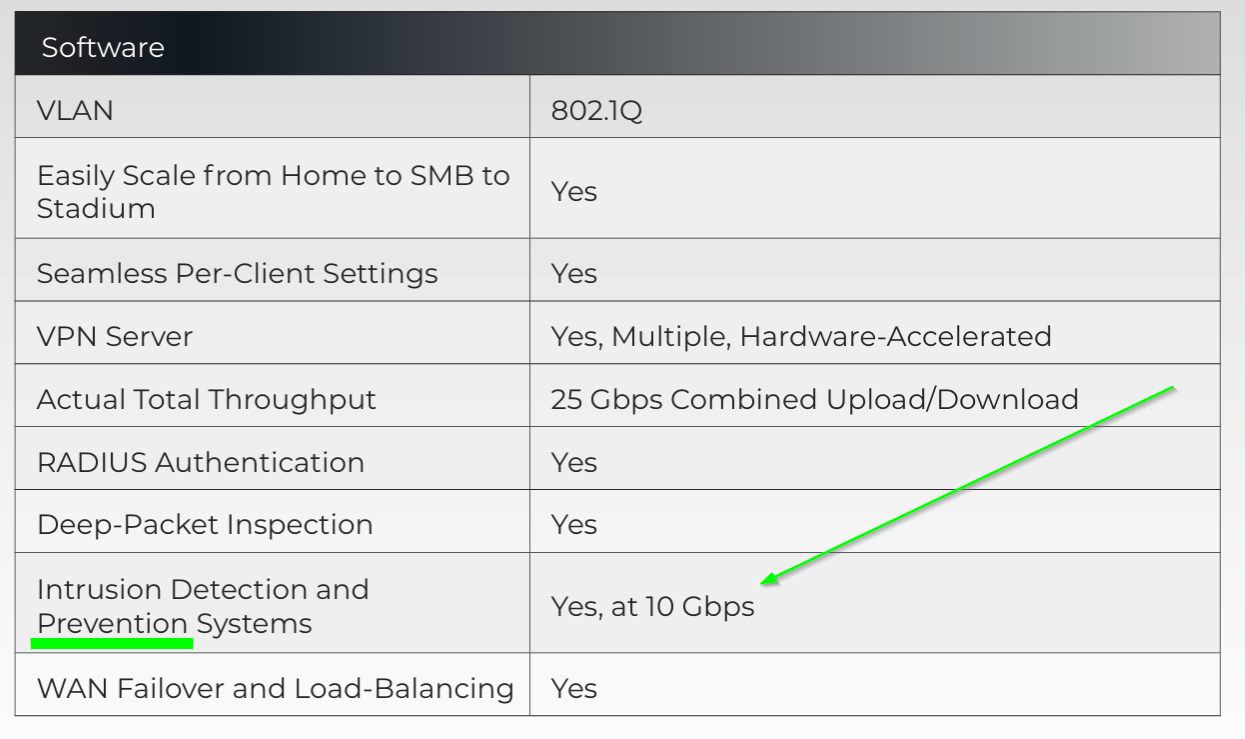
(still on your datasheet btw)
Maybe I’ll unpack it from the closet one day and give it a shot again but for the time being I’m happy with the product that showed me it could block threats out of the box.
Appreciate the candid feedback, as always.
Now, performance wise:
In my baseline on 1GB ISP - Route10 - Switch S8 - AP6 Pro - Android WiFi client: ~930 down / ~930 up (no CAKE, 13 VLANs monitored)
With inline IPS enabled: ~740 down / ~930 up
So, at my speeds, ~1 Gbps ISP, download gets capped a bit, roughly 20 %, but upload is virtually unchanged.
I haven’t tested triggering any inline block yet.
Note: I have also added custom write to log file (via suricata.yaml include) for custom monitoring/status check purposes. And, have also filtered out a set of very noisy alerts, like SURICATA STREAM xxx, and more. That may or may not have impact on the overall performance with and/or without inline IPS.
Edit: Update on the speed, running again at “full” speed, i.e. ~930/930. I had Suricata update stalling or taking very long time. That may have been the reason for the lower performance?! I will try again later, and also keep an eye out for stalled update, and see if it was an unfortunate glitch or something systematic.
Thanks for the tag, I would not have caught this otherwise. I no longer have any alta labs gear deployed or under management. Once it was exposed that the claims of IPS capabilities and performance were not true, we pulled them, followed by the remaining APs and switches. We needed proper security tools and did not want anymore unpleasant surprises with this ecosystem. I agree with @DN3092 assessment as well, well stated.
Thanks for your candid response, as well. With your assertion, I just have to reiterate that we’ve been nothing but open about the IPS/IDS architecture, exactly what we’ve done to improve it, and hope that we’ve landed on a final configurable solution that everyone can enjoy.
Interesting.. I can pull 2.2gb download and upload usually hits around 2.2gb as well on my speed test to another state. I use them as my baseline as they generally don’t change but they aren’t my ISP either to give me false results. But that is with inline on and set to high. Wonder what the difference is between you and I though you have a lot more vLANS than me.
1.6 on FAST.com though I don’t believe I’ve ever hit line speed with them..
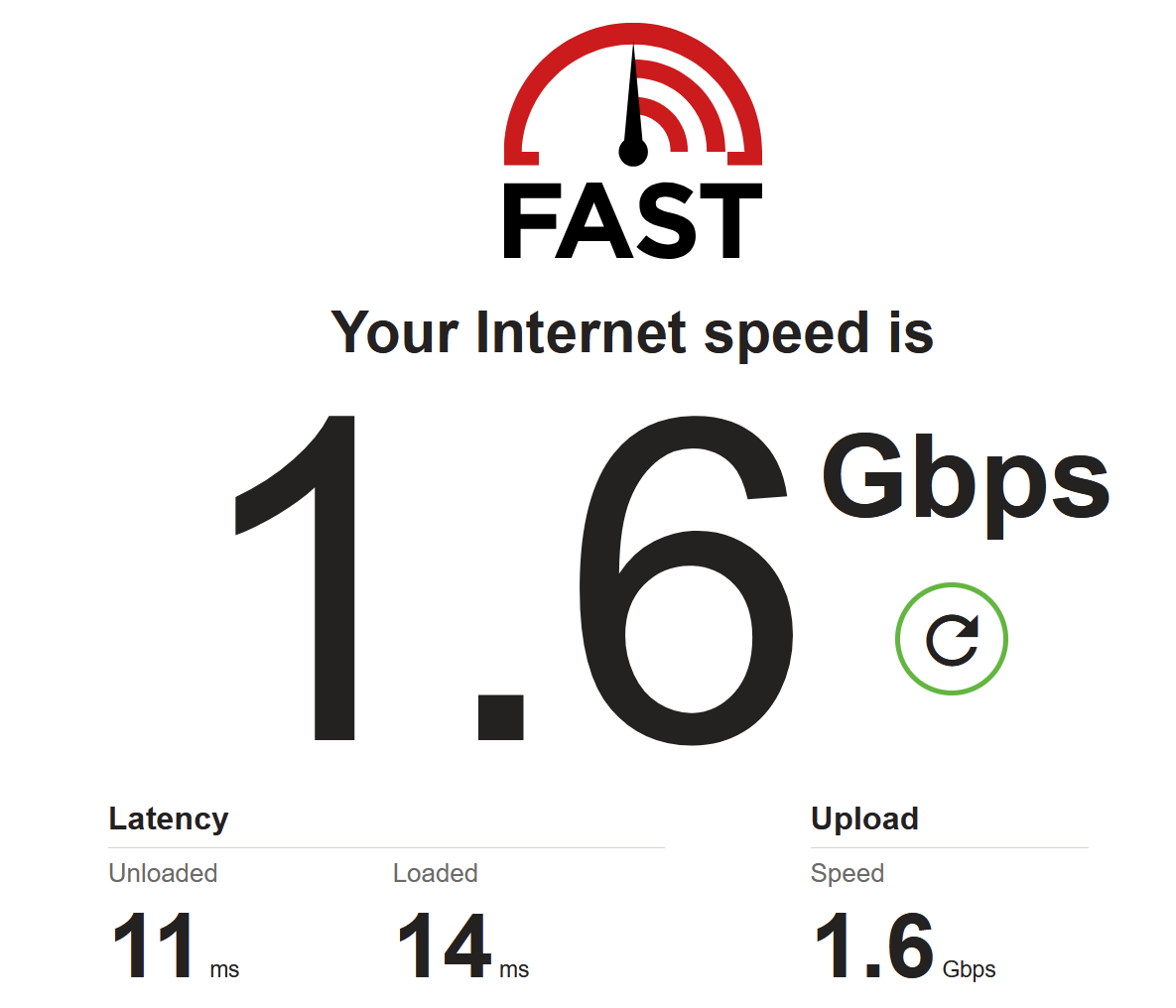
Indeed. I did get inconsistent results, so I wonder if things didn’t settle properly after changing config or whatever. I did also see almost nominal speed for me later. More VLANs could be a factor as that would utilize even more memory, and which could potentially cause issues.
Since inline IPS/IDS has been implemented for some time now (Since 1.4t on Feb 24, 2026), I will close out this thread.