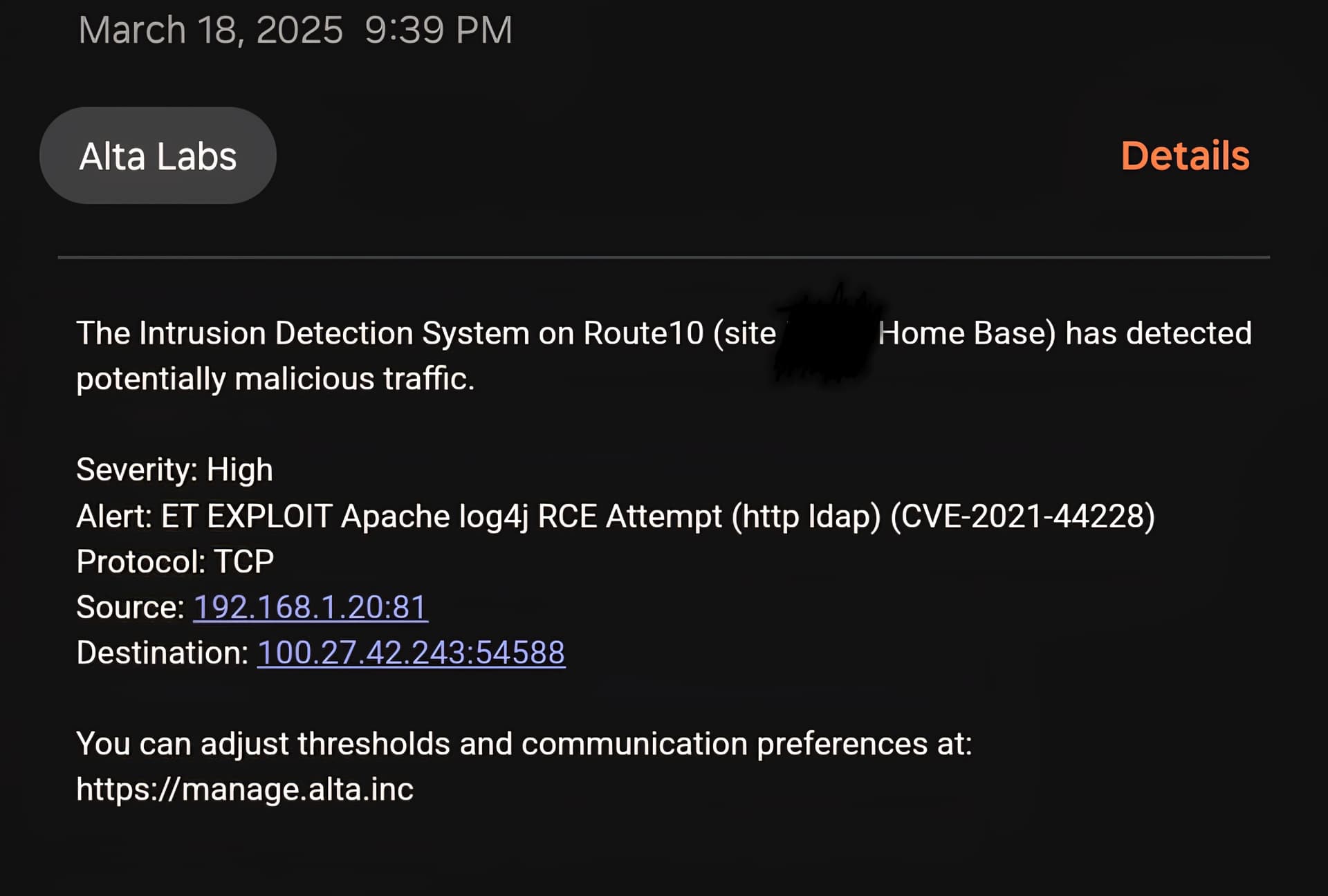
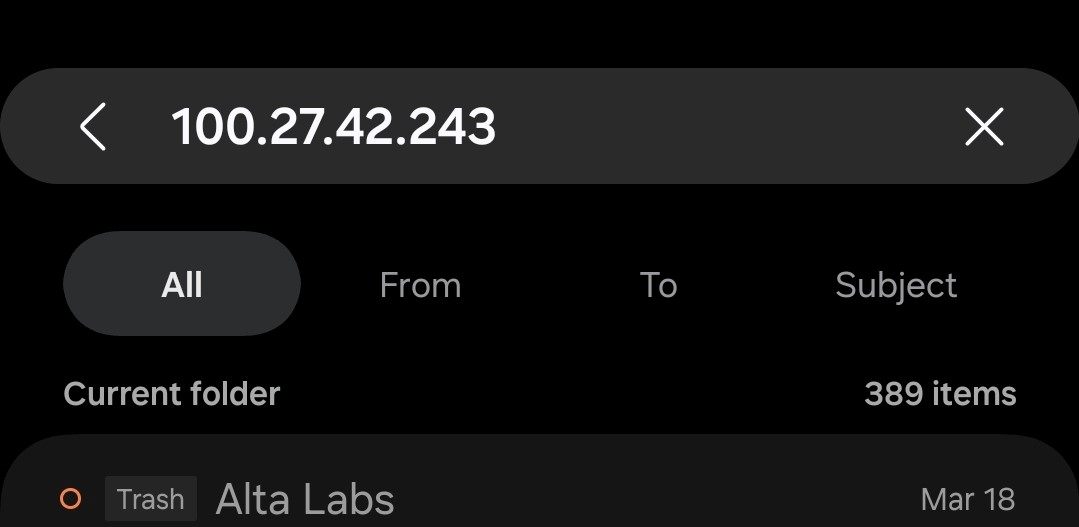
I would like to request a feature to automatically block an ip after so many IDS/IPS alerts. I recently had an incident where an ip tried various exploits against my exposed blue iris server that resulted in hundreds of emails. Any way we can just have it automatically block after so many attempts?
While we are at it can we please get the source/destination fixed? An alert that says my device is the source for an exploit attempt doesnt make any sense when its coming externally. I would expect source to be the one generating the alert, destination to be where its attempting to go.
It does blocks the exploit but not the IP attempting it. I would like to see an automatic firewall rule generated blocking the IP attempting the exploit after so many attempts.
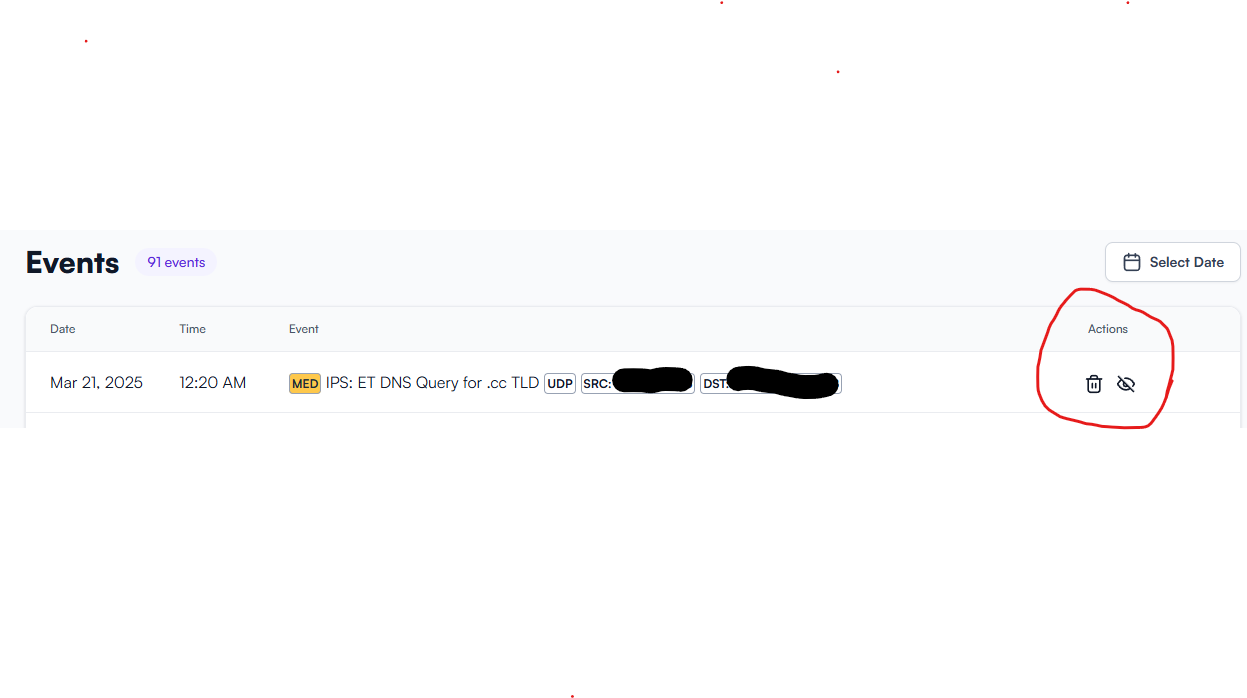
In the events panel, there are 2 action buttons, unfortunately it lacks details on what happened if we delete or ignore that particular event. In some IPS I used in office, we can tell the router to blacklist or whitelist a particular traffic and it remember the action.
Yeah its either ignore the alert or delete the event, neither seem useful in this case.
I just dont see why we would want to allow a device attempting an exploit to sit there and continue to hammer on the network instead of just blocking it after say 2 or 3 attempts.
So far I use the delete action to housekeep the logs so that it does not fill up the storage, at the momment we do not know where the log is kept and if prunning is necessary. As for the ignore action, I only used on medium alert, and I do find less noise in my mailbox.
Bumping this after waking up to many more attempts from a single IP.
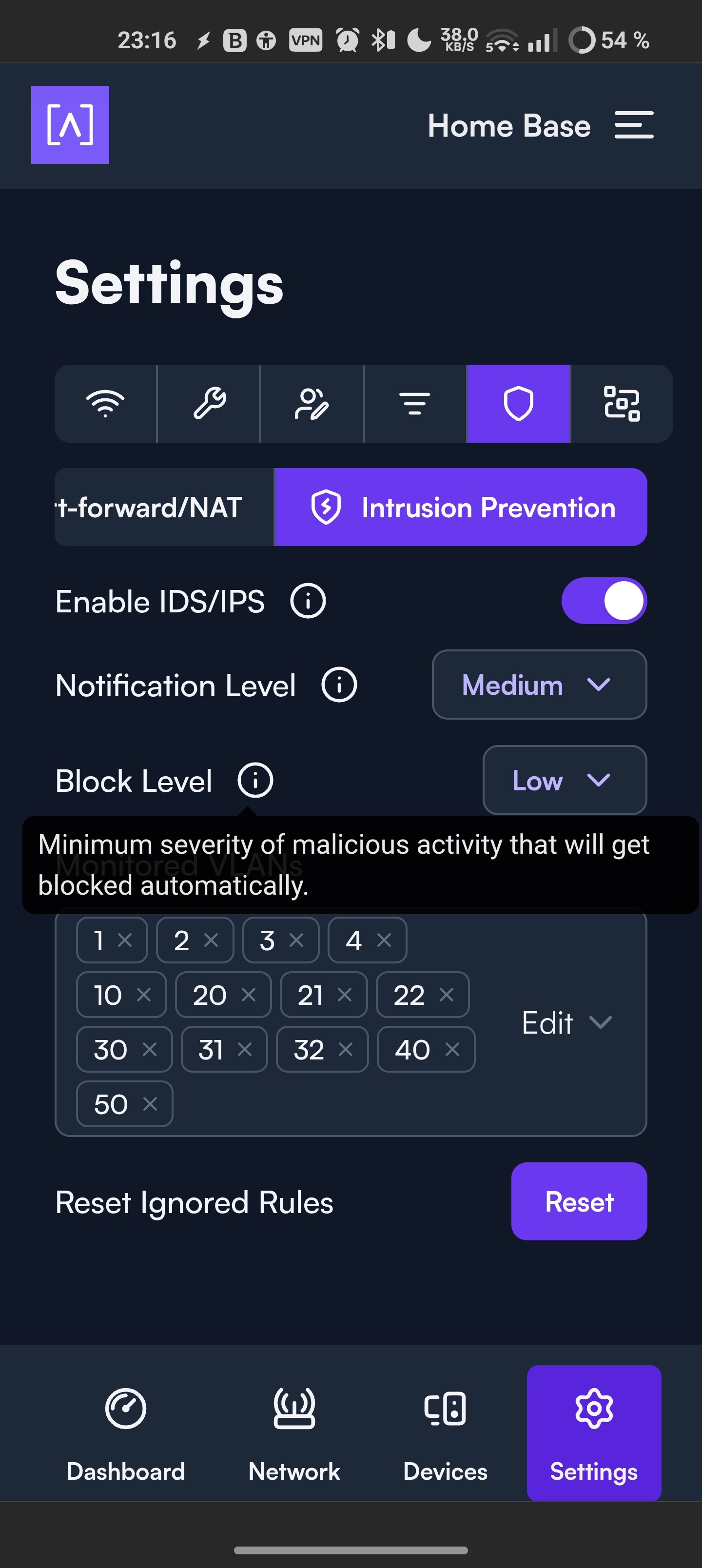
To add, how do we know IPS is actively working? All the alerts (I have it set to alert high/block low) say “The Intrusion Detection System on Route10 has detected potentially malicious traffic.”. So great IDS is clearly working, none of them have a mention of a block or a prevention though. So, does IPS actually work on the device?
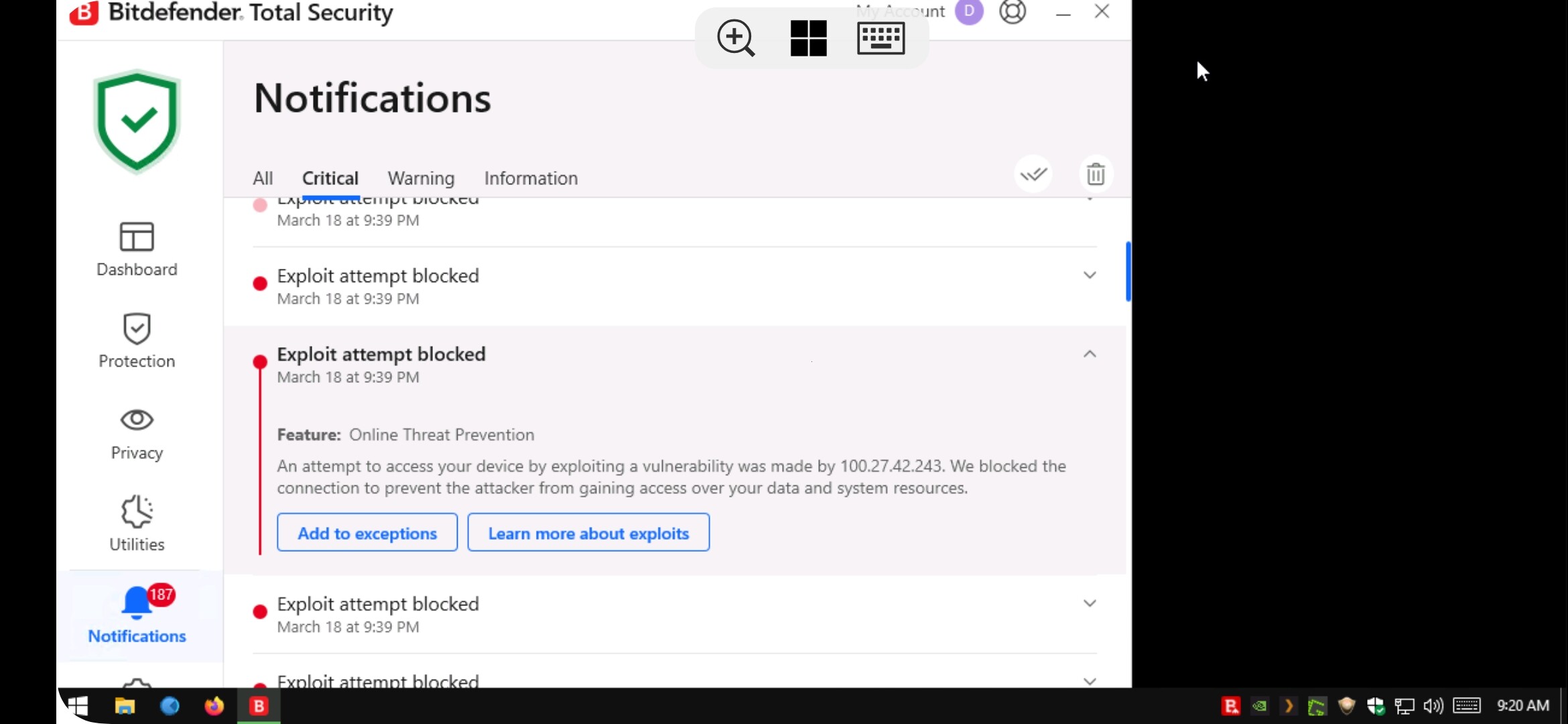
Yeah, there needs to be some kind of clarification here. The fact that bitfender is flagging all of these events on the target machine that its blocking the attempts, leads me to believe that IPS is not working.
This got put in as a feature request. It might get some traction if a separate help post is made? You can always email support directly as well. They are really good at responding.
Yeah, that’s because the original post is a request, but I can’t find any evidence that IPS actually works to begin with. IDS obviously does, as the alerts themselves say so, but there’s no action being taken other than saying “Hey potentially malicious traffic”.
You seem to be encountering a bug. I’m looking into it and will follow up if I need additional info or otherwise once I know more. Thank you for the report.
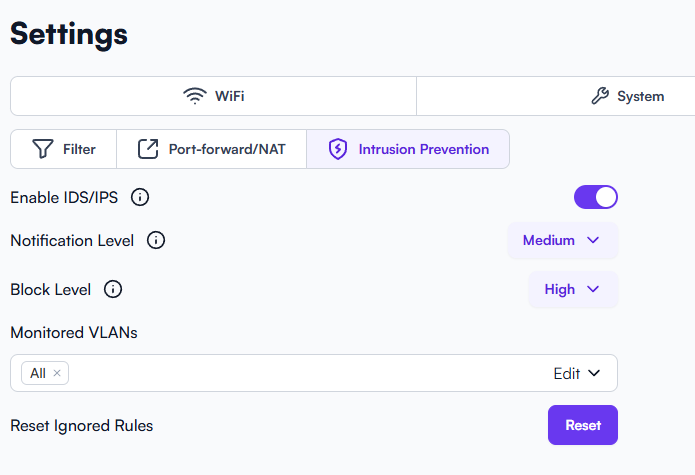
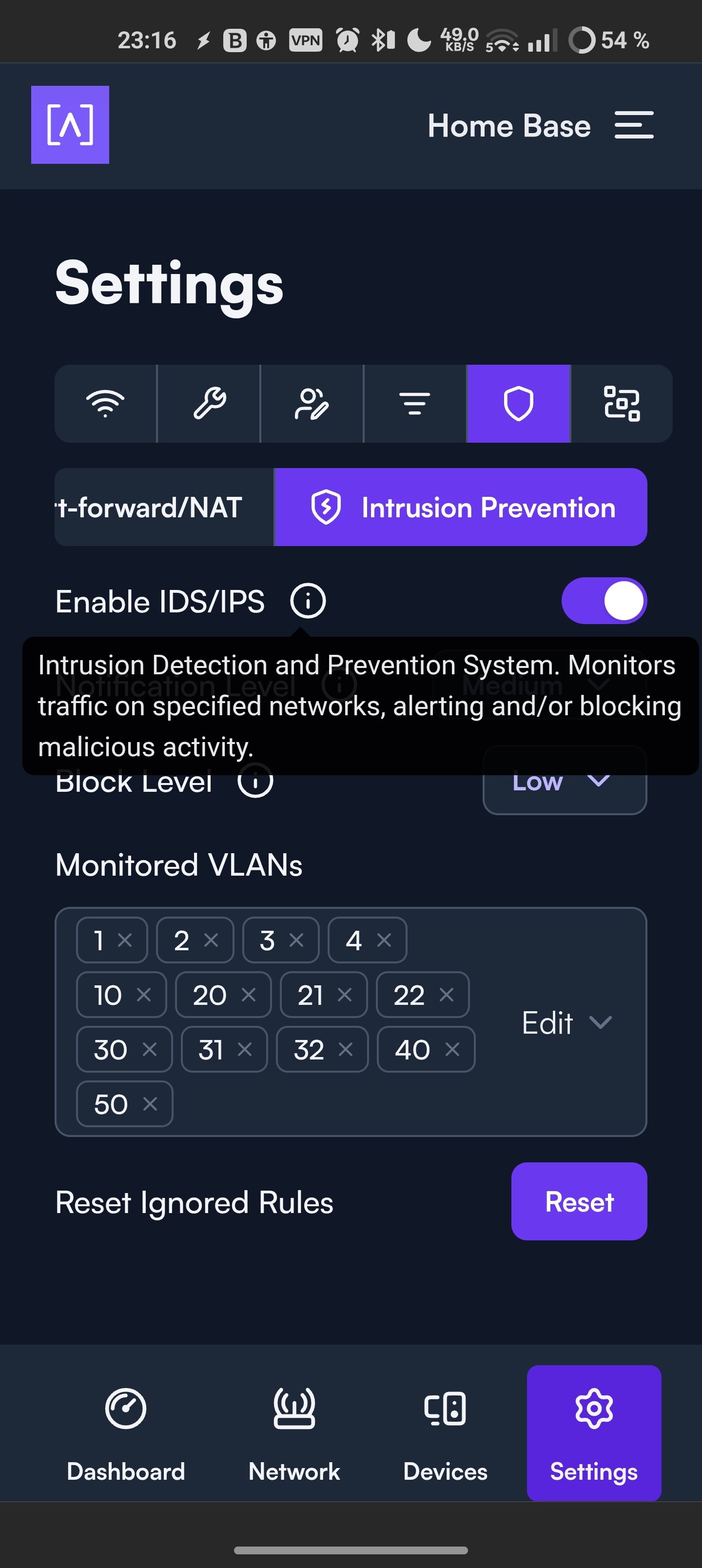
Please let me know, Id be more than willing to invite you to the site. I have tried toggling “Enable IDS/IPS” and Reset Ignored Rules but still no indication that anything actually gets blocked by the route10. Meanwhile, bitdefender notifies me of plenty of blocks from attacks.
As far as I understand, all of this suggests the current Route10 firmware and its Suricata config supports detection and alerting (IDS), but it is not configured for and there is actually no possibility for inline packet blocking (IPS). This is contradicting what the UI advertises:
I think those are some good thoughts, although from my quick dive through the Suricata forum it seems like that should only change how the packets are captured, not necessarily whether IPS is functional
Just speculation on my part now but assuming the YAML file is the only place the Suricata config is being pulled from, this might be the relevant part of the af-packet config that isn’t working because it remains commented out. That’s all just me guessing though!
    # You can use the following variables to activate AF_PACKET tap or IPS mode.
    # If copy-mode is set to ips or tap, the traffic coming to the current
    # interface will be copied to the copy-iface interface. If 'tap' is set, the
    # copy is complete. If 'ips' is set, the packet matching a 'drop' action
    # will not be copied.
    #copy-mode: ips
    #copy-iface: eth1
From this part of the configuration
# Linux high speed capture support
af-packet:
  - interface: eth0
    # Number of receive threads. "auto" uses the number of cores
    #threads: auto
    # Default clusterid. AF_PACKET will load balance packets based on flow.
    cluster-id: 99
    # Default AF_PACKET cluster type. AF_PACKET can load balance per flow or per hash.
    # This is only supported for Linux kernel > 3.1
    # possible value are:
    #  * cluster_flow: all packets of a given flow are sent to the same socket
    #  * cluster_cpu: all packets treated in kernel by a CPU are sent to the same socket
    #  * cluster_qm: all packets linked by network card to a RSS queue are sent to the same
    #  socket. Requires at least Linux 3.14.
    #  * cluster_ebpf: eBPF file load balancing. See doc/userguide/capture-hardware/ebpf-xdp.rst for
    #  more info.
    # Recommended modes are cluster_flow on most boxes and cluster_cpu or cluster_qm on system
    # with capture card using RSS (requires cpu affinity tuning and system IRQ tuning)
    # cluster_rollover has been deprecated; if used, it'll be replaced with cluster_flow.
    cluster-type: cluster_flow
    # In some fragmentation cases, the hash can not be computed. If "defrag" is set
    # to yes, the kernel will do the needed defragmentation before sending the packets.
    defrag: yes
    # To use the ring feature of AF_PACKET, set 'use-mmap' to yes
    #use-mmap: yes
    # Lock memory map to avoid it being swapped. Be careful that over
    # subscribing could lock your system
    #mmap-locked: yes
    # Use tpacket_v3 capture mode, only active if use-mmap is true
    # Don't use it in IPS or TAP mode as it causes severe latency
    #tpacket-v3: yes
    # Ring size will be computed with respect to "max-pending-packets" and number
    # of threads. You can set manually the ring size in number of packets by setting
    # the following value. If you are using flow "cluster-type" and have really network
    # intensive single-flow you may want to set the "ring-size" independently of the number
    # of threads:
    #ring-size: 2048
    # Block size is used by tpacket_v3 only. It should set to a value high enough to contain
    # a decent number of packets. Size is in bytes so please consider your MTU. It should be
    # a power of 2 and it must be multiple of page size (usually 4096).
    #block-size: 32768
    # tpacket_v3 block timeout: an open block is passed to userspace if it is not
    # filled after block-timeout milliseconds.
    #block-timeout: 10
    # On busy systems, set it to yes to help recover from a packet drop
    # phase. This will result in some packets (at max a ring flush) not being inspected.
    #use-emergency-flush: yes
    # recv buffer size, increased value could improve performance
    # buffer-size: 32768
    # Set to yes to disable promiscuous mode
    # disable-promisc: no
    # Choose checksum verification mode for the interface. At the moment
    # of the capture, some packets may have an invalid checksum due to
    # the checksum computation being offloaded to the network card.
    # Possible values are:
    #  - kernel: use indication sent by kernel for each packet (default)
    #  - yes: checksum validation is forced
    #  - no: checksum validation is disabled
    #  - auto: Suricata uses a statistical approach to detect when
    #  checksum off-loading is used.
    # Warning: 'capture.checksum-validation' must be set to yes to have any validation
    #checksum-checks: kernel
    # BPF filter to apply to this interface. The pcap filter syntax applies here.
    #bpf-filter: port 80 or udp
    # You can use the following variables to activate AF_PACKET tap or IPS mode.
    # If copy-mode is set to ips or tap, the traffic coming to the current
    # interface will be copied to the copy-iface interface. If 'tap' is set, the
    # copy is complete. If 'ips' is set, the packet matching a 'drop' action
    # will not be copied.
    #copy-mode: ips
    #copy-iface: eth1
    #  For eBPF and XDP setup including bypass, filter and load balancing, please
    #  see doc/userguide/capture-hardware/ebpf-xdp.rst for more info.