It does not appear manage.alta.inc account, I can’t connect the Alta App via bluetooth, and I can’t add it to the app via the serial number printed on the back of the device.
I can access the web-interface on the device, but that asks me for a “Set Controller URL:” and I can’t figure out what to put in there.
Any help?
Edit: In meantime the AP6 appeared under Network in the App. But I can’t get it to devices, where I assume that I can configure it.
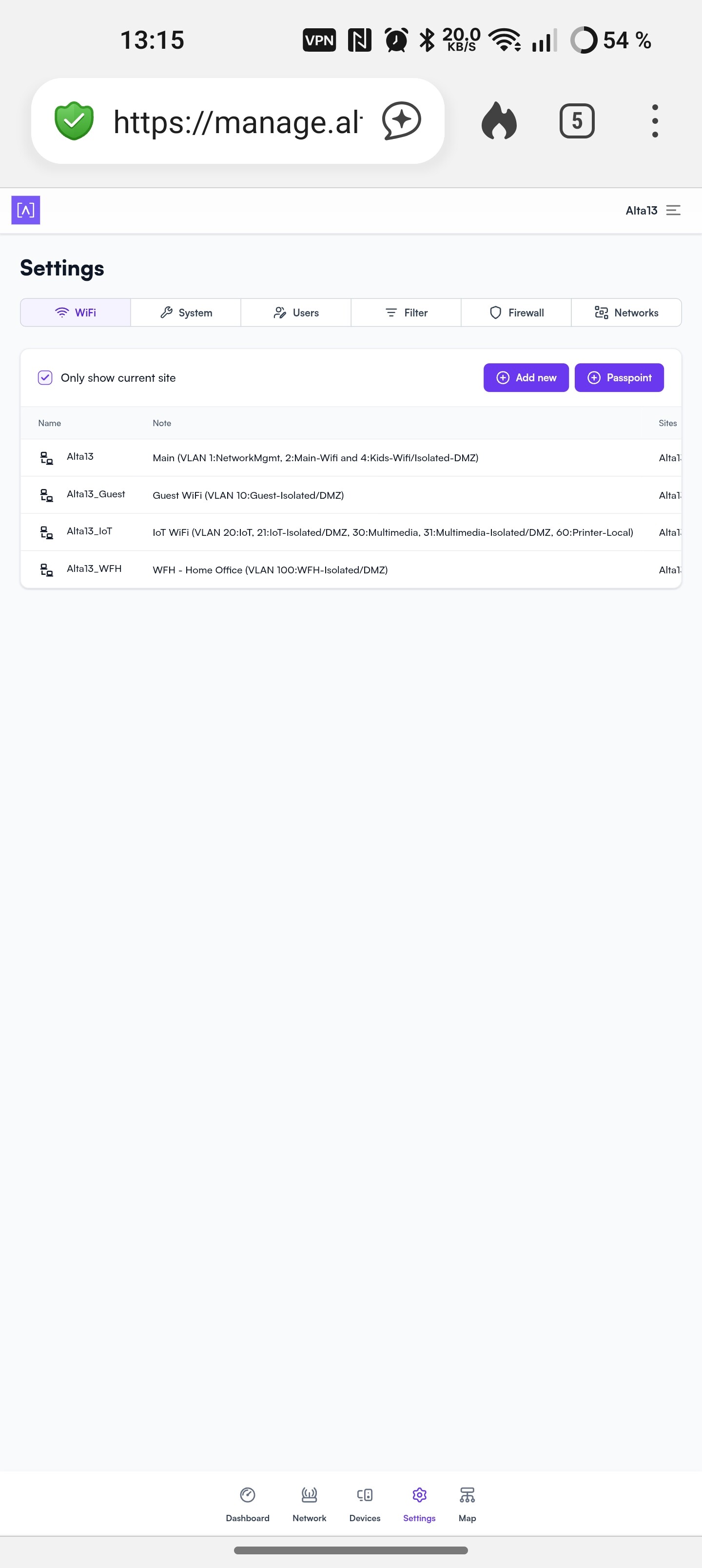
If the AP is showing up under Network then it should be connected to the cloud controller at that point. The Devices tab is where clients are listed typically, so anything that might connect to the AP. Then Settings is where all the various WiFi settings can be configured
Thanks for the response.
Indeed I considered that devices are listed in network, and that clients are in devices after the AP appeared in network. I can change some parameter of presumably my device, like the power of 2 and 5 GHz, but it can’t configure it. Meaning, I can’t provide keys for the wireless, or choose to put it in bridge mode, etc. Although the LED is white, the WLANs do neither appear on my mobile phone nor on my Laptop. And I have no clue on know to proceed. This is not the first AP I’m installing, just the first I’m struggling with and seemingly I’m missing a basic concept. So I’d appreciate any help.