My ISP decided it would be fun to jerk me around and mess with my static IP. This completely hosed my network as my Route10 was now impossible to push changes to via the cloud controller. What are the proper steps to get things working again, I need to push changes to one of the interfaces to update the static IP info. I am now operating off a different gateway just to get me internet access again. I have held the reset button down and now the light is white but I dont see how I am supposed to get these changes to the device as it no longer can reach the internet. Thanks!
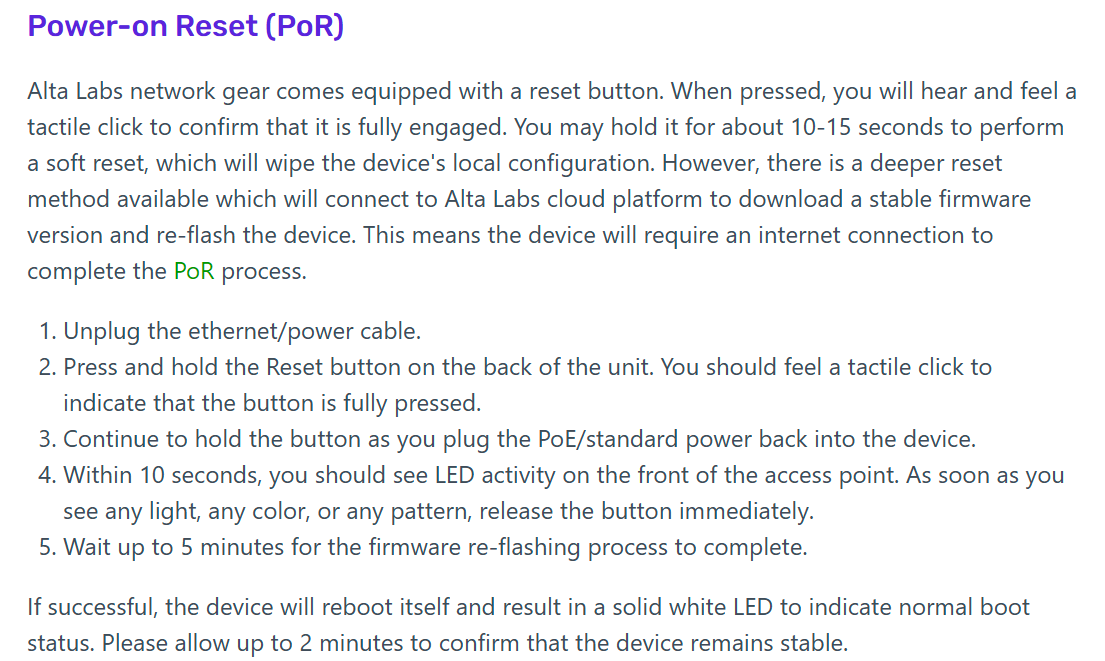
I believe after the reset or the Power-on Reset like @Beaker mentioned you’d have to go through the initial setup wizard to get it on the Internet again and then added back to your site:
https://help.alta.inc/hc/en-us/articles/33805681985435-Route10-Initial-Setup
As long as it hasn’t been deleted from your site then it should pick up it’s configuration from the site once it’s added back in.
Otherwise I think SSH into the router would have been the only other way to adjust the WAN settings before it had been reset. To quote @Alta-Jeff from a similar topic “…but if you are savvy with ssh, you can edit the /etc/config/network file manually, update the IP address there, and run /etc/init.d/network reload, and be back online without a reset.”
You’ll need to reset the device as Beaker mentioned, then set it up with the wizard as jmszuch said. Your configuration will be reprovisioned to the Route10 upon clicking Setup, so beware that you must set the details of the new static IP in the management platform first. Otherwise, you’ll just be offline again.
None of this stuff worked, the device connects to the internet via my DHCP wan or my static IP but never shows up in the cloud controller. I deleted the device from the controller and tried with my old DHCP WAN and it did pop in the controller for a second but then went offline, it also did not apply any settings from the controller so its totally jacked. I did two full resets as well the power on kind.
Ditch that site and start a fresh new one. PoR and try again under the new site.
If your ISP requires static IP, then you’ll need to make sure you go through the connection wizard as shown here: https://www.youtube.com/watch?v=dDt5gB50rLQ . If the static IP is correct and traffic is flowing, it will show Internet: Connected as shown at 3:26 in this video. At that point, it can be Set Up in the controller. If it gets disconnected shortly after that, please reach out to support, and we will help.