The traffic pop-up window is informative, but also rather volatile. It updates once per second, which includes refreshing the applications being listed to those currently active. It is a bit hard to capture what’s going on since everything is moving around once per second. A suggestion is to show a list that includes all applications for, say, the last minute. Those that did not upload or download should obviously show 0/0. This would of course not work if there are an enormous amount of applications running as the list might outgrow the screen. Also, the entities that are always shown could be placed on the bottom as the window is expanding upwards. Or, if expanding the window downwards, the applications could be placed at the bottom while permanent members come first.
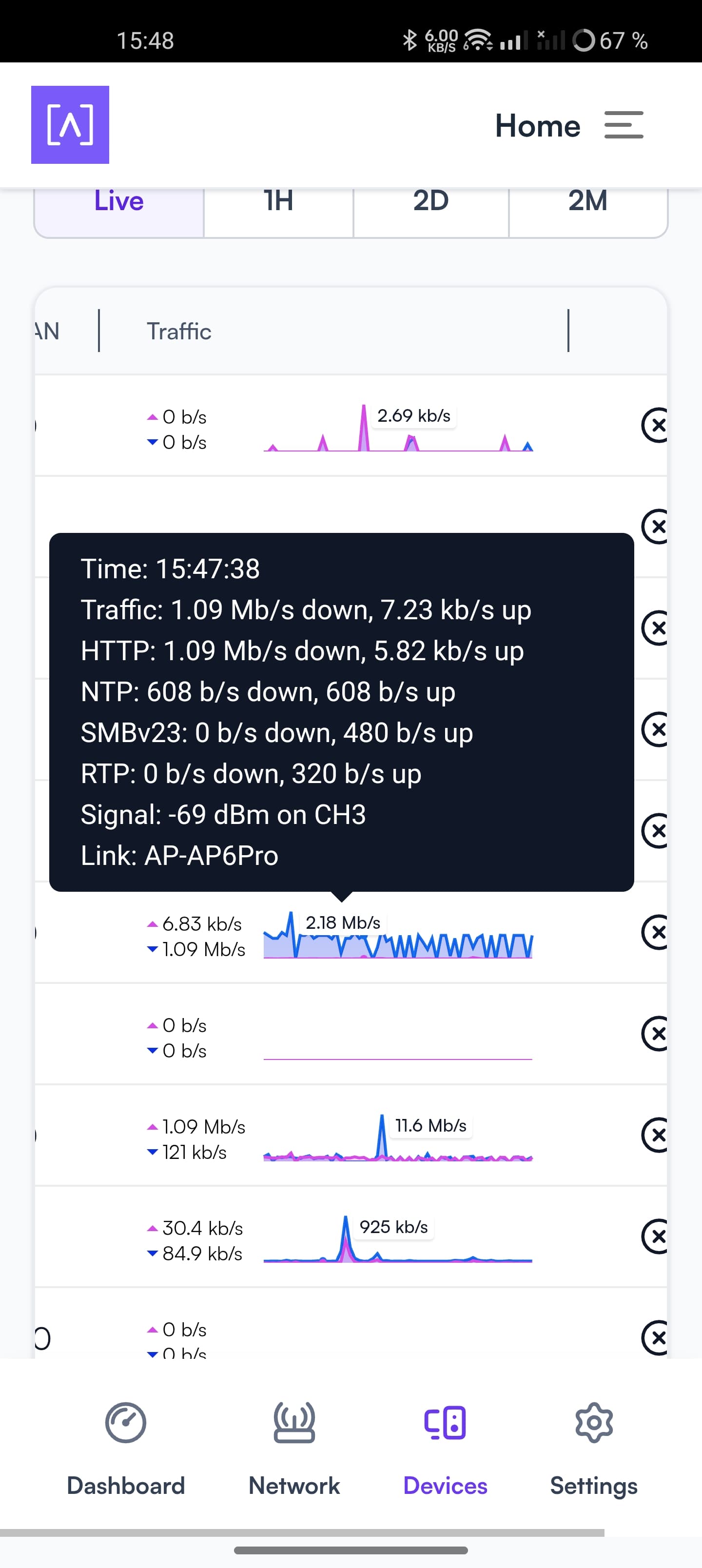
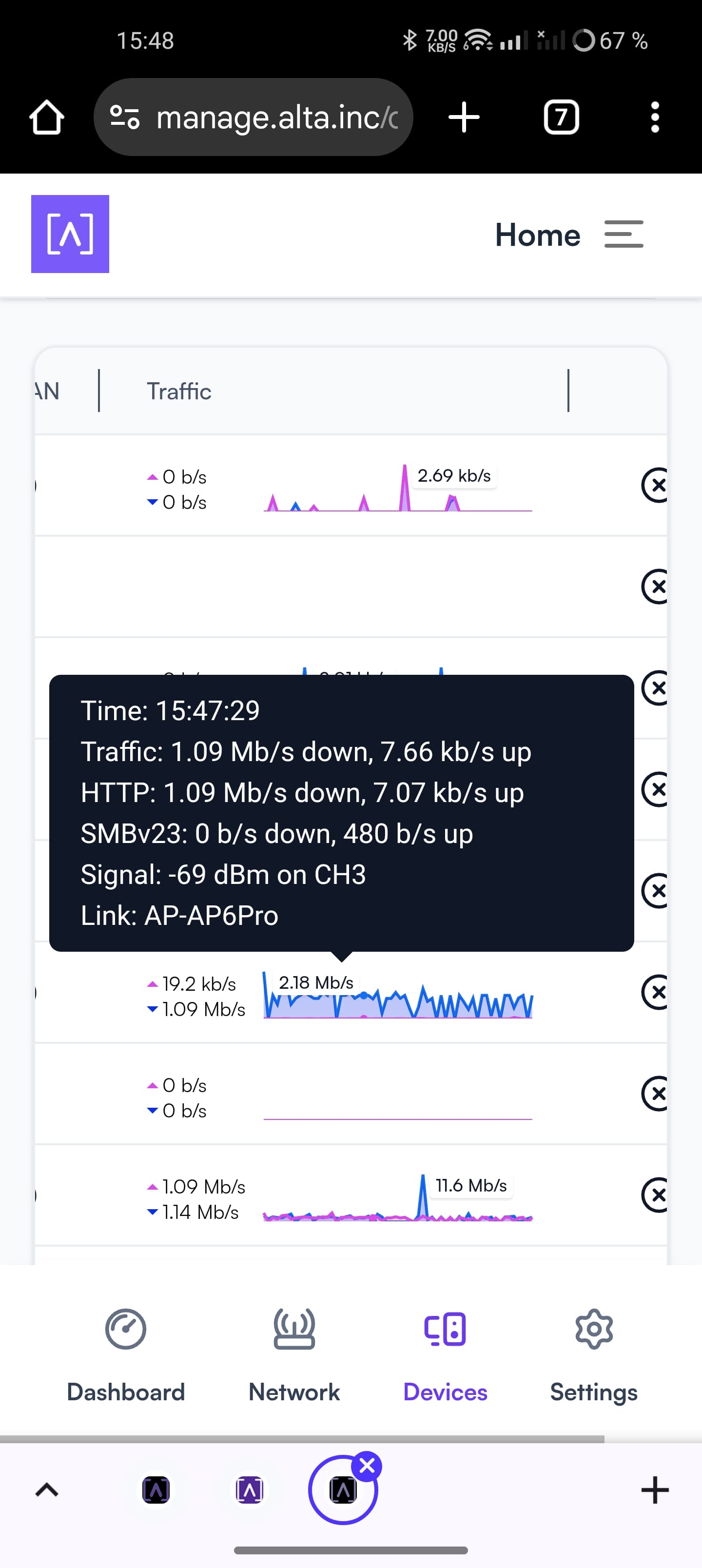
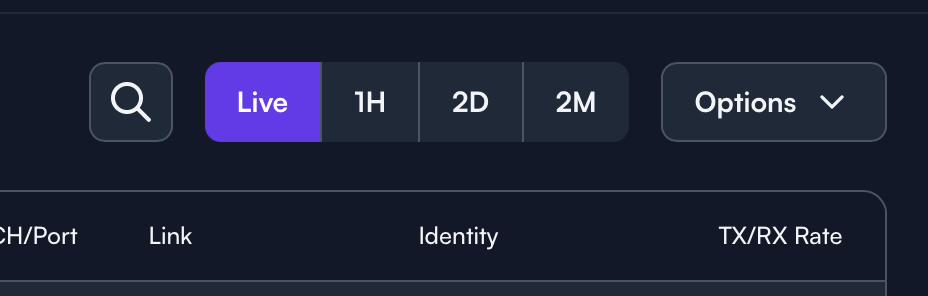
True, that’s actually a way to get total overview of the traffic over those preset periods. I guess there are still use cases where you would like to monitor live data with some consistency in the pop-up window. Like in my case of troubleshooting printing issues, as per below, where I would like to get a live overview of the traffic. This is a bit tricky at the moment.