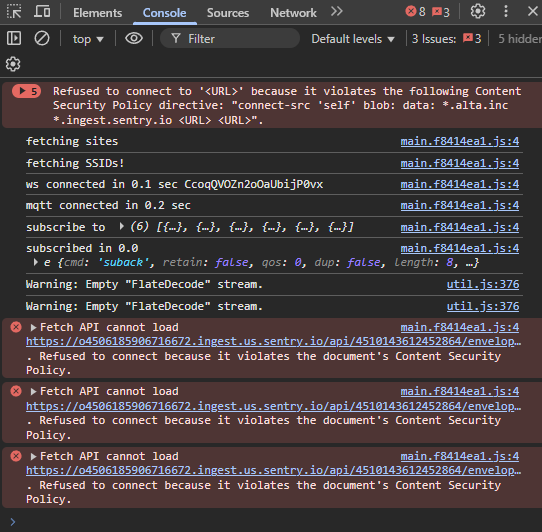
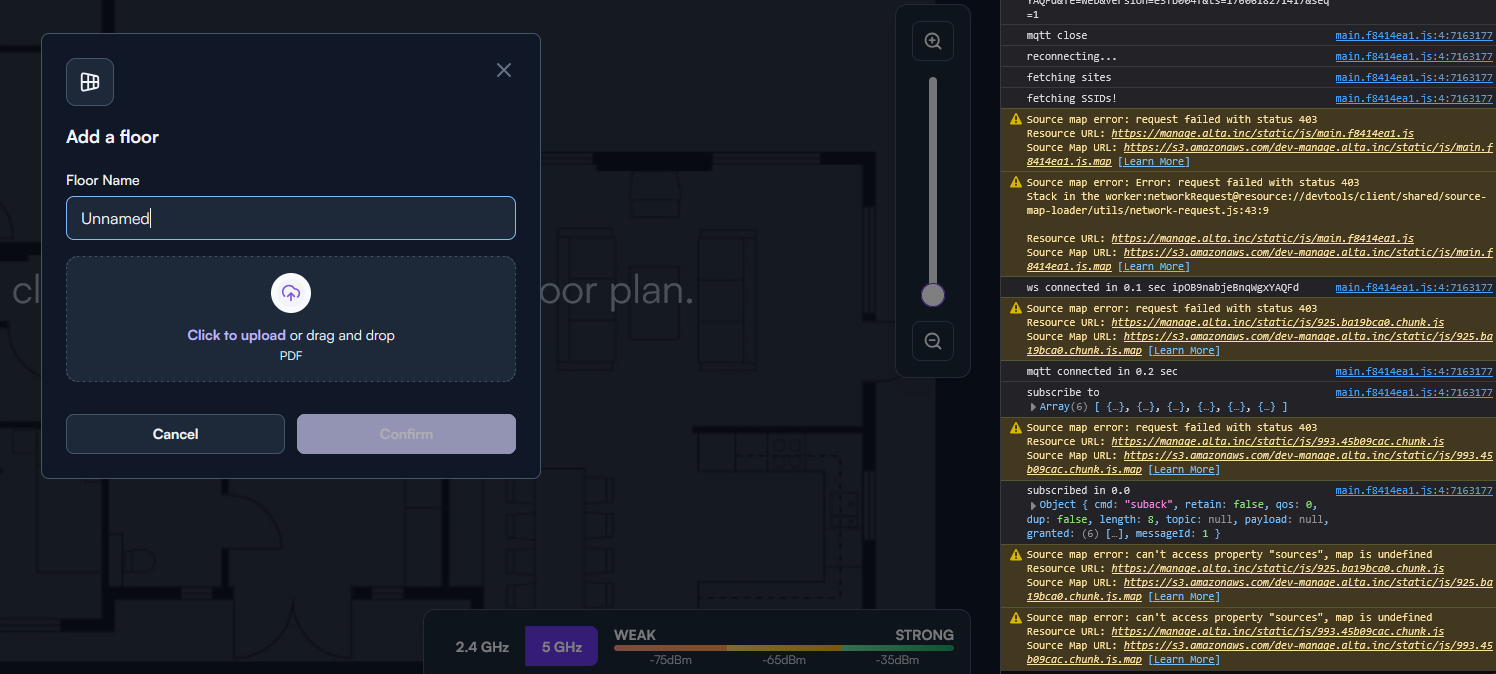
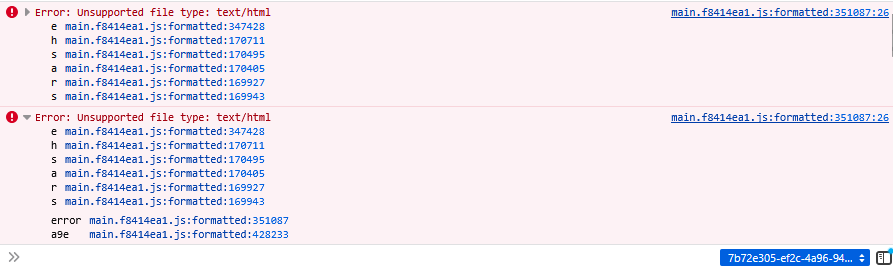
Is it me, or is there an issue with the floor planning feature? When I select it, I get an overlay and nothing happens. In the cosole there are multiple errors. This is in chrome.
main.40f0b38c.js:4 Error: Unsupported file type: text/html
at main.40f0b38c.js:4:5452021
at main.40f0b38c.js:4:2755102
Can you please list your operating system and Chrome version as well? Also, can you list any browser addons/extensions you are using? Does it work in incognito?
Windows 11. I have Chrome Version 141.0.7390.77. Same results in Incognito mode. Updating version now. I have also tried in Firefox version 144.0 (64-bit). Same results. I have no extensions in Firefox so let’s concentrate on that one. Easiset to isolate. Probably something firewall related. I’m going to try on a remote computer later.
Refused to connect to ‘’ because it violates the following Content Security Policy directive: “connect-src ‘self’ blob: data: *.alta.inc *.ingest.sentry.io ”..
Tried on a Windows 11 computer using Chrome 141.0.7390.77 and a less restricted firewall. Same results.
Did some more debugging from my end. Here’s some details from Chrome
Content Security Policy of your site blocks some resources
Some resources are blocked because their origin is not listed in your site's Content Security Policy (CSP). Your site's CSP is allowlist-based, so resources must be listed in the allowlist in order to be accessed.

A site's Content Security Policy is set either via an HTTP header (recommended), or via a meta HTML tag.

To fix this issue do one of the following:

(Recommended) If you're using an allowlist for 'script-src', consider switching from an allowlist CSP to a strict CSP, because strict CSPs are more robust against XSS. See how to set a strict CSP.
Or carefully check that all of the blocked resources are trustworthy; if they are, include their sources in the CSP of your site. ⚠️Never add a source you don't trust to your site's CSP. If you don't trust the source, consider hosting resources on your own site instead.
3 directives
Resource	Status	Directive	Source location
https://s3.amazonaws.com/dev-manage.alta.inc/static/css/main.db70c346.css.map	blocked	connect-src	(unknown)
https://s3.amazonaws.com/dev-manage.alta.inc/static/js/main.f8414ea1.js.map	blocked	connect-src	(unknown)
https://o4506185906716672.ingest.us.sentry.io/api/4510143612452864/envelope/?sentry_key=801a431e1ccccfdcaa998f4e3d3e2e4b&sentry_version=7&sentry_client=sentry.javascript.react%2F7.77.0	blocked	connect-src	main.f8414ea1.js:4
Learn more: Content Security Policy - Source Allowlists
I just wanted to chime in with another data point, which is while I see those same warnings/errors in the web console they don’t seem to be preventing me from opening an existing floor plan or reaching the point where I can create a new floor plan.
Hmm, is that “unsupported file type” error appearing in the console of both Chrome and Firefox still? Just noting that as something different between what your seeing in the console and what I’m seeing.
Just discovered something that I think might be the issue. I started a floor plan when the tool first came out. I closed it, but could not reload it. I just created a copy of my site and the floor plan feature works. My guess is there’s a borked floor plan associated with my site. What can I do?
We’ve pushed out some extra debugging on the console, if you can try it again and send us the output (preferably in DM to avoid sending sensitive data). You can use the “email” feature of the forum to send data directly to me.