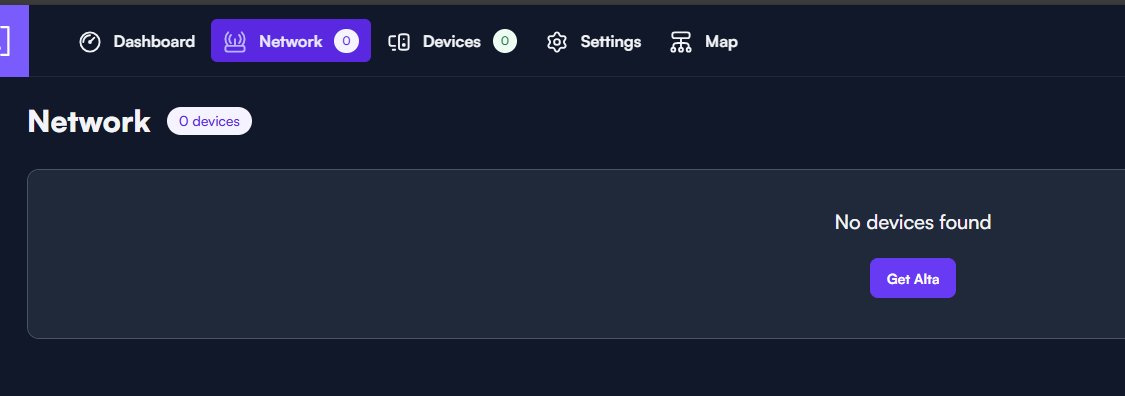
I read somewhere on the forums that devices will not show up in the management portal if you are accessing it from a different public IP than the one that the devices are on. Is there a reason for this or is this configurable somewhere? I would like to manage my devices without having to be accessing the management portal from the same public IP or without having to use a VPN to be on the same network.
This is by design for security purposes, to ensure that no one but yourself can add the devices to a site.
This is why we also provide Bluetooth with the mobile app, so that you can add the devices to a site as long as you are within Bluetooth range.
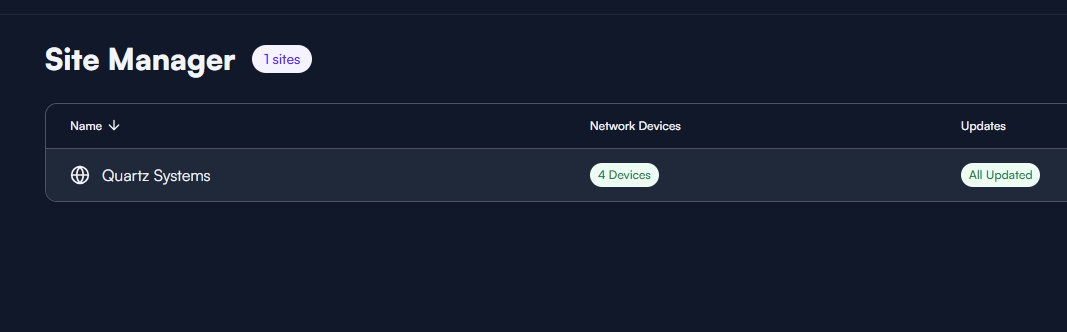
For clarity, you may also manage the devices from anywhere after they are setup and attached to a site.
The devices have already been setup an attached to a site, they still do not show up when going to the management page from a different public IP.
This is not a known issue that has been reported by anyone else. Can you confirm that you have not enabled any filters in the Options button?
Might be best to take a video of what you are seeing.
I just tried accessing the management portal from a different network and it works fine so I am thinking it’s just the firewall on that one network blocking something and it causes the devices not to show up. All the filters were fine.