This release enhances visibility and site management with WAN status and integrated speed testing, site location and mapping support, and an expanded set of client device icons, along with performance and telemetry optimizations and fixes to backup restoration.
Route10: Add WAN Status to Dashboard, include Speed Test.
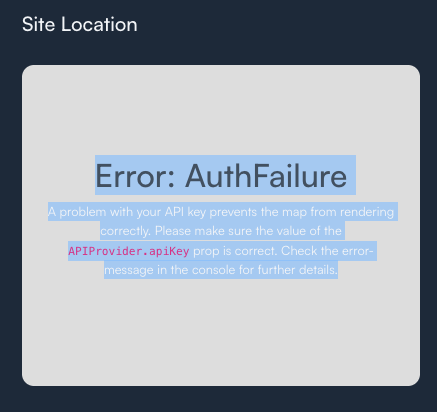
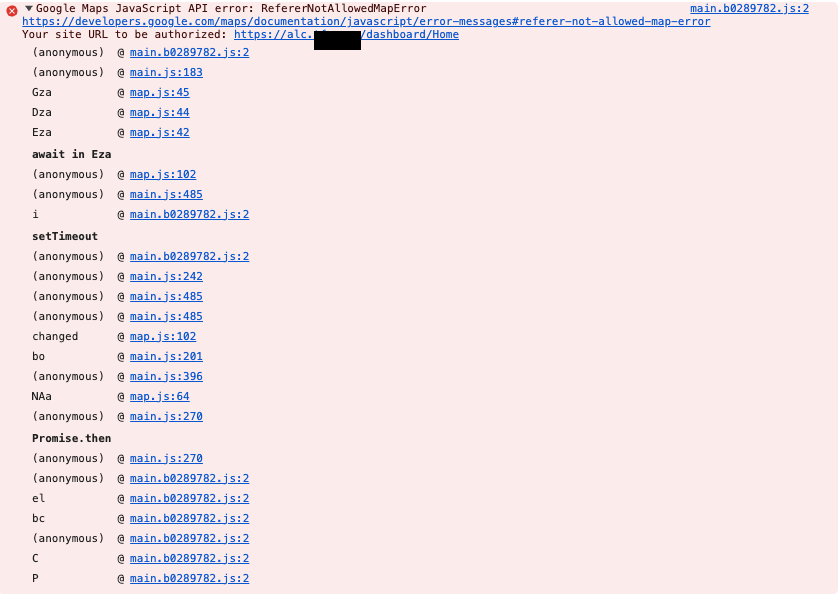
Add Site Location to Dashboard.
Add Site Map to Site Manager.
Add many more Client Device Icons.
Improve performance and telemetry handling.
Resolve issues with backups since 1.1p not restoring.
This update is being rolled out now. You can manually initiate the upgrade if you’d like, or it will automatically update overnight. Here is the full running changelog:
If you have any questions let us know, and as usual if you notice anything please feel free to reply here, or create a new topic, including the details of the issue encountered. Thanks!
This is expected behavior, and is well documented that Internet access is generally required to use the controller. It is possible to run the controller isolated, and we are working on a KB article that should hopefully get published very soon. This is to provide the high level of security that Alta users expect. You will never see a broken lock when accessing your Alta controller settings, and this is a side-effect of that.
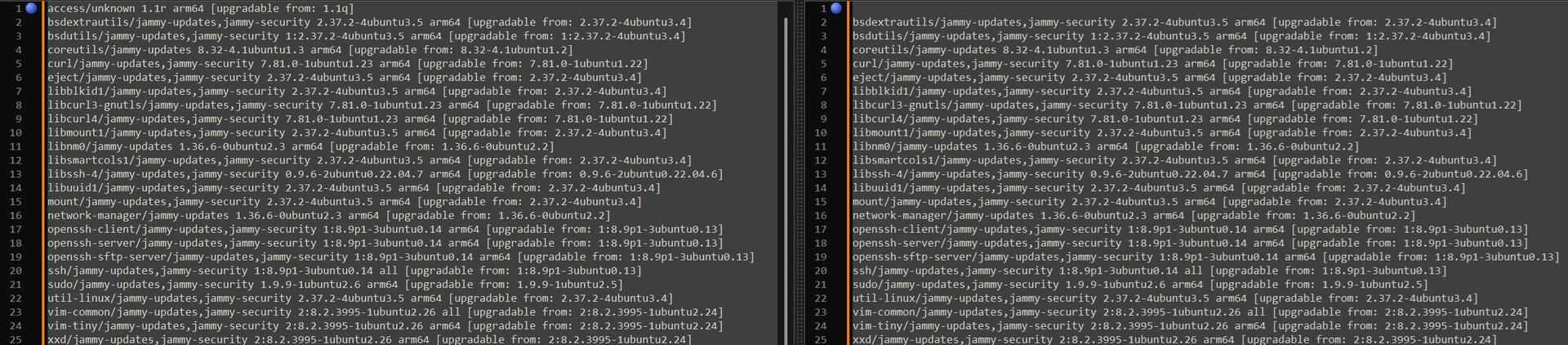
Controller updates are still not updating core ubuntu packages, whether they are in use or not. This has become a manual effort each and every update. When will this be corrected?
This is intentional, as we only apply security updates automatically. Applying non-security updates potentially requires manual intervention, with no security benefit. You are, of course, free to update all of the other packages as desired, on your own.
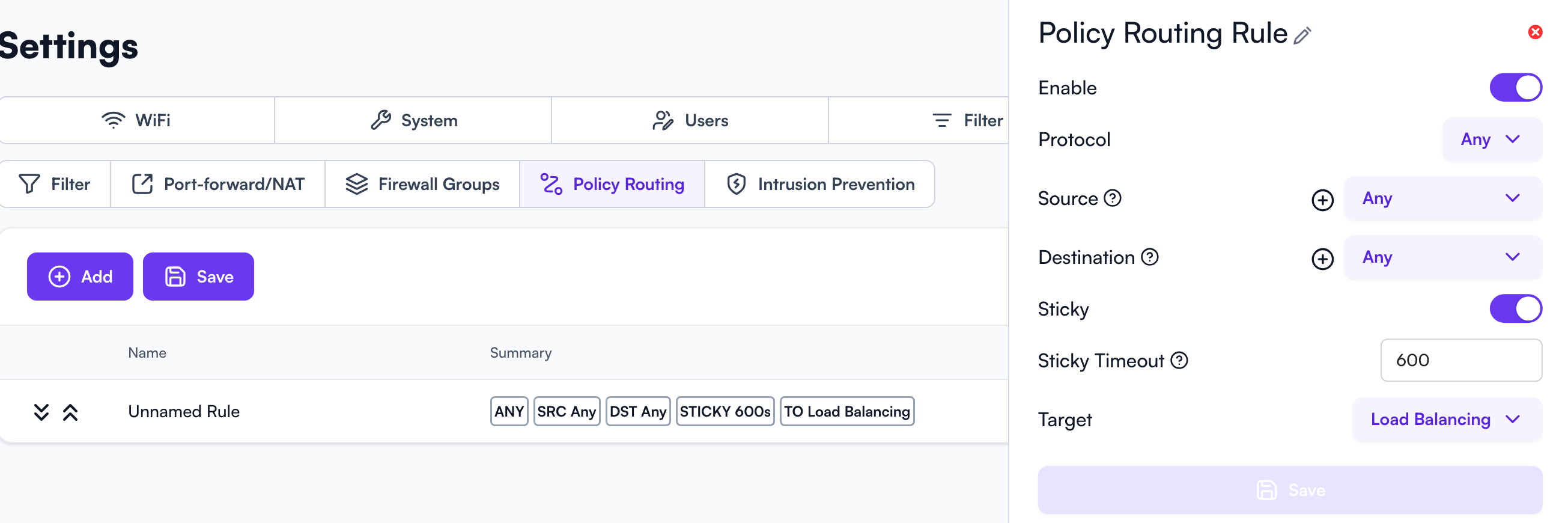
I’m on Control (on-prem) version 1.1r and I’m not seeing the Dashboard Site Location toggle under Settings or the Policy Routing under Firewall. Any thoughts?