We’re pleased to announce a couple of changes to the Controller UI. These changes are live on the Cloud Management already and will be rolling out to local Controller installations within the next week.
Note that the following features are only available if you are using an Alta Labs Router.
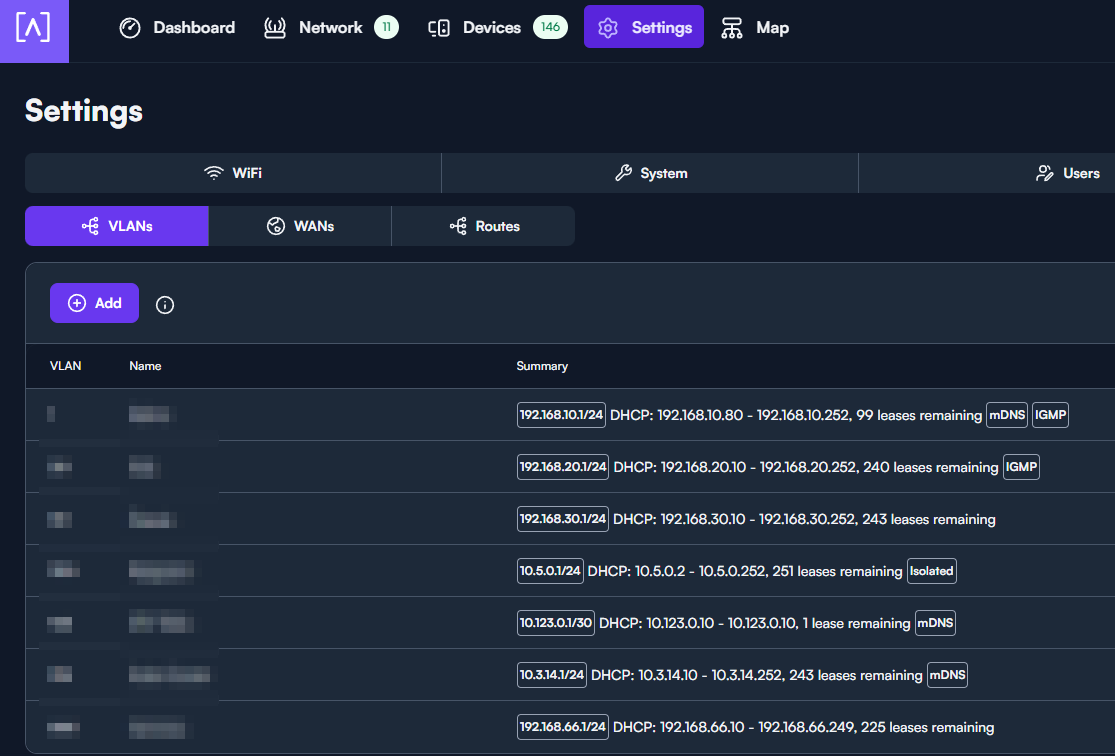
DHCP Lease Information
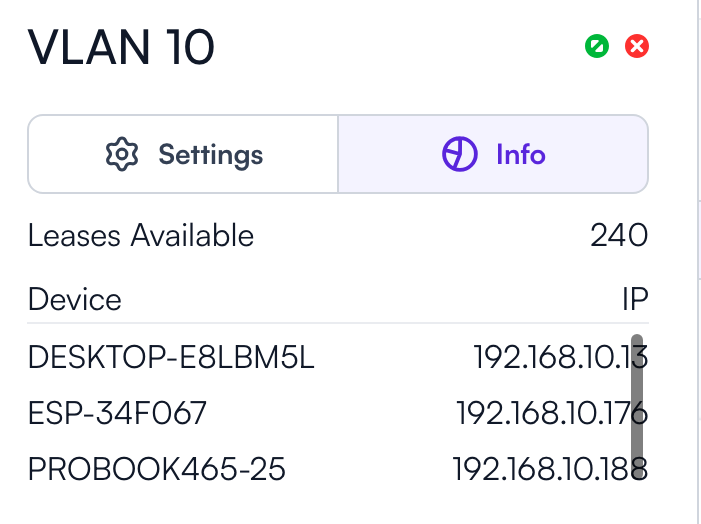
You can now see how many leases are remaining for each VLAN’s DHCP pool
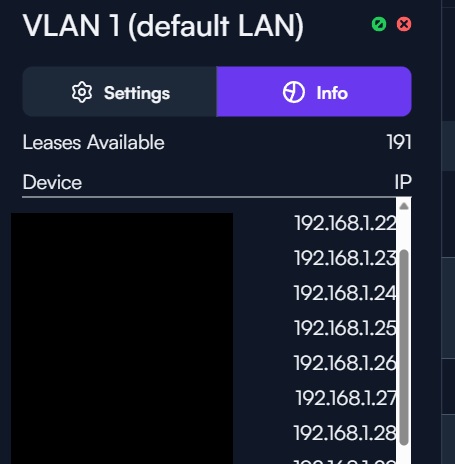
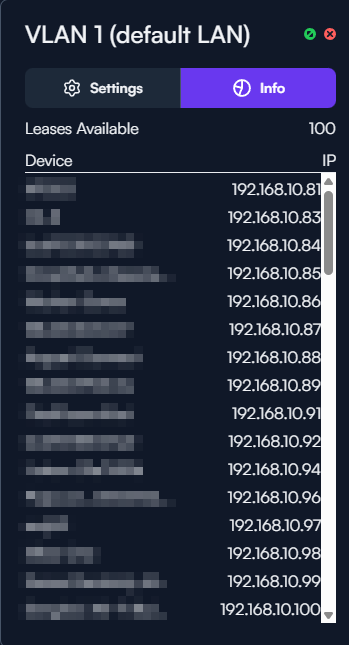
Cool! Time to play around with this a bit, but I now see there’s an info tab under each network displaying a list of assigned IPs as well. At least I don’t recall that tab being there before
I am liking all the updates but one suggestion for visual quality is to leave space between the text and the scroll bar/slider on the right hand side. Even if using the expanded view the end of the text regularly runs into the slider which while readable is unpleasant on the eyes.
And just wanted to re-iterate the suggestion from @user54 about adding just a little bit of space between the text/fields and the scroll bar at some point. I feel like that would increase the readability of things in the settings windows and make everything feel a little less smooshed together.
Just a quick update on this after some testing. I’ve tested on a few different Windows PCs using Microsoft Edge and have seen the scroll bars stay in place. Also tested on a Mac Mini using Microsoft Edge running MacOS 26 and seen the same behavior. Same in Chrome and Firefox as well, although Firefox displays the scrollbars much thinner.
Oddly enough though, the scrollbars disappear automatically on a MacBook running MacOS 26 and in Microsoft Edge. Haven’t tested that in additional browsers on the MacBook yet but was just suprised to see the correct behavior on one out of a few different computers.
Not a major problem, of course, but I just wanted to check in with those findings so far.

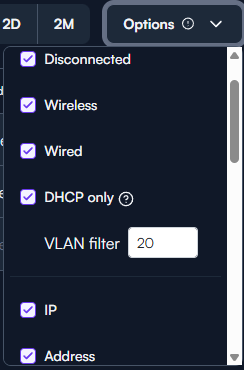

 . I’ll get the post edited in short order.