Running into some issues, so I used AI to help gather information about my environment and thoughts. I wonder if this is expected or if not, would there be a workaround aside from moving those devices back to 5ghz?
Environment:
-
Hardware: AP7 Pro, AP6 Pro
-
Clients: MacBook Pro (M4), iPhone 17 Pro, older iPad
-
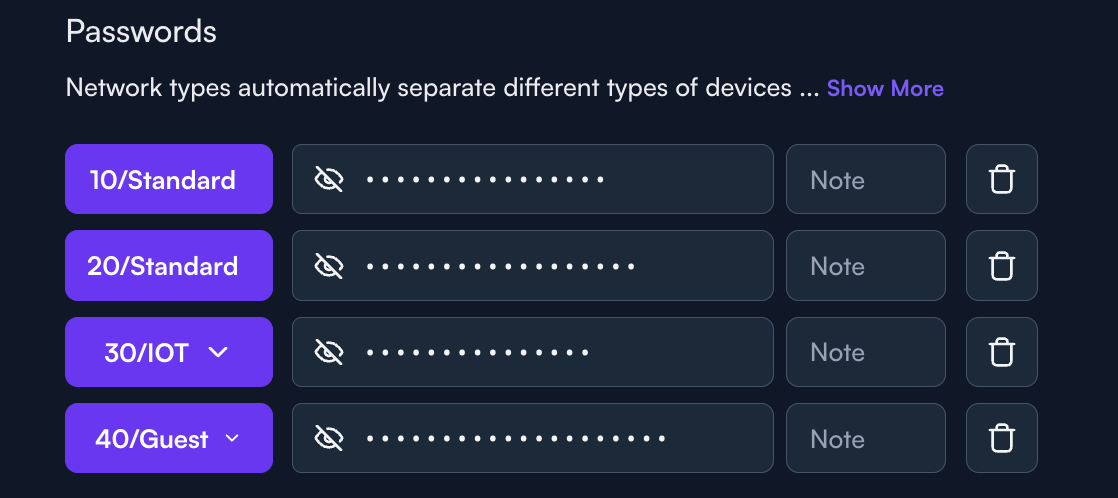
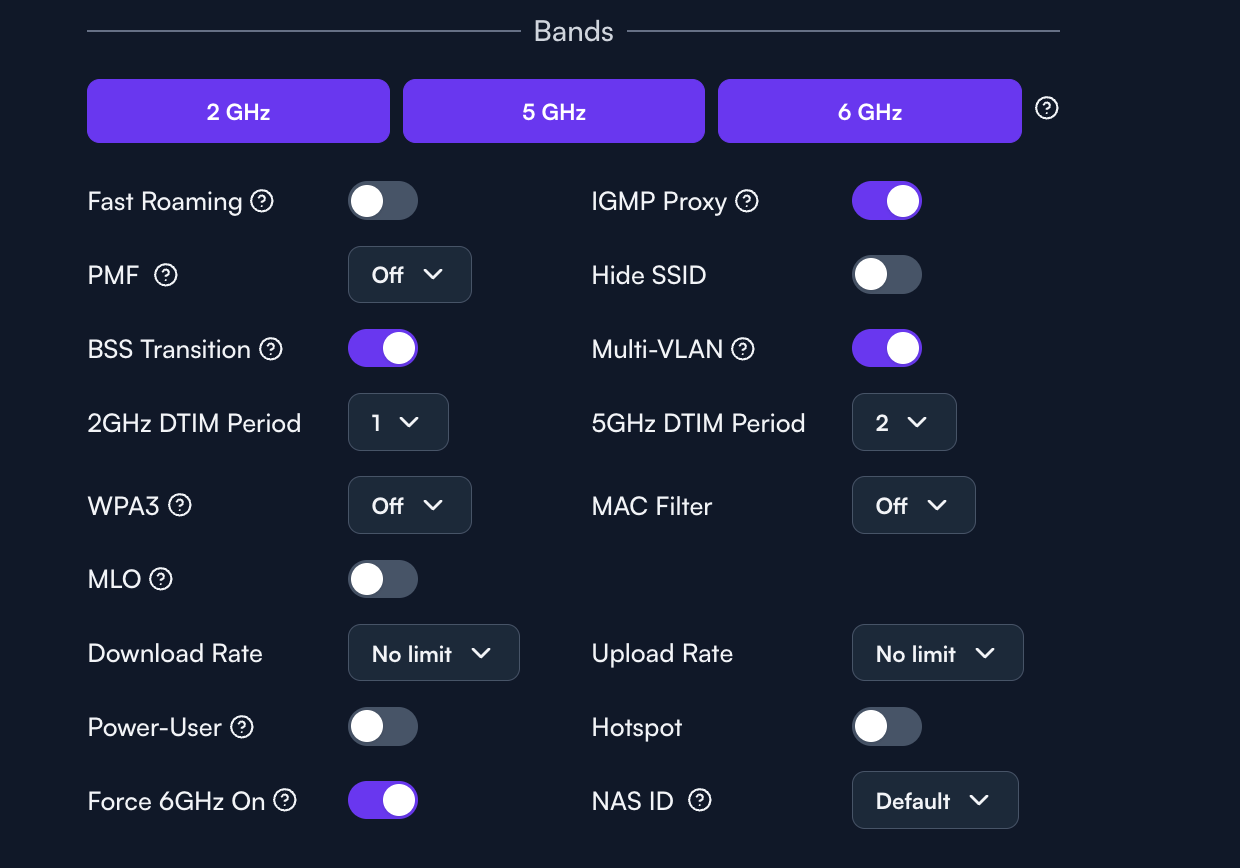
Network Settings: AltaPass (using the first password for VLAN 10), IGMP Snooping enabled, mDNS enabled.
Description:
I am trying to use Apple’s feature that allows calling from my Macbook when both the Macbook and iPhone are connected to the same network. This used to work when I was running a pure AP6 Pro environment.
However, when my MacBook and iPhone both connect to the new 6GHz band using my primary AltaPass password, they are completely isolated from each other. They cannot ping each other, and the Apple Continuity call handoff breaks entirely.
The iPhone (on 6GHz) can communicate with the iPad (on 5GHz) perfectly. The isolation only happens when two devices are on the exact same 6GHz radio.
Steps to Reproduce:
-
Set up an AP7 Pro with AltaPass, routing the first password to VLAN 10. Enable mDNS and IGMP Snooping.
-
Connect an iPhone and a Mac to the 6GHz band using that primary AltaPass password.
-
Try to use Apple Continuity to make a cellular call from the Mac, or simply open Terminal on the Mac and try to
pingthe iPhone’s local IP address. -
Result: Pings time out. Apple Continuity fails.
-
Control Test: Ping a device on the 5GHz band from the Mac on the 6GHz band. Result: Success.
Additional information:
Because the 6GHz band strictly requires WPA3 security, I know AltaPass forces these 6GHz devices to use the first password on the list. While the devices authenticate and connect to the internet perfectly, the access point’s internal routing seems to drop local traffic (like Apple’s mDNS discovery packets and direct ICMP pings) when trying to pass it between two clients connected to the exact same 6GHz radio.
I rantcpdump in two terminal windows:
-
sudo tcpdump -i en0 host 192.168.10.21on terminal 1- Mac broadcasting:
23:41:14.246026 ARP, Request who-has iphone tell mac, length 28
- Mac broadcasting:
-
ping -c 5 192.168.10.21on terminal 2- Ping Result:
Request timeout for icmp_seq 0 (100% packet loss)
- Ping Result: