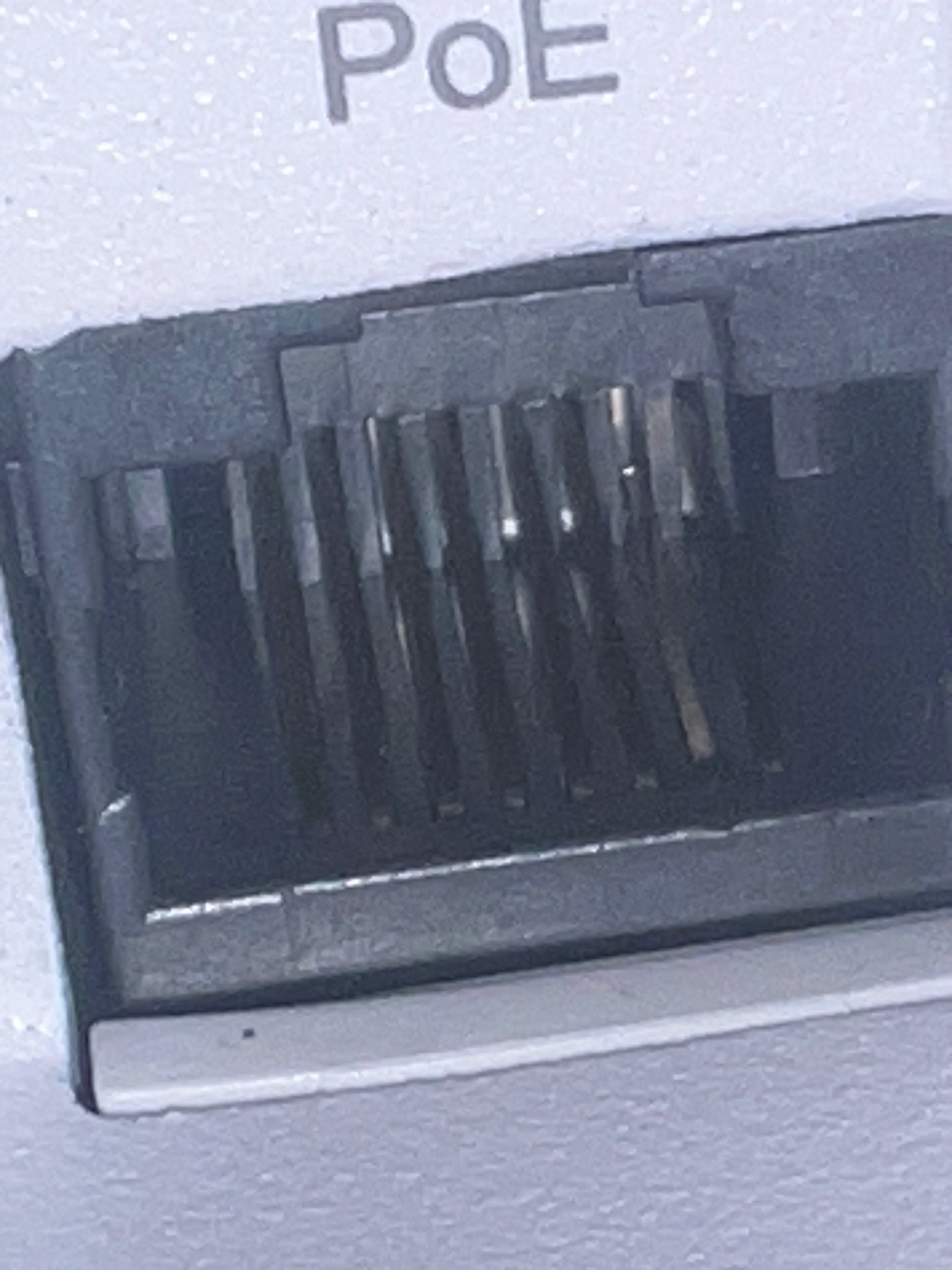
Sorry for the long first post, but I need some help.
I’m having problems reconnecting an AP6 Pro to the controller (cloud or otherwise) the AP now keeps blinking blue after I tried multiple PORs. Following is a sequence of events, admittedly some may be missing:
- Logged into hardware controller and saw an update (2.4i) for the AP that I proceeded to install.
- Don’t remember if it restarted, only that it was still working after connecting to cables I was going to cut to length for a run.
- Connected my phone to the AP and was able to run speedtest from an app.
- After finishing the cable run, the AP powered up, but was not detected by the controller so I thought it was the termination (cable tester ran out of battery).
- Tried the previous cable, but the AP wasn’t detected.
- At this point, and I’m not sure why, but I tried POR, it still didn’t show up.
- Logged into the cloud controller and saw the AP there, thought I’ll try setting it up to see if it works, delete it, then add it back to the hardware controller.
- Worked on the cloud controller so I deleted it, but still wasn’t detected by the hardware controller.
- Tried another POR, multiple attempts even, now I notice the blue blinking LED.
- Thinking it couldn’t connect to the internet due to my config, I decided to move everything to cloud on a fresh site.
- Now my Route10 and S16 POE are on the cloud, but still can’t connect the AP.
POR is stuck with blue blinking LED (set of 3 blinks), if the AP is connected normally and sat for a while the LED turns white but gets no IP when checked with arp -a from Windows or nmap from Linux. AP is connected to the switch, tried a direct connection with the router, but no dice.