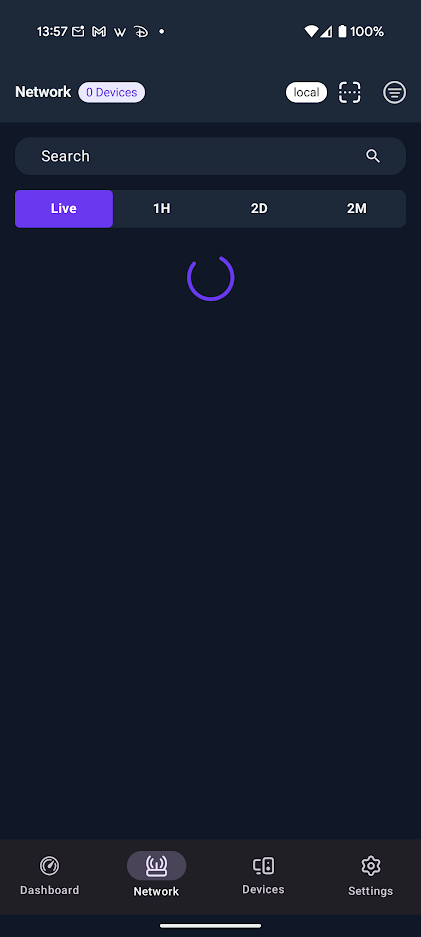
I have a local controller setup, and when connecting to it via the Android App, it connects, however the app shows almost no information, and I cannot actually control anything in the App. I’m using the controller behind an Nginx proxy using custom DNS.
The app logs in, but when I try to view any of the pages in the app, it just spins. Nginx logs from the proxy are showing several requests that should have been properly served based on the log entries, as they all show 200s.
Adding via ddns hostname works, however that won’t accomplish me being able to manage this remotely since I have several things running on this network that are public facing on 80/443.
Yes, fully understood. I just wanted to make sure that the service behind the proxy was functioning as expected so we’re not trying to troubleshoot a symptom rather than the root problem. I’ll see if I can reproduce this and get back to you.
After working with @Alta-Jeff and @Alta-MikeD , I was able to finally dig up the issue. It appears firewalld on my host running my proxy was not properly allowing traffic on IPv6, but it had AAAA records in my local DNS.
In order to get this working, I just had to add an HTTPS rule in firewalld for IPv6 like this:
No problem! Thank you for your willingness and persistence.
No worries at all, I don’t view it as time wasted; I see a possible opportunity to improve the general reliability of the app for all, plus it’s now working for you.